

Joe Maring / Android Authority
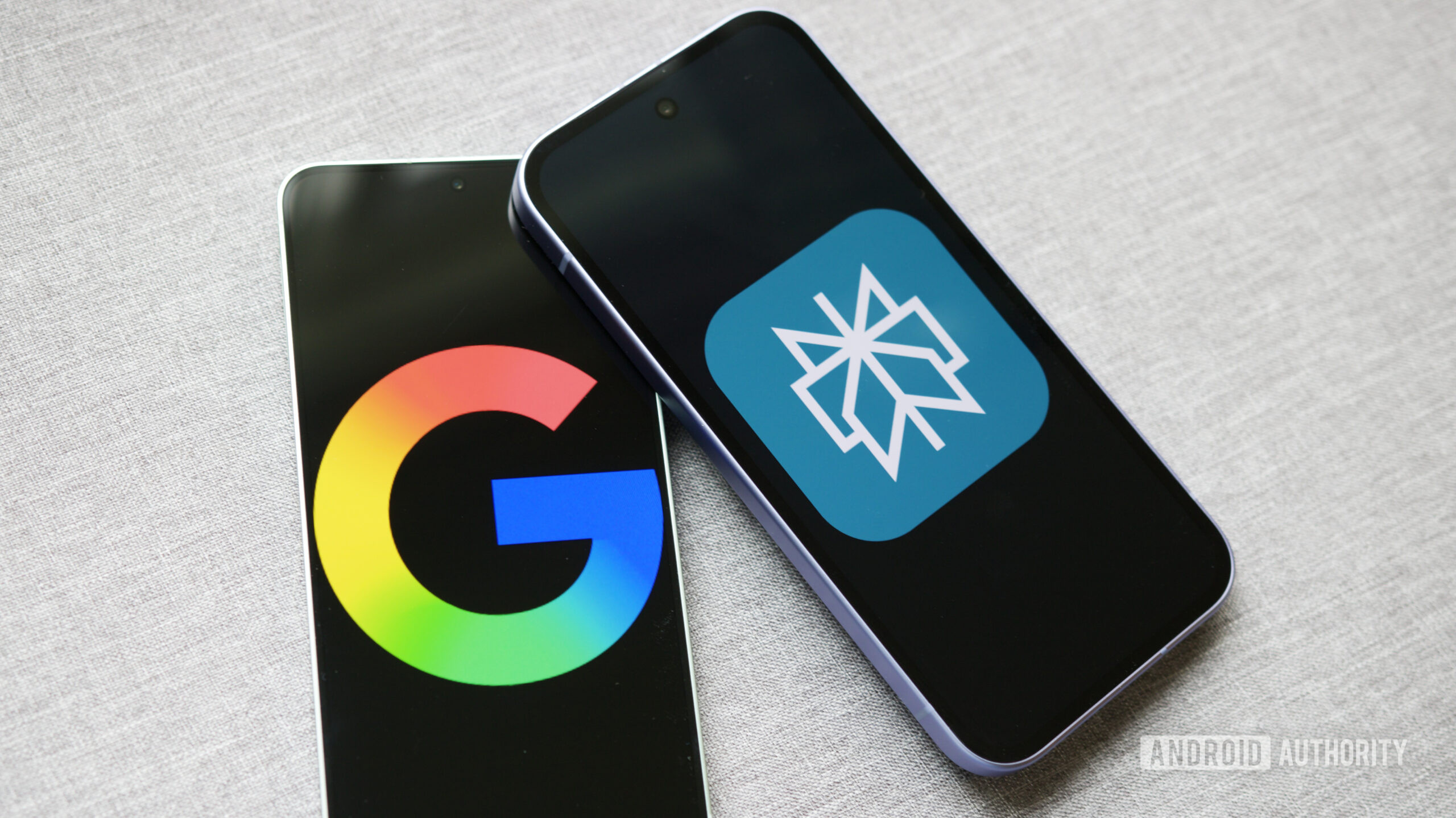
Perplexity was my favorite AI search tool for a very long time. While Google’s AI Mode existed back then, too, it was marred by so many embarrassing problems that I was better off staying clear of it to avoid disruptions in my daily workflow. Google eventually heard everyone’s feedback, like a good kid, and fixed nearly every little issue people had with AI Mode. Now it doesn’t take tens of seconds to fetch results, nor does it hallucinate like crazy, at least not as terribly anymore.
As a result, it has become such a natural part of my workflow that opening Perplexity feels like going out of the way. Opening another website before I type my query is like unnecessary friction when I can just type it into the address bar and have Google Search do the trick with AI Mode.
However, the reason I have drifted away from Perplexity isn’t this convenience alone — Google Search’s AI Mode is actually much better in these three key areas.
Which AI search tool do you use the most?
4 votes
Conversational like a friend

Joe Maring / Android Authority
The core concept of AI-assisted web search is that you can ask follow-up questions. I can do that with both Perplexity and AI Mode, but the latter feels much more natural. There are times when I’m trying to understand complex concepts, and I’ve noticed that Google uses more comprehensible, everyday language to explain things to me, often with examples I would understand — especially when I ask it to simplify things.
Perplexity, on the other hand, continues to feel like a reliable and experienced teacher who sticks to their fixed teaching pattern.
Google uses more comprehensible, everyday language to explain things to me, often with examples I would understand.
You could still prefer the more direct approach of Perplexity — I know this part is subjective — but for me, the more conversational and friendlier tone of AI Mode works better. It helps me grasp the concept quickly and move on instead of putting all my energy into understanding something that just crossed my mind.
The classic Google Search is right there

Joe Maring / Android Authority
Here, AI Mode augments classic Google Search instead of replacing it. Both of them serve very different purposes, and they have to live side by side to achieve their individual objectives. Google Search has found a fairly elegant way of doing that.
AI Mode doesn’t live in isolation, forcing you to depend on AI all the time. Instead, Google has integrated it directly into the traditional Search interface, so you can make the best of both worlds.
At times when I’m not trying to understand a concept or don’t need follow-up questions, I actually want that wall of blue links, so I can directly go to source websites and find the content I’m looking for. When I’m troubleshooting something and looking for a specific fix, I often need to dig through a Reddit thread and find that one comment with hundreds of upvotes that finally solves my obscure issue.
Sometimes, I actually want that wall of blue links to directly go to source websites and find the content I’m looking for.
Google Search with AI Mode is purpose-built for this. I don’t have to type my query again or open a different website altogether. I can simply switch tabs in the same interface to jump between regular Google Search and AI Mode.
That flexibility alone makes Google Search + AI Mode a far more formidable combo than Perplexity.
Google Search Clubhouse

Guest Post / Android Authority
Like Mickey Mouse had his playmates in Goofy, Pluto, and the rest of the gang, Google Search has a few companions of its own. None of Google’s products exists in isolation, and that is one of its biggest strengths. The vertical integration across a bunch of Google services — from Maps to YouTube — helps AI Mode do much more without feeling limited.
For instance, it can not only source reliable information from authoritative YouTube videos, but it can also point you directly to those videos inline if you’re more of a visual learner. The same goes for the vast real-world knowledge Google has through Maps, which it uses to provide more authentic results for local searches.
I also find it extremely easy to jump between the tabs at the top — like Shopping or News — if I want additional context beyond what I get from AI Mode. Google’s “everything in one place” approach really makes my workday easier and more efficient by keeping me from jumping across apps, web pages, and search tools to query the same thing over and over again.
Given how many web searches I do every single day (the number is sickeningly high), that adds up to a lot of time and effort saved.
Don’t want to miss the best from Android Authority?


It’s a productivity powerhouse

Joe Maring / Android Authority
When I’m actually working on a project or writing a story, I try to stay in the mental zone by avoiding distractions. Google does exactly that by bringing everything — regular web search, AI Mode, Maps, and YouTube — under the same roof. Instead of trying to work around my tools, this single tool works for me far more efficiently than Perplexity with its more limited scope — and that’s not necessarily Perplexity’s fault.
Instead of trying to work around my tools, AI Mode is a single tool that works for me far more efficiently than Perplexity.
At the end of the day, it comes down to what you want from your tools and which one fits your workflow better. Google’s AI Mode is the clear winner for my use case, which is why it has completely replaced Perplexity for me — and I don’t mind that one bit.
Thank you for being part of our community. Read our Comment Policy before posting.
 By
By