

Joe Maring / Android Authority
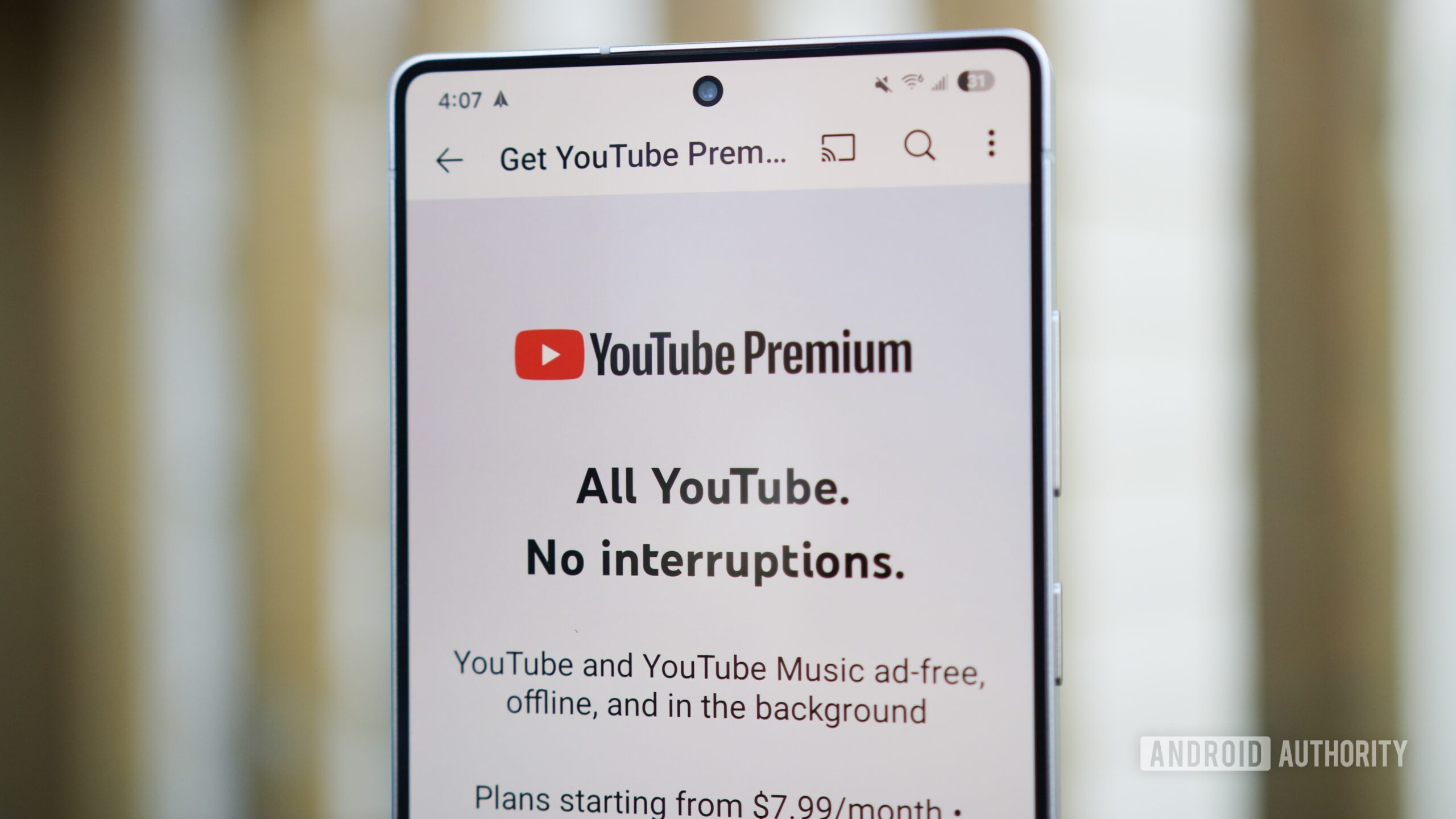
YouTube Premium Lite — Google’s excellent low-cost subscription for ad-free YouTube videos — got a couple of major upgrades this week.
As excellent as these changes are, and as tempting as Premium Lite has become, I’m keeping my more expensive $14/month subscription for “regular” YouTube Premium — and it all boils down to three reasons.
Do you have YouTube Premium Lite?
0 votes
I can’t live without YouTube Music Premium

Joe Maring / Android Authority
I wear a Garmin Venu 4 as my daily smartwatch of choice, and it’s also my primary running watch. I can’t run without music to listen to, but Apple Music, my primary music streamer, doesn’t have a Garmin app. However, there is one for YouTube Music.
Because of this, I use YouTube Music to download albums and playlists for listening on my watch while I’m running. All of my other music listening happens through Apple Music, but it’s YouTube Music I rely on for my watch. I found myself in a similar situation last year when I was wearing the Pixel Watch 3 for a bit.
I’ll be the first to admit this is a convoluted strategy, and I wouldn’t have to worry about it if I used another service like Spotify. But for an Apple Music user like me, having YouTube Music Premium included with my YouTube Premium subscription is something I just can’t live without.
Jump Ahead is so, so good

Joe Maring / Android Authority
YouTube Music is easily the biggest thing holding me to the more expensive YouTube Premium subscription, but it’s not the only reason I’m not switching to Premium Lite. There are two other features not in Premium Lite that I use far too often, one of which is the Jump Ahead feature.
While both Premium tiers remove pre- and mid-roll ads, those aren’t the only forms of advertising we have to deal with in 2026. In-video sponsorships can be just as annoying (if not more so), and YouTube Premium’s Jump Ahead feature is the perfect way to combat them.
If you’re scrubbing through a video, YouTube uses AI to figure out which parts most users skipped, then shows a “Jump Ahead” button to jump to the point where people resumed watching. As it happens, this almost always occurs with sponsored segments of a video. Jump Ahead is essentially a one-click button to skip through sponsored portions of any YouTube video, and it’s something I use practically every day.
The mobile queue is a lifesaver

Rita El Khoury / Android Authority
Last but not least, another YouTube Premium feature I’ve grown to love is the mobile queue. There’s not much to explain with this one. If you’re watching YouTube on your phone, Premium lets you create a queue of videos to watch next so you don’t have to search for something new when your current video ends.
Although I don’t use the queue when I’m home watching YouTube, it has proven absolutely essential at the gym. I can create a lineup of videos to watch, set my phone on the treadmill stand, and not have to worry about hunting for videos while I’m running. It’s such a simple feature, but it’s yet another reason why I’m still not switching to Premium Lite.
To be clear, I think these updates to YouTube Premium Lite are incredible. Premium Lite was already a solid value, and for YouTube to add two big features — background playback and video downloads — while keeping the $8/month price the same is something I think we can all champion.
Yet when it comes to my own subscription and what I want out of YouTube Premium, the $14/month plan still makes the most sense.
Don’t want to miss the best from Android Authority?


Thank you for being part of our community. Read our Comment Policy before posting.
 By
By