

Megan Ellis / Android Authority
While many people know about Google’s Nano Banana image generation model because of its ability to create pictures used in viral trends, there’s actually a lot more to the tool than you might realize.
Yes, you can create a 3D figurine or caricature based on a selfie for the latest social media challenge. But there are also some really handy ways to use it in your daily life.
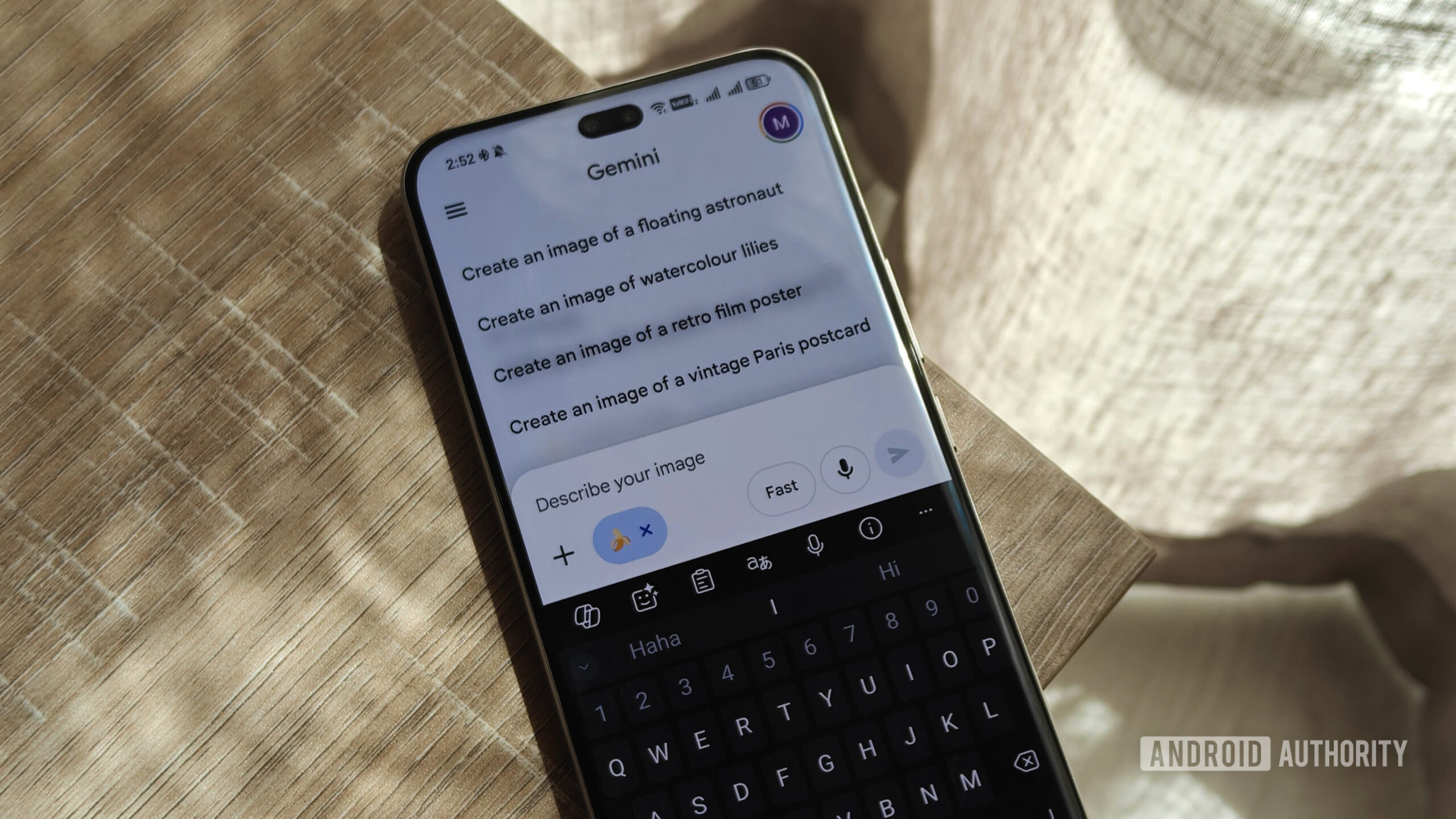
I use the tool in the Gemini app by uploading images with prompts to reimagine or rework them. Here are a few of the valuable ways I’ve used it.
Have you used Nano Banana in Gemini to help you with photo edits?
4 votes
1. Restoring damaged images
Restoring damaged images is, in my opinion, one of the best ways to use AI tools like Nano Banana. While we live in a time where most people have digital backups of their cherished images, most images older than 25 years will only have physical copies.
These copies can get easily damaged by household leaks. I’ve even had photos stick to the glass of a frame. In these cases, it’s not as simple as printing another copy if you no longer have the old film.
Old photos are susceptible to damage, but you can use Gemini to restore them.
While Gemini is not perfect at restoring these images, it can do a pretty good job at fixing damage. I’ve noticed that it works best when the damage is more pronounced, rather than minor flecking.
Gemini is also great at pulling images from physical photos — including those still in the frame. It’s able to extract and align the image, even when taken at a slight angle.
However, like with anything AI-generated, results vary. I sometimes combine AI edits with manual edits in a tool like Snapseed.
Nano Banana Pro offers more advanced features compared to the original model, but has limited credits. I’d suggest switching to Nano Banana Pro for the most important pictures, but using the free model for basic tasks.
2. Assisting you with DIY projects
One of the ways I use AI to help me with my hobbies is to use Gemini and Nano Banana to reimagine furniture with different finishes. I enjoy refurbishing and restoring old furniture, as well as reworking other pieces I own. At the same time, I sometimes have trouble visualizing how something will look without its current stain.
By generating an image with a reimagined finish, I can decide whether I want to stain a piece or simply apply a finish over the natural wood. I’ve used it for tables, as well as a mirror I plan to refinish.
I don’t take these images as gospel. Gemini is unlikely to predict exactly how the wood underneath a finish will look. But it has helped to at least give me an idea of what to expect.
I use Nano Banana to help me visualize the end product for my furniture refurbishing projects.
While I mostly use this AI feature for restoring furniture, you can also try it out with your own DIY projects. For example, you can reimagine how a room might look with different paint or wallpaper. It could also help you figure out the best place to mount some shelves.
3. Adding color to old photos
While I think that black-and-white photos have their charm, reimagining them in color can breathe some life into old memories.
I first started trying out AI editing tools to help my mother restore old family photographs and reimagine them in color. Recently, she started working on a family tree for my nephews, so she was digitizing more old pictures. That’s when I decided to try out Gemini to see if it could work for the same purpose.
Google’s AI does a good job of restoring color, but there were times when colors were inaccurate or inconsistent. However, I do prefer using it to online tools that I don’t know much about.
4. Removing fences and glass from images
If you love visiting animal sanctuaries and aquariums, you’ll know one difficulty with taking photos in these environments: the enclosures. This can often draw focus away from the animal you are trying to photograph.
Fences aren’t always a drawback in photography — I often use them as a framing device. But they can be restrictive when they obscure the view of a subject. With Nano Banana, you can remove these fences and reflections in glass, which allows you to see the animal more clearly.
I realized this capability when my colleagues Rita and Joe used Help Me Edit in Google Photos on some wildlife photos.
You can use Gemini to remove fences from photos of wildlife and landscapes.
The main drawback is that Google’s image generator can get a bit carried away. For example, it sometimes regenerates an entire background rather than removing bars. For me, I don’t want to distort reality or warp my memories; I just want a better view of the animal in the picture.
However, it seems to do well when it has more room to work with and when the fence is in the foreground.
It also performs well with certain reflections, but occasionally leaves a light’s reflection visible. However, the next time I go to an aquarium, I’ll feel a bit more confident about taking more pictures and not worrying about reflections as much.
5. Using it for garden and decor planning
Another way I use Gemini’s image generation capabilities is to help me plan my garden and decor. My garden is still very much a mess, but a decrease in migraines means that I can now spend more time working on it.
Right now, this involves removing certain plants and damaged containers, as well as regrowing my lawn from scratch. But I also wanted to create a new garden bed along my fence.
With Gemini, I’ve been able to weigh different options for which plants to use. I’ve also been able to get an idea of what certain plants will look like once they’re established.
I can use Gemini to visualize plants I may want to add to my garden, or what approach to take to my decor.
When it comes to decor, I’m also using it to figure out what types of pictures I want to hang (with old canvas prints as placeholders). I recently removed some pictures from the wall above my couch and am using Gemini to weigh my options on what to hang in their place.
Of course, as with every other use case, there are instances where Gemini doesn’t work as expected. For example, while I was able to get it to visualize how a mirror would look with some new accents, it got stuck on an old “fleur de lis” prompt. So even when I told it to remove these accents, it would still add them to the frame.

When it came to my garden, my first prompt to visualize “ice cream bushes” along my fence resulted in the tool creating digital bushes with ice cream scoops. I did wonder if Gemini would recognize the plant’s common name and got the hilarious image above as my answer.
But overall, it has been immensely helpful in planning.
Don’t want to miss the best from Android Authority?


While many people associate AI images with social media challenges and AI slop, there are useful ways you can apply them in real life. Results are a bit mixed, but you can always switch to the more advanced model in Gemini for the most important images.
Thank you for being part of our community. Read our Comment Policy before posting.
 By
By