TL;DR
- Google says “Nano Banana” began as a late-night placeholder name typed by a PM when submitting the model anonymously.
- The nickname stuck after the model went viral, prompting Google to adopt it.
- As the name caught on, Google used banana icons in the Gemini app to signpost the feature.
If you’ve been wondering why Google’s viral image editor ended up with the nickname “Nano Banana,” the mystery’s over. The team says the moniker started life as a throwaway placeholder, and then the internet refused to let it go.
On the latest episode of the Made by Google podcast, product lead David Sharon explains that the model’s official name is Gemini 2.5 Flash Image. However, when a Product Manager named Nina submitted the model anonymously to the LM Arena benchmark website, allowing users to test it out, she had to enter a temporary label that kept it anonymous. At 2:30 in the morning, “Nano Banana” popped into her head. The next thing they knew, the model had gone viral, and people kept using the playful name, so Google ultimately embraced it in public.
Don’t want to miss the best from Android Authority?


Sharon added that the team leaned into the name even further by scattering banana icons inside the Gemini app to point users toward where the model appears.
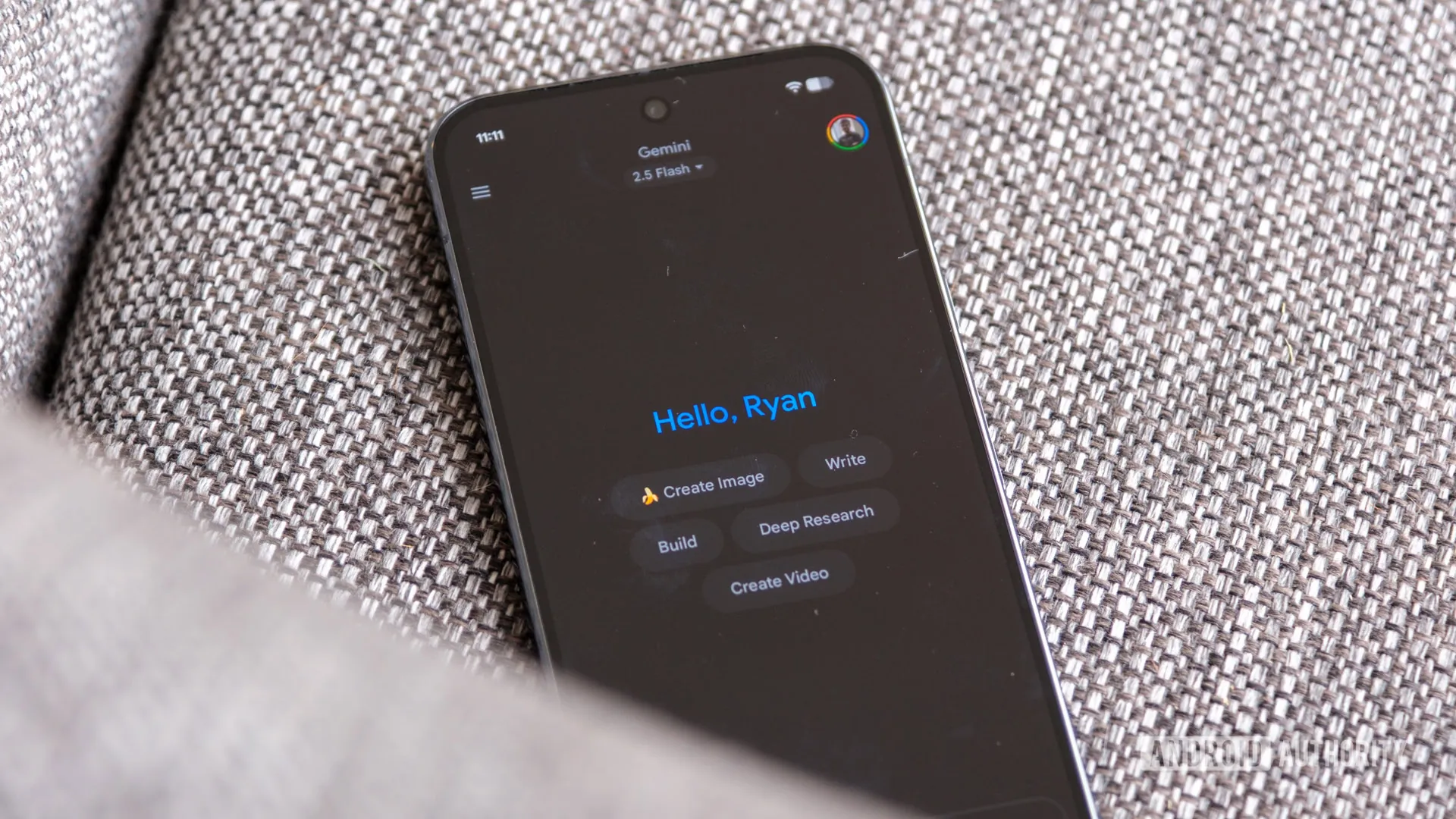
Ryan Haines / Android Authority
Beyond the branding, Sharon says the big breakthrough for him was seeing how well the model can replicate a familiar face. According to him, making the character in the image actually look like you, rather than a distant AI cousin, is a key reason it went viral.
He also highlights a few early trends that have spread globally, from the 90-word “figurine” prompt that started in Thailand to Polaroid-style composites and restoring old family photos. He also touched on the safety aspects of generating AI pictures, explaining how the images coming out of Gemini include a visible watermark and an invisible SynthID mark.
For anyone trying Nano Banana for the first time, Sharon suggests starting simple. Within the Gemini app, you’ll find ready-made templates like the viral figurine prompt — upload a photo and see yourself transformed. From there, you can keep experimenting with new outfits, locations, or decades.
Thank you for being part of our community. Read our Comment Policy before posting.
 By
By