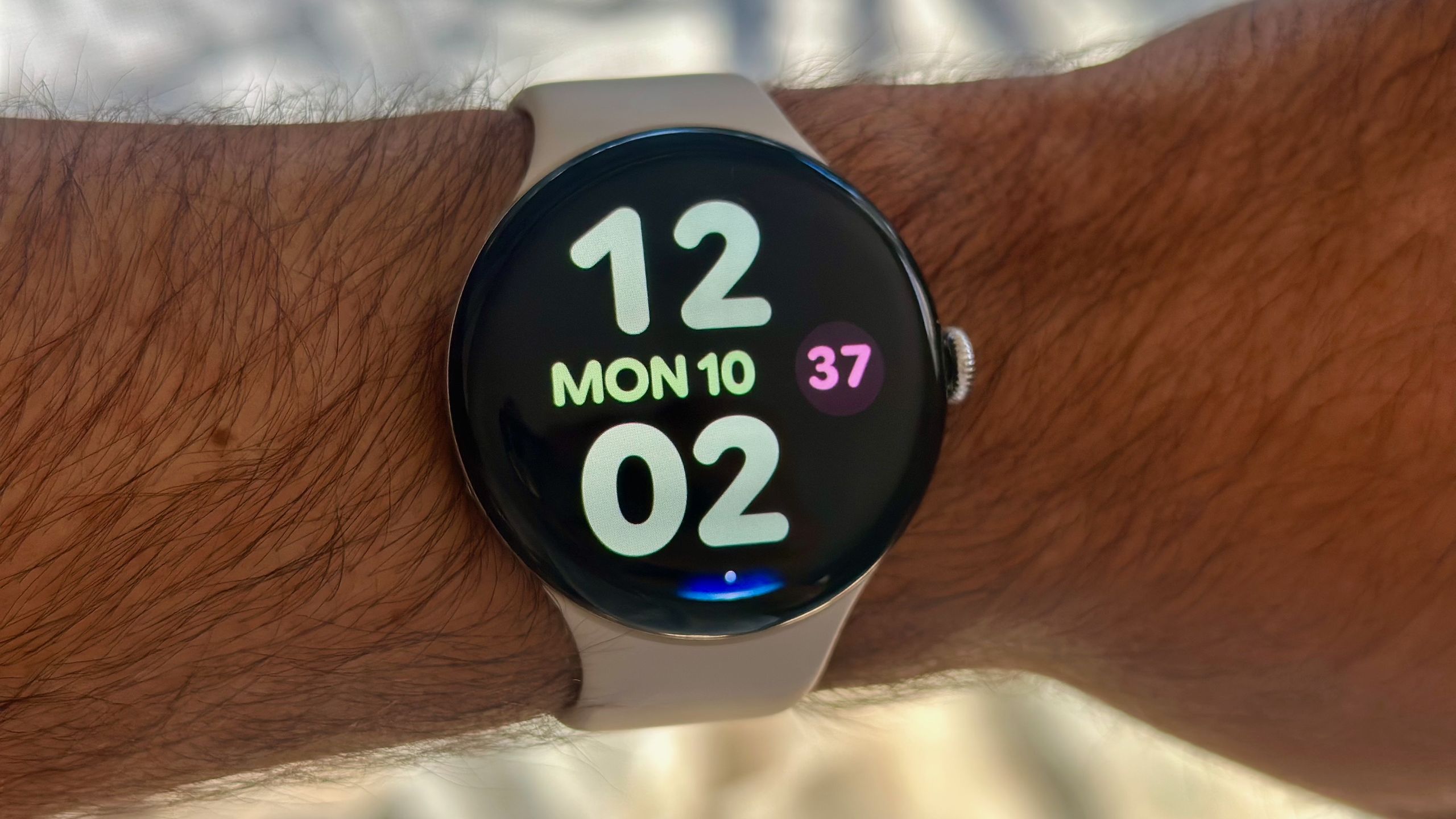

Gemini Raise to Talk is one of my favorite tools on the Google Pixel Watch 4. I never liked wasting battery life on the always-listening “Hey Google” trigger, nor having to hold down the side button for every question. Now, if I want to ask Gemini to check my calendar or start a timer, I just raise my wrist and start talking.
Google wants Pixel Watch 4 owners to use Raise to Talk, so it isn’t hard to find during the watch setup. But if you skipped all the menus during onboarding, I can point you to where to find the Gemini Raise to Talk toggle.
More importantly, if you’ve enabled Gemini Raise to Talk but find it’s not as responsive as you’d like — or if you’re getting false-positive activations — I’ll show you where to change your settings to match your preferences.
How to set up and customize Gemini Raise to Talk on your Google Pixel Watch 4

Raise to Talk is only available on the Pixel Watch 4; the Pixel Watch 3 and earlier models can only use “Hey Google” or the Side button shortcut.
During the initial Pixel Watch 4 setup, after you’ve signed in to your Google account, make sure to select Set up more on the optional “Your watch is ready for more” screen, then Set up on the “Talk to your assistant” screen. Google will display your three options for activating Gemini, including Raise to Talk.
Say No thanks to Hey Google, since it’s now redundant, and then Turn on Raise to Talk on the subsequent screen. With that, the feature is active, and you can start testing it out!

If you’ve already set up your Watch 4, turning on Raise to Talk is perfectly simple:
1. Swipe down from the main watch face.
2. Tap the Settings cog icon.
3. Tap the third option, Gestures.
4. Tap Raise to talk.
5. Toggle Raise to talk On.
In this same Settings menu, you’ll find three Raise to Talk settings: Gesture sensitivity, Voice sensitivity, and an optional Visual indicator to show if Gemini is listening.

Increasing gesture sensitivity to max “allows Gemini to respond to less arm movement,” while decreasing it helps keep Gemini from “opening unintentionally.” Likewise, the voice sensitivity scale lets Gemini either “respond to softer speech” or only respond to loud, clear commands.
If you gesticulate while speaking, higher gesture sensitivity could mean more accidental activations, while higher voice sensitivity could pick up your voice even if your wrist isn’t right by your face. With lower sensitivity, however, you need to move your arm decisively to your face, then speak loudly and quickly, just to get Gemini’s attention.
I prefer higher sensitivity with the occasional accidental activation to having Gemini ignore me, forcing me to make the upward gesture again. But it comes down to your preferences.
Ultimately, having quicker access to Gemini via Raise to Talk is great. Google has integrated Gemini with other Google apps like Maps, Keep, and Messages, as well as smart home tech like Google TV or Nest Doorbells.
Other Pixel Watch 4 tricks to know about

Your Pixel Watch 4 has another exclusive Gemini trick: on-device AI suggestions for replies. Keep an eye out for those in Google Messages.
The latest Wear OS 6 update includes color theming from your watch face, so try switching out your face to see new colors throughout the UI. This version also supports custom watch faces from apps like Facer and WatchMaker, which have tens of thousands of faces available, including some free ones.

Your Watch 4 comes with six months of Fitbit Premium, and Google just launched a public preview of its Personal Health Coach, which incorporates Gemini smarts to let you create a personalized workout plan, as well as analyze your data for “insights” into your health. We have a guide on how to get started with the Coach.
You should also consider setting up your Emergency SOS settings, especially if you bought the Watch 4 LTE with satellite SOS. You’ll find the Safety & Emergency tab in your Settings menu, where you can toggle on features like Fall Detection and add Emergency contacts to be notified in a crisis.

Fitness made easy
The Pixel Watch 4 offers two 3,000-nit display options: the more petite 41mm model that’s lighter on your wrist, or the 45mm option with more display space for larger notifications and 10 extra hours of battery life. Both give you seamless access to Gemini, Fitbit health insights, and three years of Wear OS updates.
 By
By