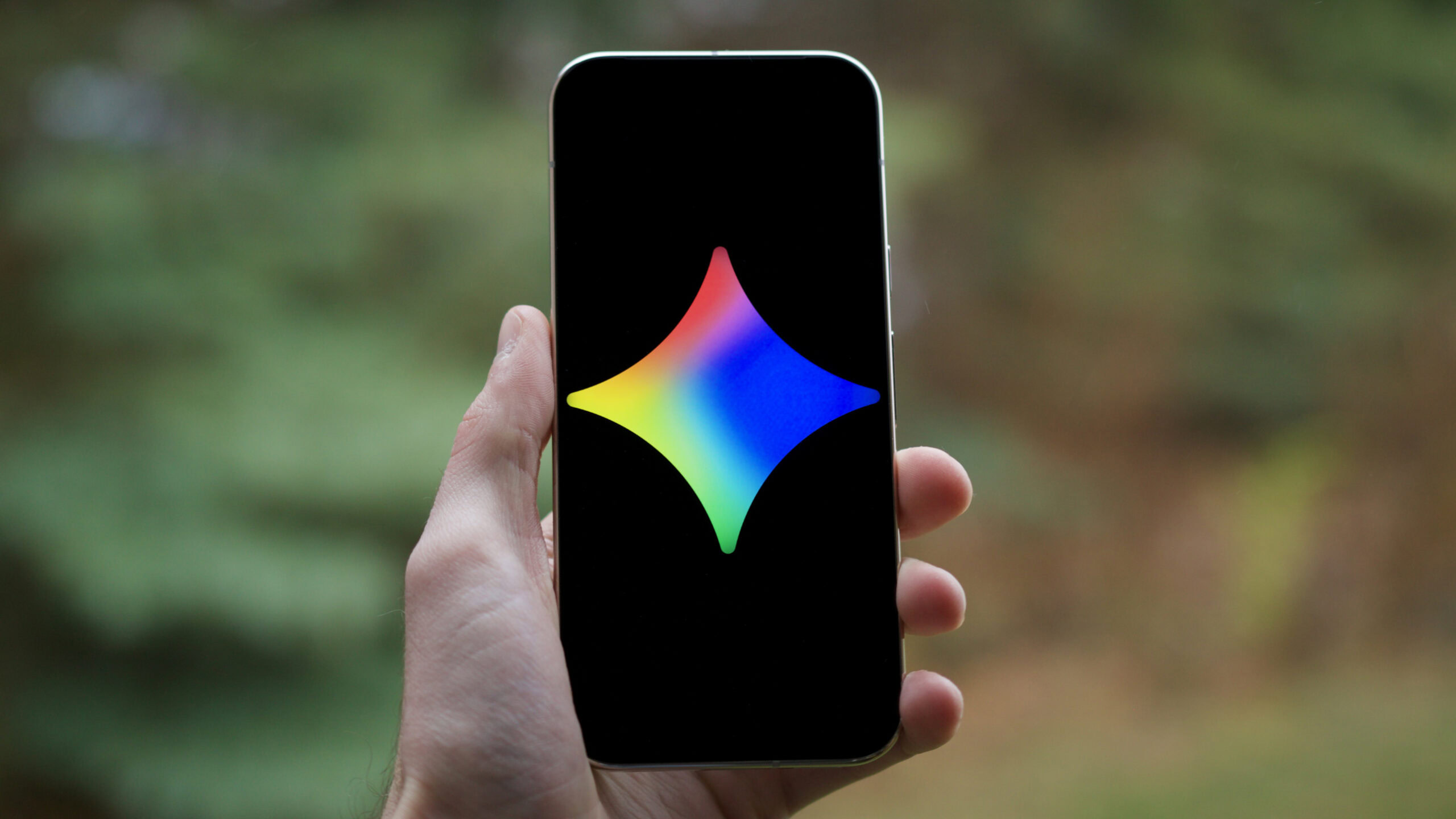

Just eight months after Gemini 2.5 launched, Google has upgraded its AI models once again with the release of Gemini 3. Gemini 3 officially began rolling out widely on November 18, and even this early on, it’s already proving to be wildly impressive.
Google is making big promises for Gemini 3, touting that this latest model is much better at understanding complex questions and delivering more concise answers. Gemini 3 can even generate custom UIs in real-time for your prompts, making its answers much more interactive and stylized than ever before. It’s exciting stuff.
If you’re eager to try Gemini 3 for yourself, here’s everything you need to know about how to find and use it right now.
Do you have Gemini 3 yet?
857 votes
How to use Gemini 3 on desktop and Android

Joe Maring / Android Authority
Accessing Gemini 3, whether on your desktop or Android, is incredibly simple. However, due to some slightly confusing branding on Google’s part, here’s what you’ll want to do to confirm you’re actually using the new Gemini 3 model and not the old Gemini 2.5 one.
From the Gemini website or mobile app, look for the dropdown menu below the “Ask Gemini” prompt box. By default, it should say “Fast.” With this latest update, Gemini’s two models now include the following:
- Fast: Answers quickly (Gemini 2.5)
- Thinking: Thinks through complex topics (Gemini 3 Pro)
Fast is selected by default, which uses the old Gemini 2.5 model. It’s still great for simpler questions, but know it’s not powered by Gemini 3. If you want to use Gemini 3 Pro — the only Gemini 3 model currently available — you’ll need to switch to Thinking.
If you don’t see the Fast and Thinking models and instead see 2.5 Flash and 2.5 Pro as your only options, that means Gemini 3 hasn’t been activated for your Google account yet. As with most things Google does, Gemini 3 is rolling out in phases, so it may take a couple of days to go live on your end.
Do you need Google AI Pro to use Gemini 3?

Mishaal Rahman / Android Authority
Given that Google is starting its Gemini 3 rollout with Gemini 3 Pro, that would suggest only users with a Google AI Pro subscription would have access to it — especially since Gemini 2.5 Pro was only available to AI Pro subscribers. Surprisingly, though, that’s not the case.
Anyone who uses Gemini, whether for free or with a paid subscription, can access Gemini 3 Pro. An AI Pro subscription is required if you want to use Gemini 3 Pro with Deep Research, but general Gemini 3 Pro support is available for everyone.
That’s a big change for Google, but it’s one we’re happy to see. Gemini 3 Pro is quickly shaping up to be Google’s best Gemini model yet, and the fact that everyone can try it for themselves without having to pay a dime is fantastic.
Thank you for being part of our community. Read our Comment Policy before posting.

 By
By