

Hadlee Simons / Android Authority
TL;DR
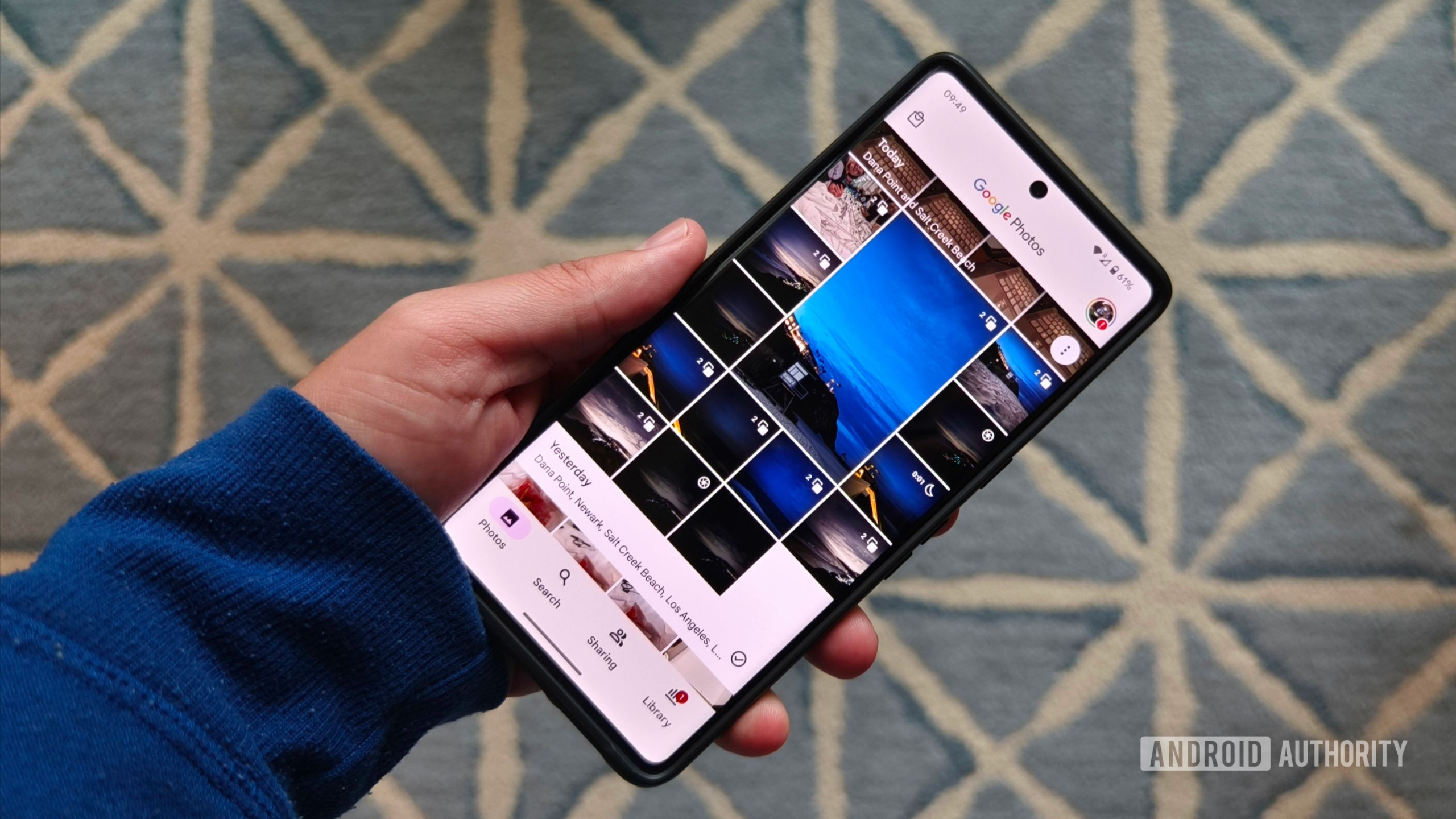
- Stacks in Google Photos allows similar pics to be cleanly grouped together.
- While you can manually remove images from a stack, adding them has been an automatic process without user input.
- Now Photos is starting to get an option to manually add pics to a stack, beginning with iOS.
Google Photos is certainly not hurting for ways to make sense of your mountain of pictures by grouping some of them together. Beyond just albums, we’ve got Memories (which became Moments), as well as stacks. Google introduced photo stacks as an automatic way to group similar pics together, preventing a lot of near-duplicates from clogging up your view.
While Google has let you remove shots you don’t want from a stack, or just unstack a group entirely, so far we haven’t had any similar manual option for creating stacks or adding specific pictures to them. Earlier this year, though, we got out first hint that this might be about to change, as we spotted Google updating Photos for Android with some code that referenced manual stack grouping. We’re still waiting to see that go live on Android, but just noticed that it’s made an early debut on iOS.
On the left there, you see Photos as it currently exists on Android; even when you select multiple pics at once, there’s no option to start combining images into a photo stack. But on the right, we’ve got Photos version 7.29 on an iPhone, and here we see Google successfully implementing a manual “stack photos” button.
Now, it’s no certainty that the feature showing up on iOS means that its Android release is also going to be imminent, but given the fact that we’ve already spotted evidence of developers working in this direction, we’re definitely feeling pretty excited that we may get the chance to finally try it out on Android sooner rather than later.

 By
By