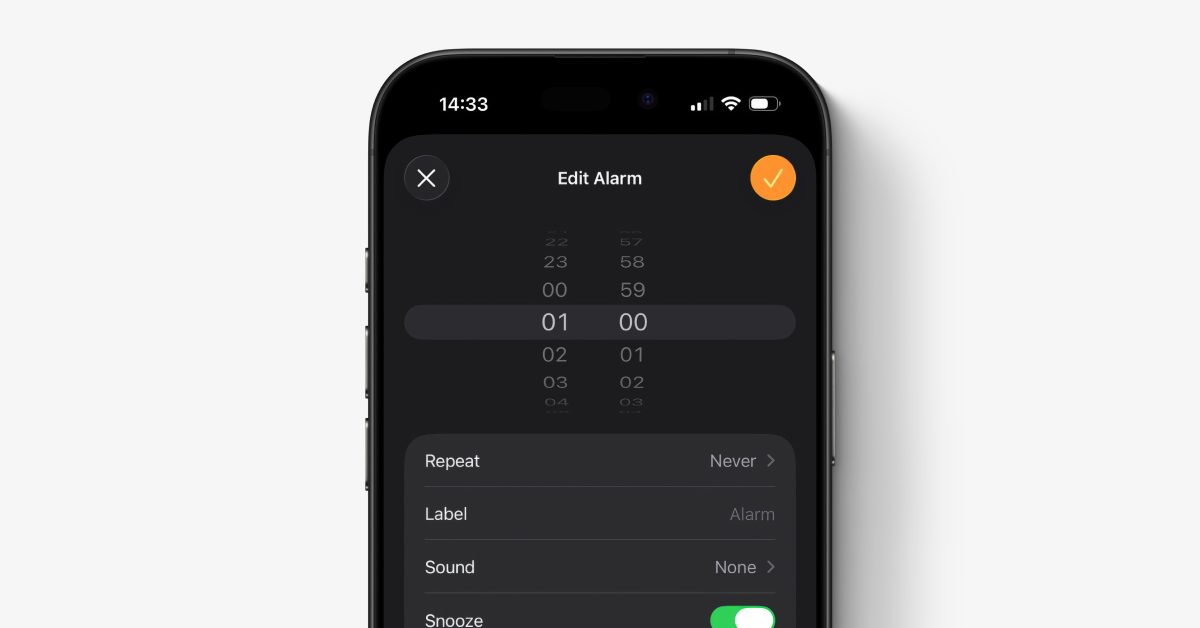

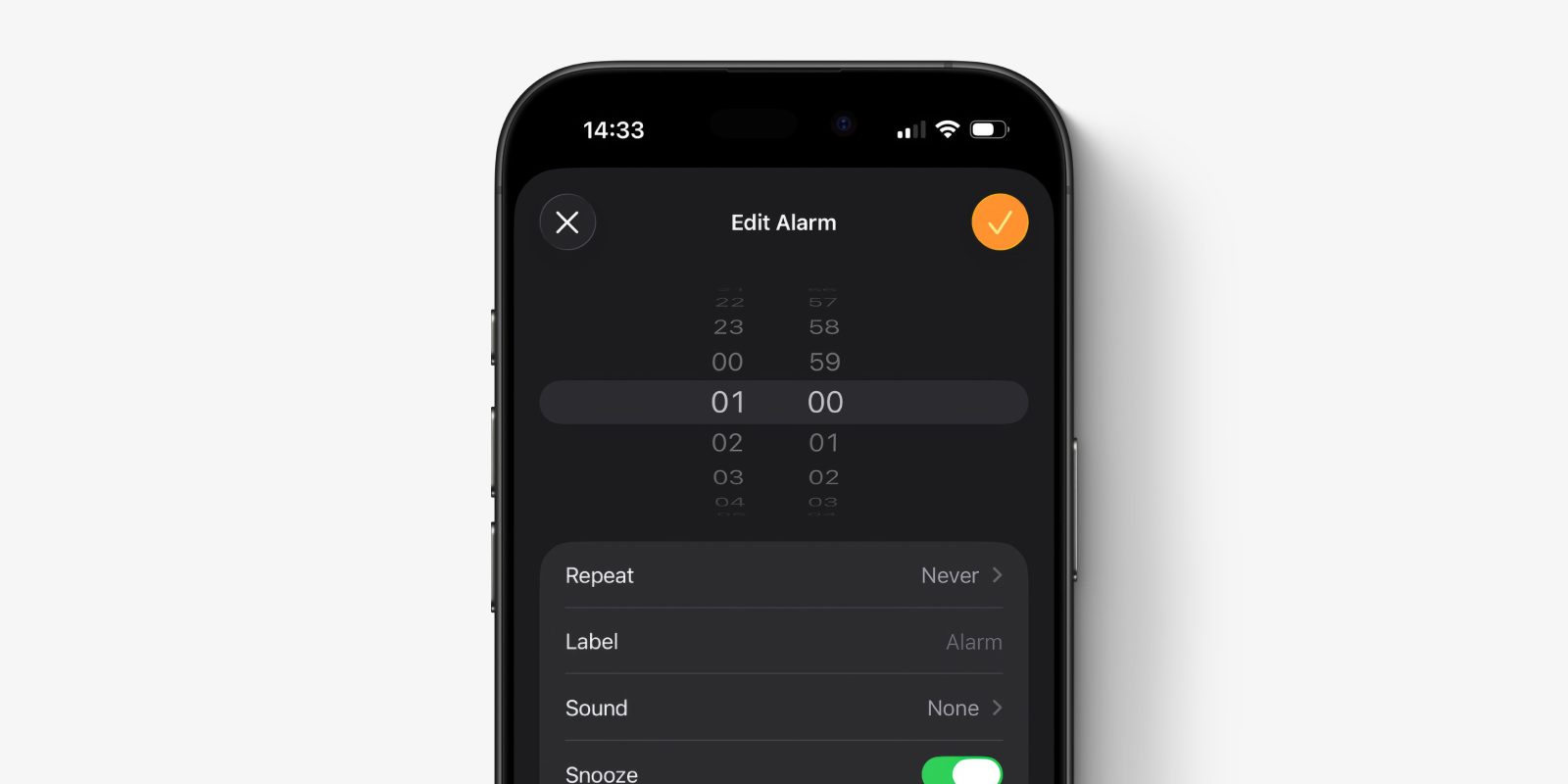
If you are having your iPhone alarms go off without making a noise, you may want to check the settings have not been reset for them.
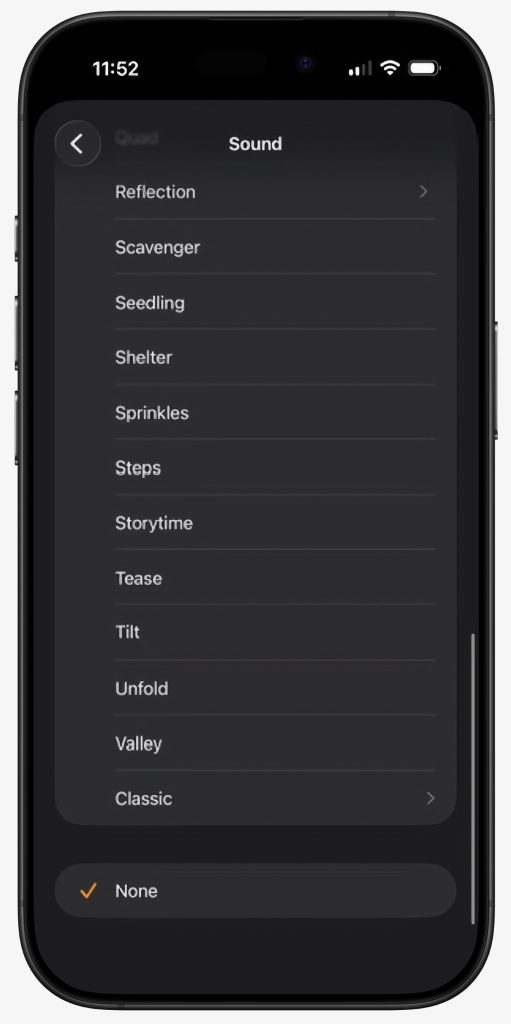
We’re not sure how many users this affects, but we’ve heard from a small number of people who have noticed that their iPhone alarm sound has been recently changed to ‘None’, which means they go off silently …
It’s unclear what causes the settings reset. It perhaps is related to older alarms that use some of the ‘Classic’ tone options.
To check if you have been affected by this glitch, just open the Clock app on your device and tap on each alarm in the list. Check that the Sound setting is selected to a ringtone, and is not set to None.
If the alarm sound is set correctly, it should make a noise at the given time, regardless of whether the iPhone is in silent mode. You can test this by making a new alarm that is set to go off in a couple minute’s time.
Here’s some other common reasons why alarms sound quietly, if you are having issues:
The volume level of normal alarms is set through Settings -> Sounds & Haptics. There’s a slider there that changes the volume for the ringtone and alert tones, which adjusts the volume of alarms, incoming call noises and some other notifications. If the ‘Change with Buttons’ toggle is enabled, this slider will change when you press the physical volume buttons. To ensure the alarm volume is always fixed at an audible level, disable the ‘Change with Buttons’ option.
If you have a special Sleep alarm set up, there is a separate ringtone and volume slider. In the Clock app, tap on the Sleep alarm and scroll down. Sound options are available beneath the schedule wheel.
The other behavior that affects alarm noise levels is the Face ID attention awareness features available on all modern iPhones. When enabled, if a face is looking at the screen, the sound of alarms is reduced. If you go to bed with your phone next to you, it is sometimes possible for this to accidentally trigger when you are otherwise sleeping.
The volume level in this state is not silent, but it is quiet. If you want to turn off attention awareness, go to Settings -> Face ID & Passcode -> Attention and disable the toggle for Attention-Aware Features.


FTC: We use income earning auto affiliate links. More.

 By
By