

Ryan Haines / Android Authority
TL;DR
- Microsoft is expanding the functionality of Cross-Device Resume.
- Windows Insiders can now resume Spotify playback, browsing sessions, and more.
- The presence of Cross-Device Resume on the Release Preview Channel suggests a rollout could be imminent.
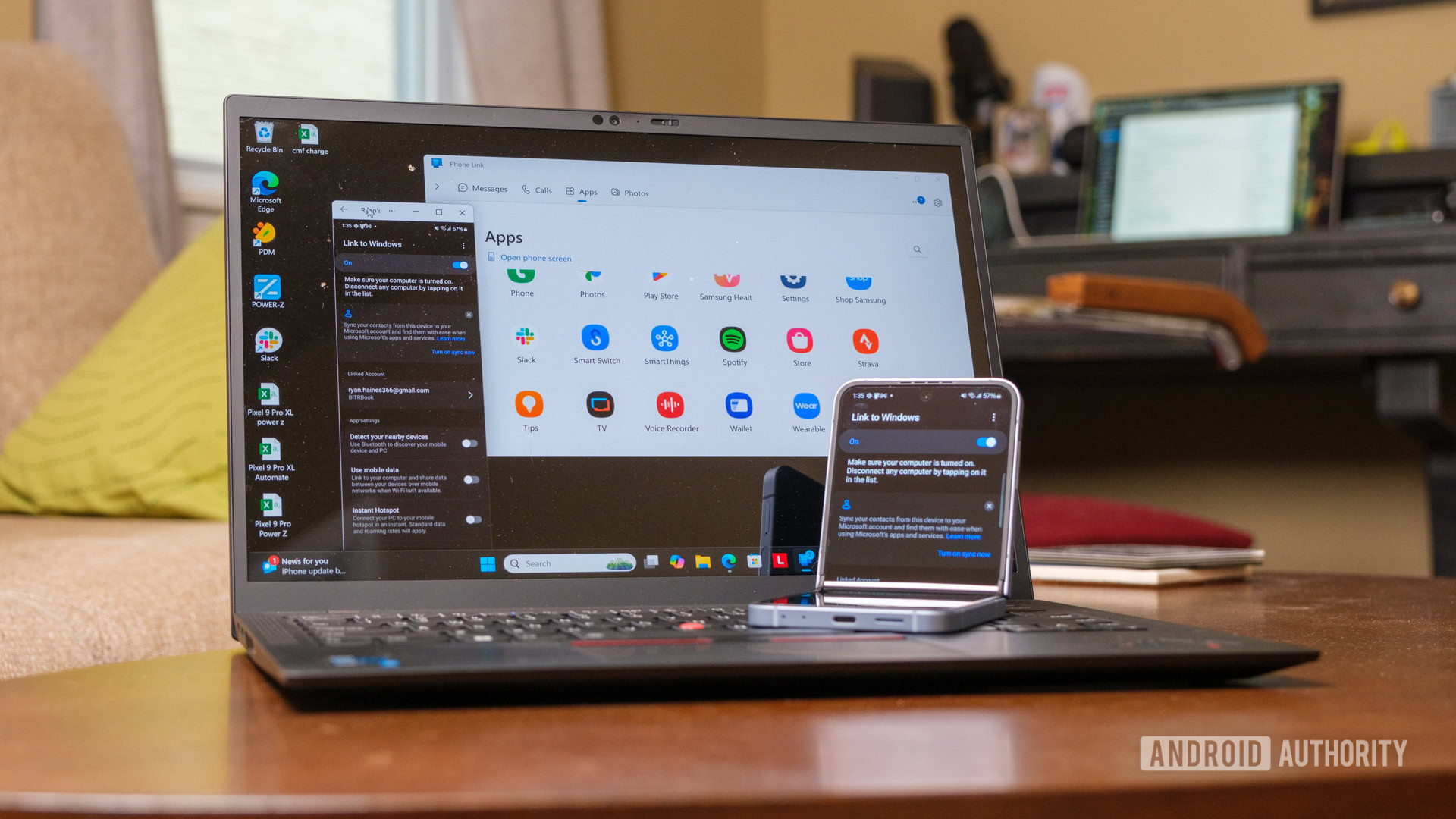
Back in 2025, Microsoft introduced an Apple Handoff-like feature for Windows called Cross-Device Resume. This feature lets users switch from their Android device to their PC to resume their app activity. For example, if you were using OneDrive on your Android phone, you could pick up where you left off when you switch to your PC. The tech giant is now improving Cross-Device Resume with expanded functionality.
Don’t want to miss the best from Android Authority?


Microsoft announced on the Windows Insider blog that it’s releasing Windows 11 builds 26100.7701 and 26200.7701 (KB5074105) for the Release Preview Channel. Build 26100.7701 is meant for version 24H2, while 26200.7701 is for version 25H2. The blog notes that this update introduces expanded functionality to Cross‑Device Resume. Specifically, this includes the ability to resume Spotify playback from your phone to your PC. You’ll also be able to resume browsing sessions and work in Word, Excel, or PowerPoint.

A screenshot showing off the Cross Device Resume feature on Windows 11. Credits: Microsoft.
Additionally, Microsoft mentions:
- Vivo Android phone users can continue browsing from the vivo browser on their PC.
- If you use an Android phone from HONOR, OPPO, Samsung, Vivo, or Xiaomi, you can resume online files that you opened in the Microsoft Copilot app on your phone and continue working on them on your PC. Files open in the corresponding Microsoft 365 app on your PC if it is installed. If the app is not installed, the files open in your default web browser. This feature does not support offline files stored only on your phone.
This update also includes several other new additions, like the ability to turn Smart App Control on or off without a clean install requirement and the ability to view Device card on the Settings home page. Considering that Cross-Device Resume is available in the Release Preview Channel, there’s a good chance that a rollout to stable could happen soon.
Thank you for being part of our community. Read our Comment Policy before posting.

 By
By