

Edgar Cervantes / Android Authority
TL;DR
- Google Lens is trying out an interface with Android’s new embedded photo picker.
- The new picker should make it easier to find your photos, while enhancing privacy.
- Lens is also experimenting with jumping right to your gallery on startup.
Out of all the different file types we might work with on our phones, images have got to be the most popular. If we’re not capturing photos with our camera, or generating pics with Nano Banana, we’re sharing pictures like those with other people. That’s exactly why it’s so important for Android to have a good interface for selecting images — and right now, we’re taking a peek at an update that’s in the works for how Google Lens does just that.
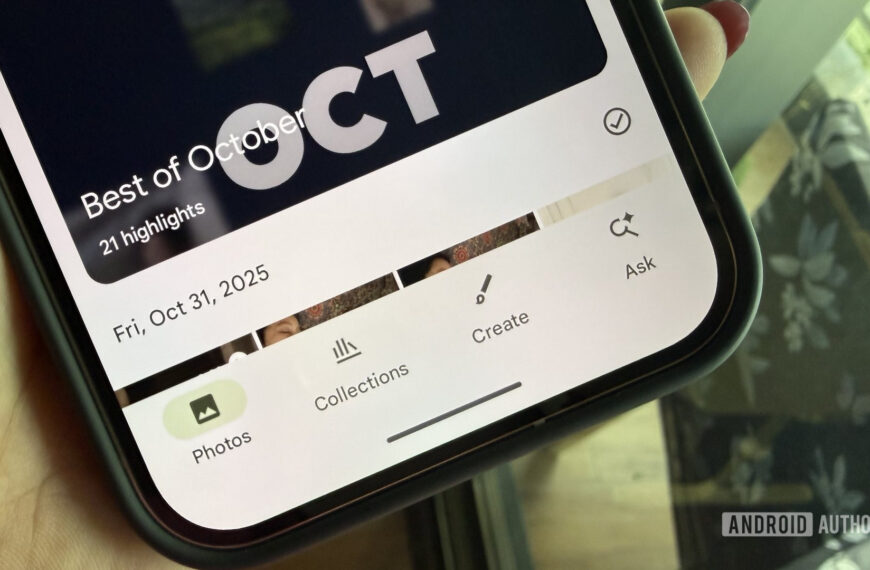
Google is in the middle of a bit of a push right now to encourage developers to try out its new embedded photo picker. Beyond just looking nice, it also makes it easier to find your pics with search tools, and helps with privacy and security by simplifying how apps get access to your photos.
Like any good developer, Google eats its own dogfood, and in version 17.3.59.sa.arm64 beta of the Google Android app, we’ve uncovered work towards updating Google Lens with the embedded photo picker.
Don’t want to miss the best from Android Authority?


Like many of the in-development changes we spot Google preparing, this one isn’t live in Lens just yet, but we’ve been able to get the app to give us an early look at how this will work in action:
Before we go any further, you may have noticed some odd behavior from Lens at the start of that clip. Instead of defaulting to your phone’s camera, Lens jumped straight to the photo picker. We first noticed that happening on some of our devices about a week ago, and while it’s since appeared on others, this doesn’t yet appear to be a universal change — just something Google’s playing with remotely. It may continue to spread to everyone — but for now, that’s not our primary focus.
Instead, we’re interested in how we end up choosing images for Lens to analyze. So far, users have been faced with the interface pictured above on the left. And compared to the new look on the right, Google’s making some key changes.
Developers get some flexibility with how they implement the new embedded picker, and considering the primary use cases of Lens, Google continues to wisely highlight screenshots you’ve taken. But of course, you’re not forced to use Lens with just those, and you’ll find all your recents down below. Instead of overwhelming you with a big grid up top, we get a condensed carousel view (which you can always expand to see more screenshots).
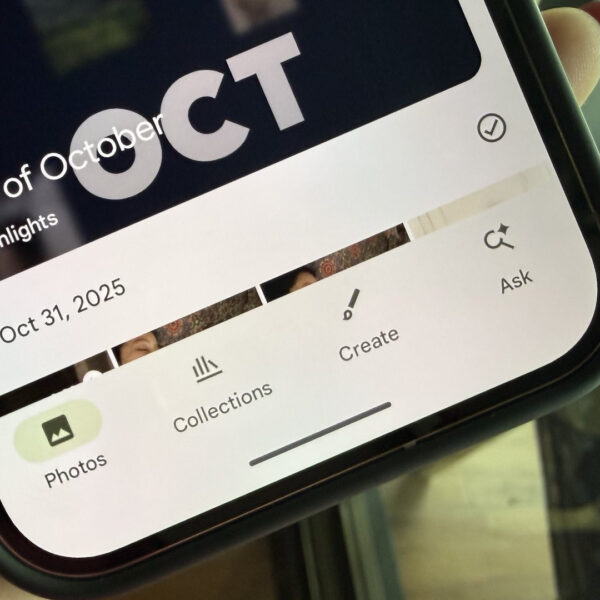
If you’d rather just use your phone’s camera, a tap at the top-left switches over to your viewfinder. And to get at the rest of your saved pics, including those you’ve backed up in the cloud, you can tap the “Collections” button.
Considering Google’s interest in encouraging third-party devs to make the change themselves, we wouldn’t be surprised if this Lens tweak ends up going live quite soon. It still feels like it needs a little more work, especially when it comes to dark/light mode awareness, but looks mostly ready to go.
⚠️ An APK teardown helps predict features that may arrive on a service in the future based on work-in-progress code. However, it is possible that such predicted features may not make it to a public release.
Thank you for being part of our community. Read our Comment Policy before posting.
 By
By