

Adamya Sharma / Android Authority
TL;DR
- Google Photos is testing a toggle to hide date labels in the primary gallery view for a more immersive look.
- Hiding date labels also removes the batch-selection checkmark, though users can still select dates via a scrolling pill.
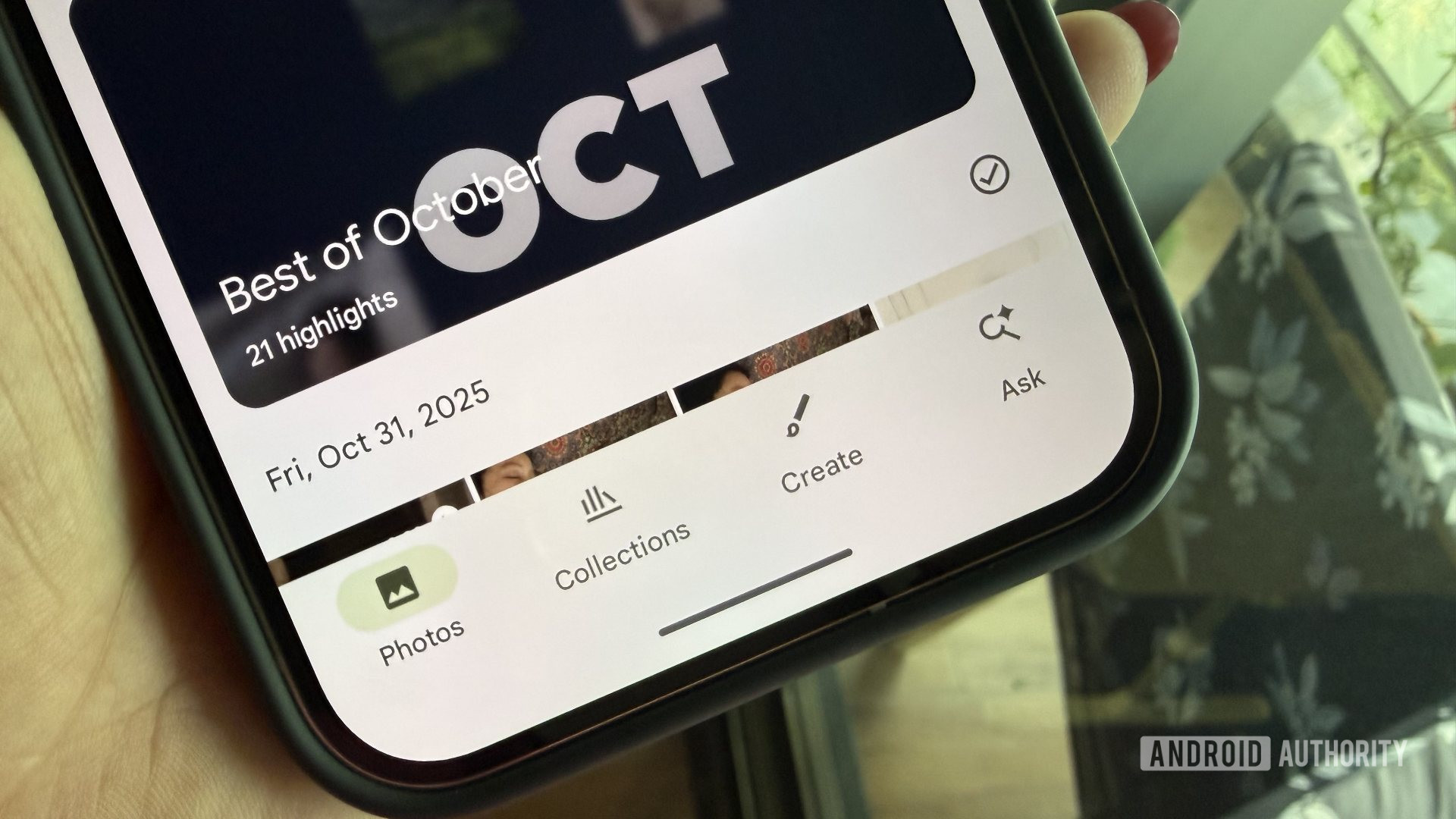
A few weeks ago, we showed off Google Photos working on a Playback speed option for videos, as well as testing the ability to hide date labels for a more immersive Photos view. At the time, we couldn’t get the date labels to actually hide and the immersive Photos view to surface. With the latest Google Photos v7.62.0.865122296 update, we can finally show off how Google Photos would look with date labels hidden.
Here’s a quick look at the Google Photos’ primary view with and without date labels:
Simple screenshots don’t do justice to the cleaner view in the Photos tab, so here’s a video showing the Photos tab with and without the date labels, alongside a look at the toggle for the feature:
Don’t want to miss the best from Android Authority?


When users opt for the date labels, they will see a checkmark next to each date label. Tapping the checkmark selects all photos for that date. But if you hide the date label, the checkmark is also hidden. Users can still select all photos of a specific date by tapping on the date pill that is visible at the top when scrolling:

AssembleDebug / Android Authority
The date label toggle is not currently live within Google Photos. We’ll keep you updated when we learn more.
⚠️ An APK teardown helps predict features that may arrive on a service in the future based on work-in-progress code. However, it is possible that such predicted features may not make it to a public release.
Thank you for being part of our community. Read our Comment Policy before posting.
 By
By