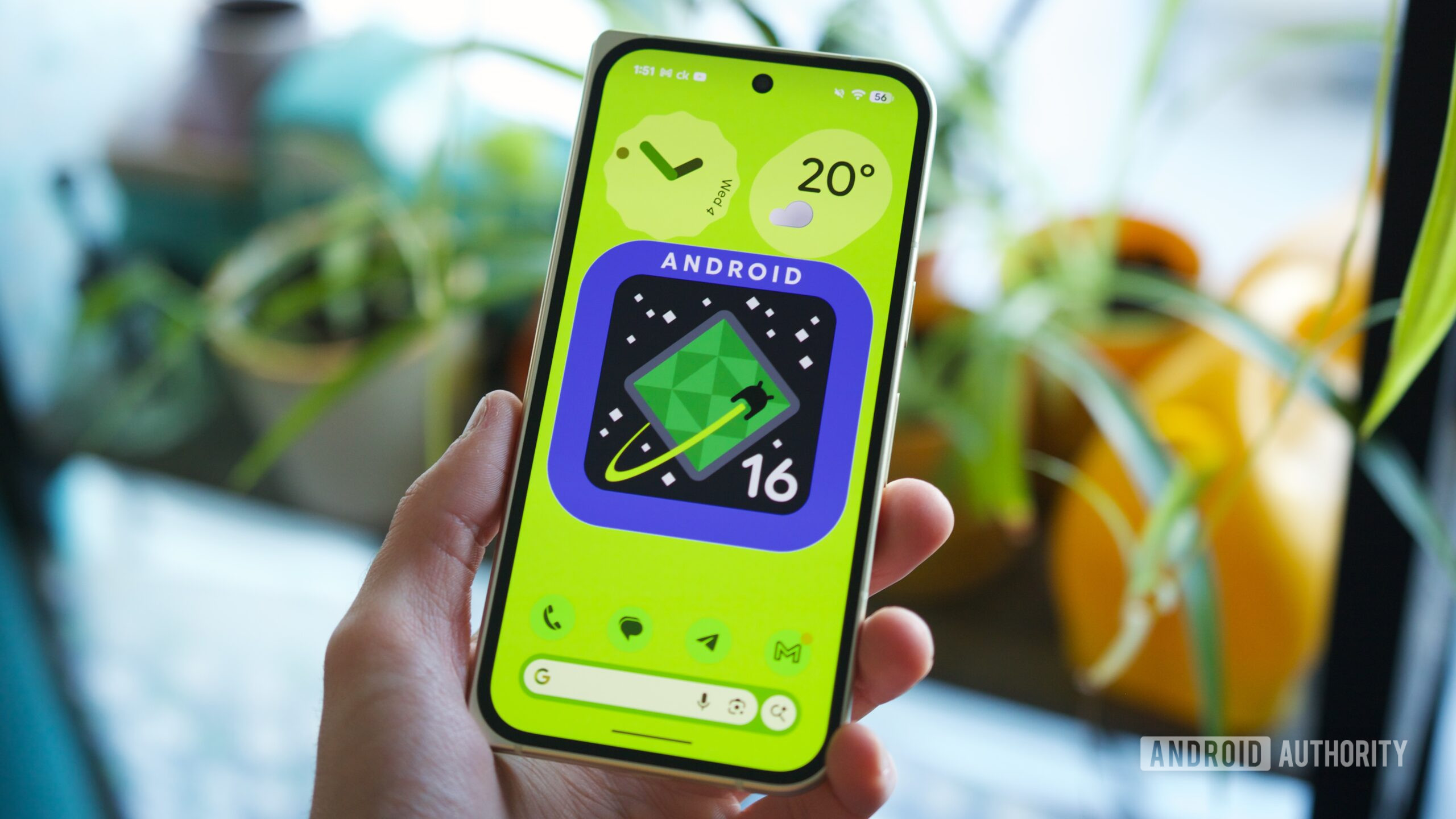

Android 16 QPR3 — Google’s next big Pixel update — is right around the corner. QPR (Quarterly Platform Release) updates have become significant milestones for Pixel phones, as they typically include many user-facing changes, particularly compared to smaller monthly security updates.
Google is expected to release its QPR3 update in March, meaning we’re just a month away from your Pixel getting a big revamp. But what exactly is new? What are the biggest features and changes you should be on the lookout for? I’ve been using the latest Android 16 QPR3 beta to find out.
Here are six of the most notable new features coming to your Pixel next month with Android 16 QPR3.
What Android 16 QPR3 feature are you most excited about?
0 votes
Remove the At a Glance home screen widget
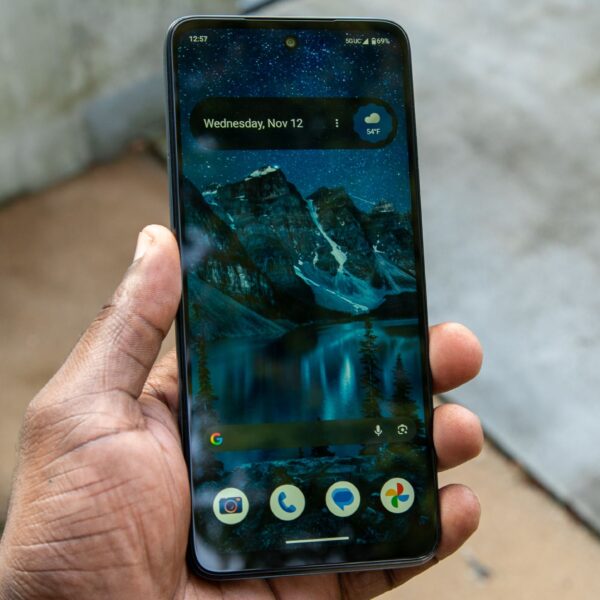
The QPR3 feature I’m personally most excited about, and one I think a lot of Pixel users will be thankful for, is the ability to remove the At a Glance widget from your home screen. This is the widget at the top of your first home screen page that shows the date, weather, upcoming calendar appointments, and other info.
At a Glance is helpful, but it’s also rather annoying — especially if you have a lot of app icons and widgets on that home screen. As such, having the option to finally get rid of At a Glance is fantastic. You can do this by pressing and holding the widget, tapping Settings, then selecting the new toggle labeled “Show on home screen.”
You’ll still see At a Glance on the lock screen, but that space at the top of your home screen will now be available for use however you wish. Thank you, Google.
Adjustable flashlight brightness
There’s not much I prefer about iOS over Android, but one thing Apple got right with iOS 18 was adjustable flashlight levels. Being able to adjust the brightness of your phone’s flashlight is super useful, and with Android 16 QPR3, your Pixel phone is gaining that same flexibility.
The feature works just as you’d expect. After turning on your flashlight from the Quick Settings panel, press and hold the flashlight icon to open the new Flashlight Strength menu. Here, you can slide the brightness up and down to tweak its intensity. There’s not much else to it, but it’s a great quality of life feature that I’m more than happy to see in the QPR3 update.
Samsung-style navigation buttons
I went all-in on gesture navigation years ago, but some people still prefer navigation buttons. Android’s traditional navigation button setup, and the one on Pixel phones, includes Back, Home, and Recents buttons in the order from left to right. In Android 16 QPR3, you’re getting a second option.
Largely popularized by Samsung phones, QPR3 adds a second navigation button layout that swaps the Back and Recents buttons, putting the former on the right and the latter on the left. Personally, I would never use this, but it is a notable addition — especially for former Samsung users new to Pixel.
Enabling this new navigation layout is simple. From the Navigation Mode page in the Settings app, select 3-button navigation, tap the settings icon next to it, and then switch to the new button layout.
Adaptive Connectivity revamp
Adaptive Connectivity was added to Pixel phones in December 2020, and throughout that time, it’s remained a nebulous feature — existing as a single toggle that claims to extend your battery life and improve performance by managing when your phone switches between Wi-Fi and mobile data.
Each of these new modes can be independently toggled on/off, and you can find them on the Adaptive Connectivity page from the Network & Internet section of the Settings app.
Redesigned system settings page
Speaking of the Settings app, the System page is redesigned in Android 16 QPR3. As it stands today in Android 16 QPR2, the System page isn’t organized at all. But in QPR3, the page is now grouped into categories — such as Update Device, Languages & Input, and Interaction.
I especially like how QPR3 moves the Software Updates section to the top of the screen, making it much easier to find and check for an update. It’s a small tweak, but one I think Pixel users (myself included) will greatly appreciate.
Much better app location access info
This isn’t the flashiest feature in Android 16 QPR3, but it is an important one, and a great privacy safeguard.
Don’t want to miss the best from Android Authority?


Thank you for being part of our community. Read our Comment Policy before posting.
 By
By