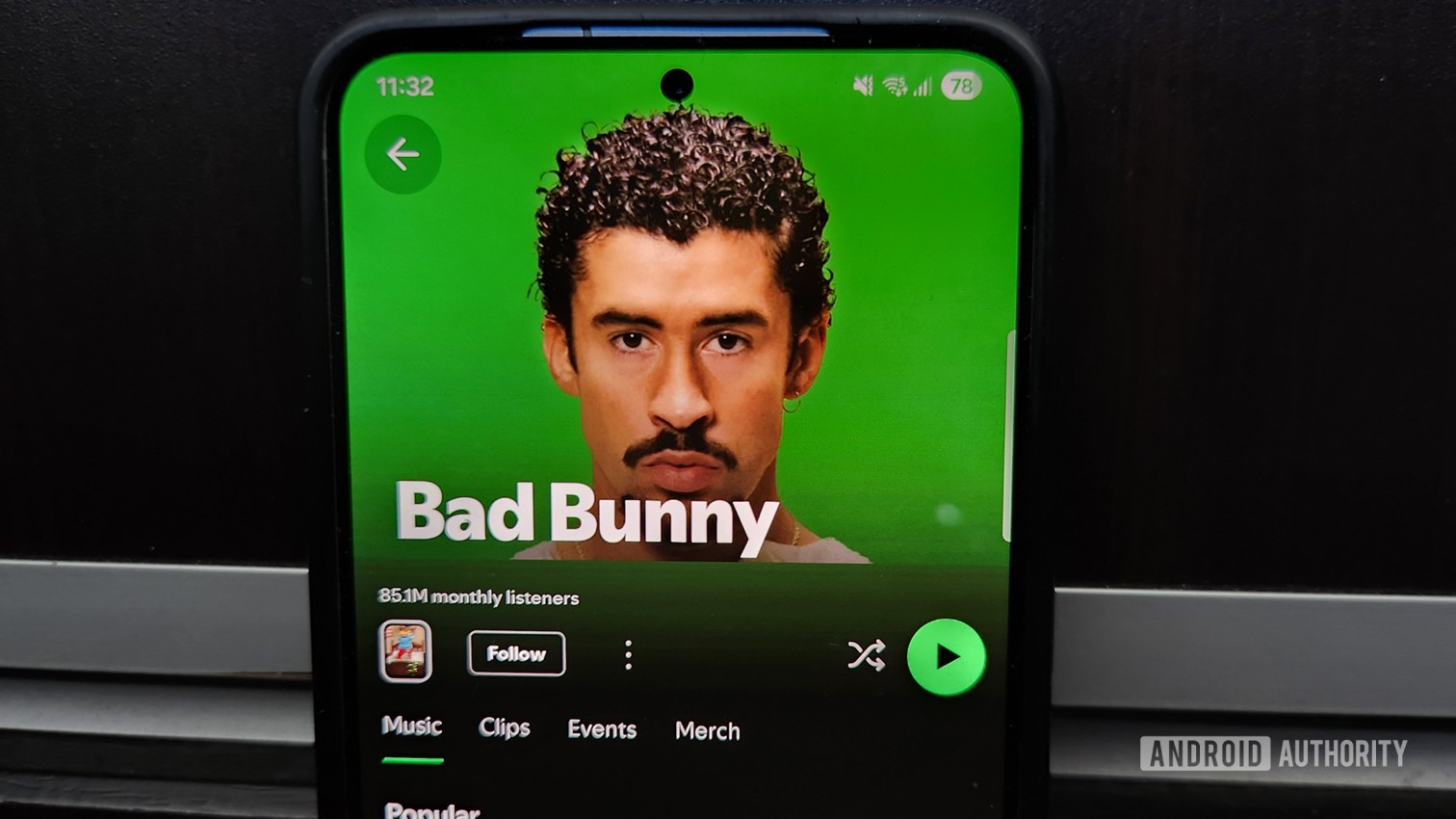

The Super Bowl LX halftime show on Sunday is shaping up to be a genuine pop-culture moment, even if you couldn’t care less about the game itself. This year’s headline act is Bad Bunny, making him the first solo Latin artist to lead the prestigious halftime show. If you’ve somehow avoided his music until now, Sunday night might just change that.
The Puerto Rican singer is heading into the halftime show on a serious high. He recently picked up Album of the Year at the Grammys for Debí Tirar Más Fotos, becoming the first Spanish-language artist to win the award, and his music has been everywhere in the run-up to the game. With tens of millions of viewers expected to tune in to Super Bowl LX, a lot of people are about to hear his songs for the first time.
Have you tried the Spotify lyrics translation feature?
0 votes
That’s great, but it also raises the fairly obvious problem that you won’t know what he’s saying if you don’t speak Spanish. Conveniently, Spotify has just rolled out its lyrics translation feature globally, so you don’t have to wonder. Here’s how to translate song lyrics on Spotify.
How to translate song lyrics on Spotify
1. Start by finding and playing the foreign-language song you want to translate. In this case, we’re using Bad Bunny’s track Baile Inolivable, which has over one billion streams on Spotify.
2. Hit the Now Playing bar to open the Now Playing screen.
3. You’ll see the looping Canvas animation, and thanks to the recent upgrades, you’ll also see the current line of lyrics in the center of the screen. However, this isn’t where you translate them. Scroll down until you see the Lyrics preview.
4. You now have two options. On the Lyrics screen preview, you’ll see the new Translate icon in the top right, just to the left of the Share icon. Tap it to open the Lyrics screen with the translations.
5. If you tapped the Lyrics preview without pressing the translate icon, the Lyrics screen will open, and the Translate icon has now moved to the bottom left, just above the progress bar.
6. Either way, you’ll now see Bad Bunny’s lyrics translated into your default device language in a smaller font under each line. You can turn them off by tapping the Translate icon again.
It’s as simple as that. The feature is also handy for understanding any foreign tune you’re enjoying, or practicing your second language in the vernacular of native speakers.
The feature just started rolling out in the mobile app to free and Premium users, so you might not see it right away. If not, ensure your Spotify app is up to date and hang on a few days. You only get the option for tracks that have translation data on Spotify, so this won’t automatically translate any song.
Don’t want to miss the best from Android Authority?


Thank you for being part of our community. Read our Comment Policy before posting.
 By
By