

Andy Walker / Android Authority
Ads are the bitter pill of the internet, and blocking them can help you regain some sanity while you’re online. While ad blockers are fairly common among desktop users, they are relatively less common among mobile users. But doing so not only helps you escape ads that eat up screen space on websites and apps, but it also prevents you from unknowingly falling into an online scam. Among the users who do, one method is hugely popular.
Don’t want to miss the best from Android Authority?


The ad-blocking method that outshines others
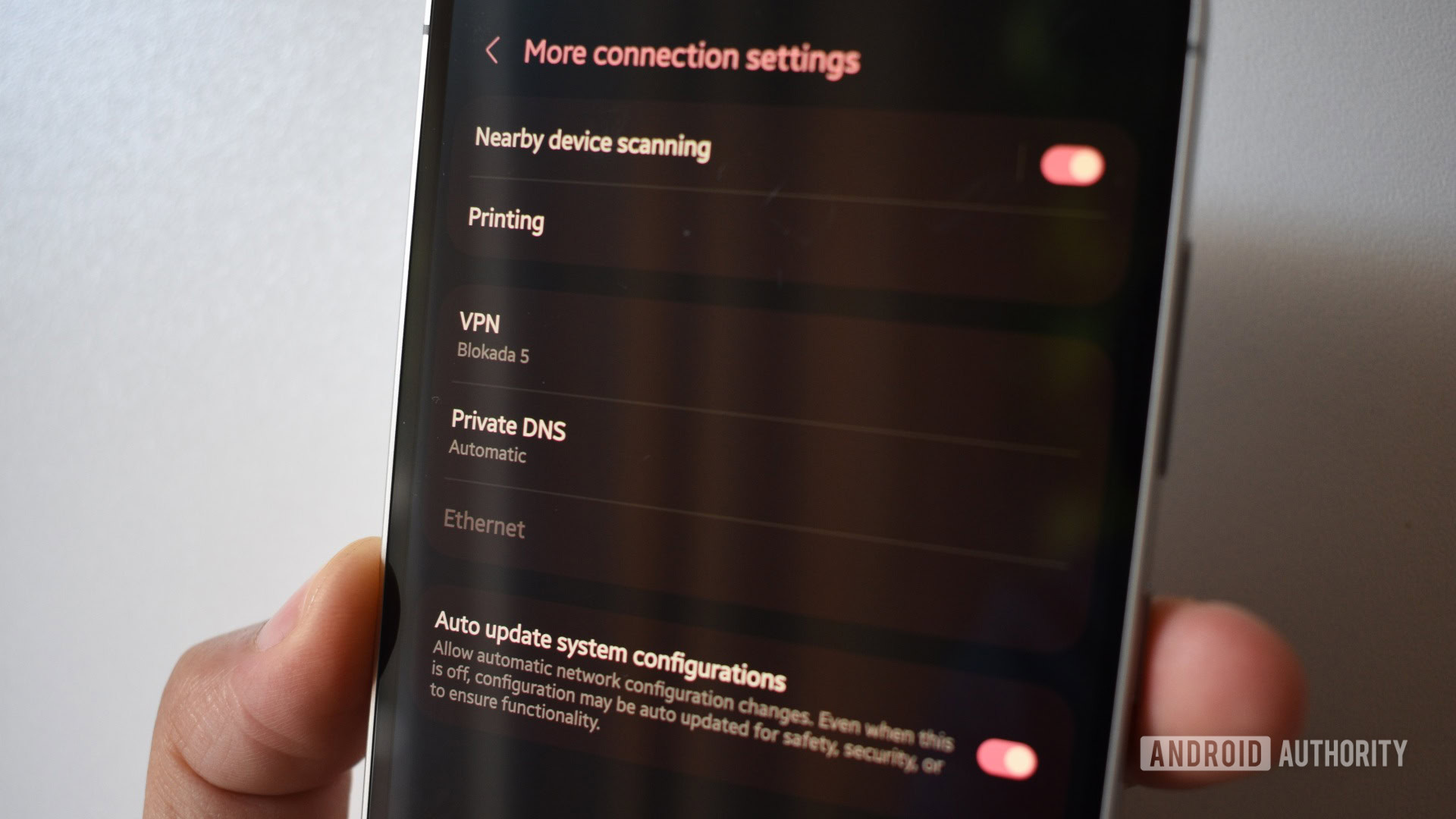
We recently asked our readers which solution they preferred to block ads on their Android devices, and the majority chose a widely used option: Private DNS. Private DNS services, such as Cloudflare’s 1.1.1.1, are commonly used to access specific georestricted websites or hide activity from your ISP. Meanwhile, dedicated solutions, such as Adguard DNS, can help reduce online ads and are preferred for their ease of setup.
About 65% of our readers said they preferred using a Private DNS, while less than 19% of them said they used third-party apps like Blokada. A much smaller percentage said they didn’t rely on any service to block ads, though we suggest exploring some options listed here.
Setting up an ad-blocking Private DNS is straightforward and can also be used to get rid of potentially scammy or inappropriate content. Another benefit is that it does not hog resources or slow down your internet as a VPN would.
Using a Private DNS also doesn’t limit services like Android Auto, unlike a VPN, as our reader Jeremy Parkinson pointed out.
Besides DNS-based solutions, many of our readers also suggest using browsers with built-in or supported ad-blocking features. Roland Stiner suggests using the uBlock Origin extension with Firefox, while Joe Engell suggests using the native web browser on Samsung phones.
All in all, Private DNS with services like Adguard remains to be the chief pick for blocking ads on Android, but you might have some additional benefits or greater control.
Thank you for being part of our community. Read our Comment Policy before posting.

 By
By