

Megan Ellis / Android Authority
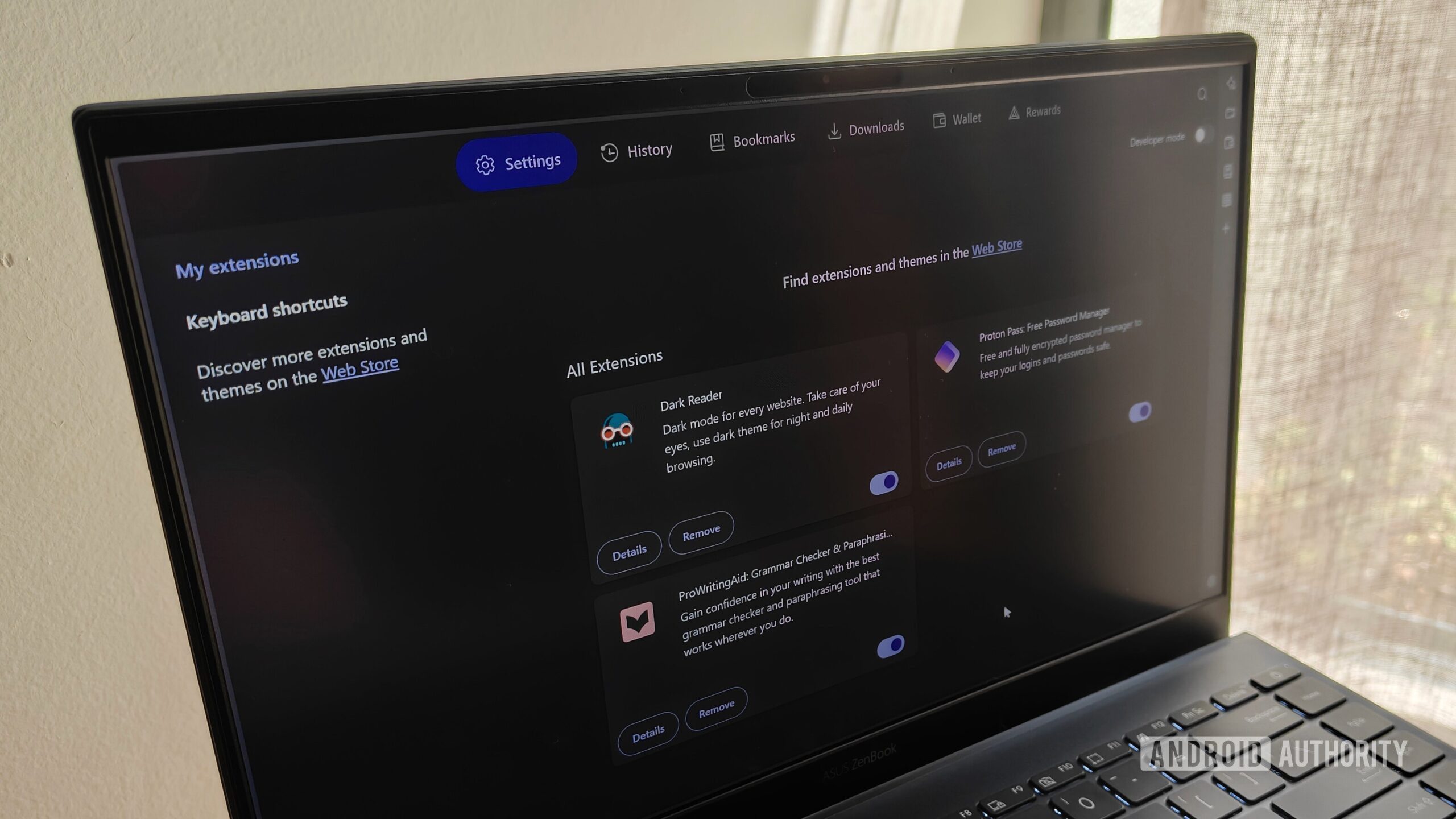
When I decided to finally ditch Chrome as my main browser, I also took the opportunity to limit my browser extensions — relying on native browser features where possible. I made this decision to improve privacy and performance, only enabling the services that I trusted and deemed essential.
Over the past few months, these browser extensions have emerged as my most important thanks to their privacy-focused approaches and enhanced functionality.
What is your most essential browser extension?
0 votes
1. Proton Pass

Megan Ellis / Android Authority
I put off switching to a standalone password manager for a long time, mostly because I was worried about it disrupting my workflow. However, when I finally switched to Proton Pass, I realized the process was not nearly as daunting as I had expected.
The Proton Pass browser extension plays a big role in this. It allows me to autofill fields in my browser, as well as search through existing accounts and passwords without needing to open a new tab.
The Proton Pass extension makes it easier to autofill my passwords, including when I’m switching between Firefox and Brave.
If I want to change the password for a certain account, I can also edit my credentials and generate a new password in the extension’s pop-up. Since the extension is linked to my Proton account, I can also use it across different browsers.
This is particularly helpful when switching to a different browser on another device. For example, I sometimes have to use certain streaming services in Firefox instead of Brave due to compatibility issues. With the Proton Pass extension, logging into these accounts is simple.
2. Raindrop.io

Megan Ellis / Android Authority
I started using Raindrop.io in 2025 as an easy way to store bookmarks. While Brave includes built-in bookmarks, I like Raindrop’s visual approach since it makes it easier to sort through my saved links.
I also set up my Favorites folder in Raindrop as my start page, which makes it really convenient to use. But its browser extension means that I can also easily save links to my bookmarks without leaving my current tab.
Raindrop.io is my preferred bookmark manager, so I use the extension on my main PC to easily save links to my account.
I mostly use the extension on my main PC, since this is where I do most of my work. I can then easily access these saved links on other devices, including my laptop and phone. If I ever switch my browser again in the future, I don’t have to worry about exporting my bookmarks — I can just log into Raindrop.
3. Dark Reader

Megan Ellis / Android Authority
Dark Reader became one of my favorite extensions when I developed chronic migraines a few years ago. I did eventually switch to using Chrome flags to force dark mode on web pages that didn’t support it, but added Dark Reader back to the roster recently.
While my flags work for most sites, I ran into issues when using Google Sheets for my taxes — with the spreadsheet body appearing white instead of black. My migraines have improved recently, but after an hour of looking at the white background, I could feel the familiar nausea. Even though I took a break as soon as I recognized the feeling, it had triggered a migraine.
While I primarily use flags to force dark mode, Dark Reader helps for the sites where the setting doesn’t register properly.
This led me to bring Dark Reader back into my rotation. I still primarily rely on flags, but Dark Reader helps for the sites that don’t respond correctly. Even for people who don’t deal with migraines, I would recommend Dark Reader to reduce eye strain.
4. ProWritingAid

I stopped using spellcheckers some time ago for a few reasons. The rise of generative AI meant that I didn’t really trust companies with my documents anymore. But I also grew tired of constant prompts to upgrade. As a result, I mostly relied on the spellcheckers built into various CMS tools and my browser.
However, my dim screen and dark mode came with a drawback: the few typos these tools spotted weren’t very noticeable. I would reread an article multiple times, only for multiple typos to make it through to my final submission.
This happens the most when I’m working in the evenings, long after my ADHD medication has worn off. I briefly tried a completely offline spellchecker, but the tool wasn’t very good at spotting errors. Furthermore, when I did hover over a suggestion, clicking on it didn’t actually fix the typo.
ProWritingAid makes it easier to spot my errors, and I don’t have to worry about my text being used to train AI.
Eventually, I settled on ProWritingAid. The tool does require you to sign up for an account, but explicitly states that it does not use your text to train algorithms. It also underlines errors in a brighter red than my browser’s spellchecker, which has made them easier to spot. I also appreciate the convenience of turning double dashes into em dashes with a mouse click.
I still deal with the frustration of “premium suggestions,” which I honestly wish I could switch off. But overall, I prefer it to other tools I’ve tried and have found that it also reliably spots errors.
Honorable mention: uBlock Origin

Since moving to Brave, I no longer need to use an ad-blocking extension because I have one built into my browser. But if you’re still using Chrome, or your browser’s built-in blocking isn’t sufficient, I recommend uBlock Origin.
While Chrome’s move to Manifest V3 hampered certain abilities for ad blockers, uBlock Origin Lite still gets rid of the most pesky ads, including intrusive pop-ups. If you use Firefox, you can still get the full-powered version of uBlock Origin.
It performs well, and when I’ve used it, I haven’t run into as many issues across sites compared to other tools. For a long time, it’s what made the internet bearable for me.
Don’t want to miss the best from Android Authority?


I’m still open to exploring useful websites and productivity tools, but I always aim to limit my extensions to the most essential services. One benefit of extensions, though, is that I can bring these services with me if I ever decide to switch browsers again.
Thank you for being part of our community. Read our Comment Policy before posting.

 By
By