

Paul Jones / Android Authority
TL;DR
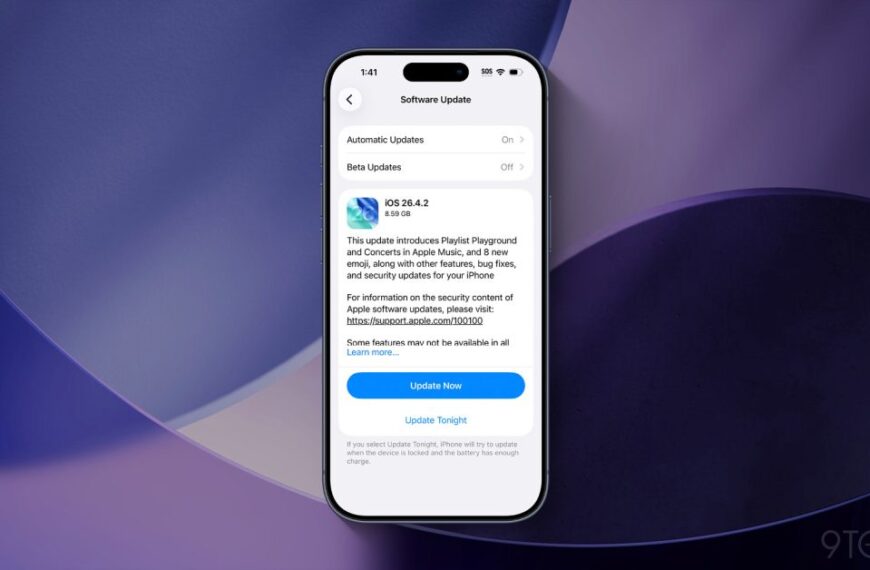
- Apple has released iOS 26.3 for iPhones, and it includes a Transfer to Android tool in the settings menu.
- This tool lets you transfer data such as photos, messages, passwords, and notes from your iPhone to an Android device.
- The tool doesn’t support health data, protected items, or paired Bluetooth devices, though.
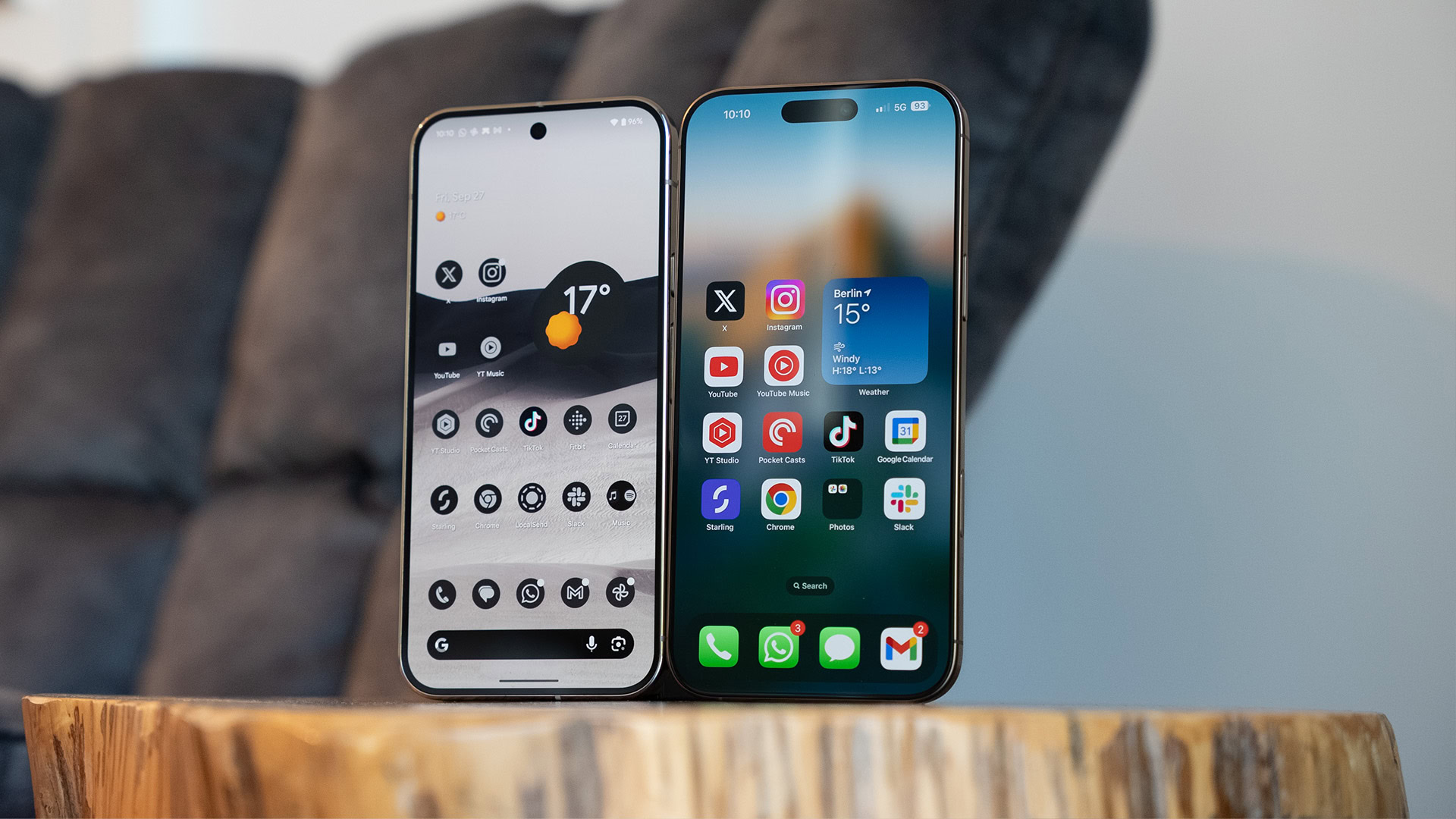
Switching from an iPhone to an Android device isn’t exactly the easiest process, although Google offers the Switch to Android app for this purpose. Thankfully, Apple has now stepped up to the plate with its latest iOS update.
Apple has released iOS 26.3, and AppleInsider reports that this update includes a Transfer to Android tool in the settings menu. The outlet reports that the tool will first ask you to place your iPhone next to the desired Android device.
Don’t want to miss the best from Android Authority?


From here, Transfer to Android will (surprise) transfer your iPhone data over to the new Android phone. Data eligible for transfer includes photos, messages, apps, and your phone number. MacRumors adds that you can also transfer notes, passwords, and Live Photos.
Unfortunately, this new tool doesn’t support health data, paired Bluetooth devices, or protected items. We can understand some of these omissions, but it would’ve been great to see health data transferred via this method as well.
Nevertheless, this solution means you don’t necessarily have to download any apps on your iPhone to switch from iOS to Android. It also comes a while after Android Canary gained a native data transfer feature, allowing users to copy data from Android to iOS.
Thank you for being part of our community. Read our Comment Policy before posting.
 By
By