

Rita El Khoury / Android Authority
TL;DR
- Spotify is testing a new, minimalist “Now Playing” screen for Wear OS, as spotted on a Galaxy Watch 7 running One UI 8 Watch.
- The UI showcases prominent album art without traditional controls. Gestures like taps and double-taps are used to play, pause, or skip tracks.
- This experience appears to be part of limited server-side testing by Spotify and isn’t yet available to all users.
Spotify has been on a roll recently, adding new features like Page Match and About the Song to give users a better music and audiobook experience. It seems the company has more features in the works, as a user has now spotted a new “Now Playing” screen for Wear OS smartwatches.
Don’t want to miss the best from Android Authority?


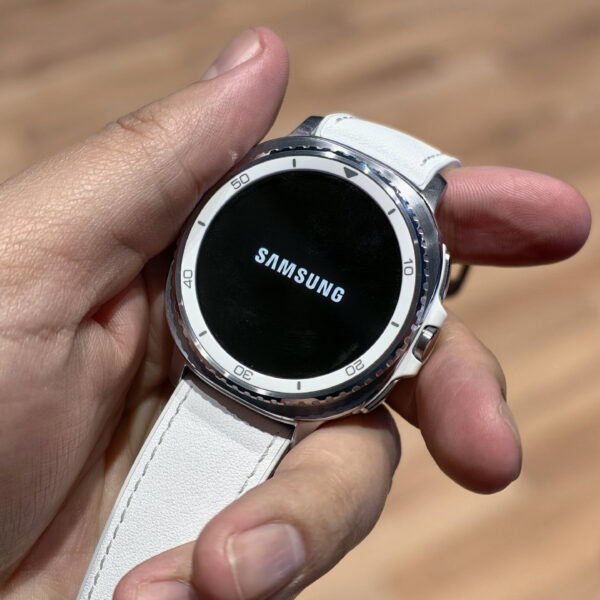
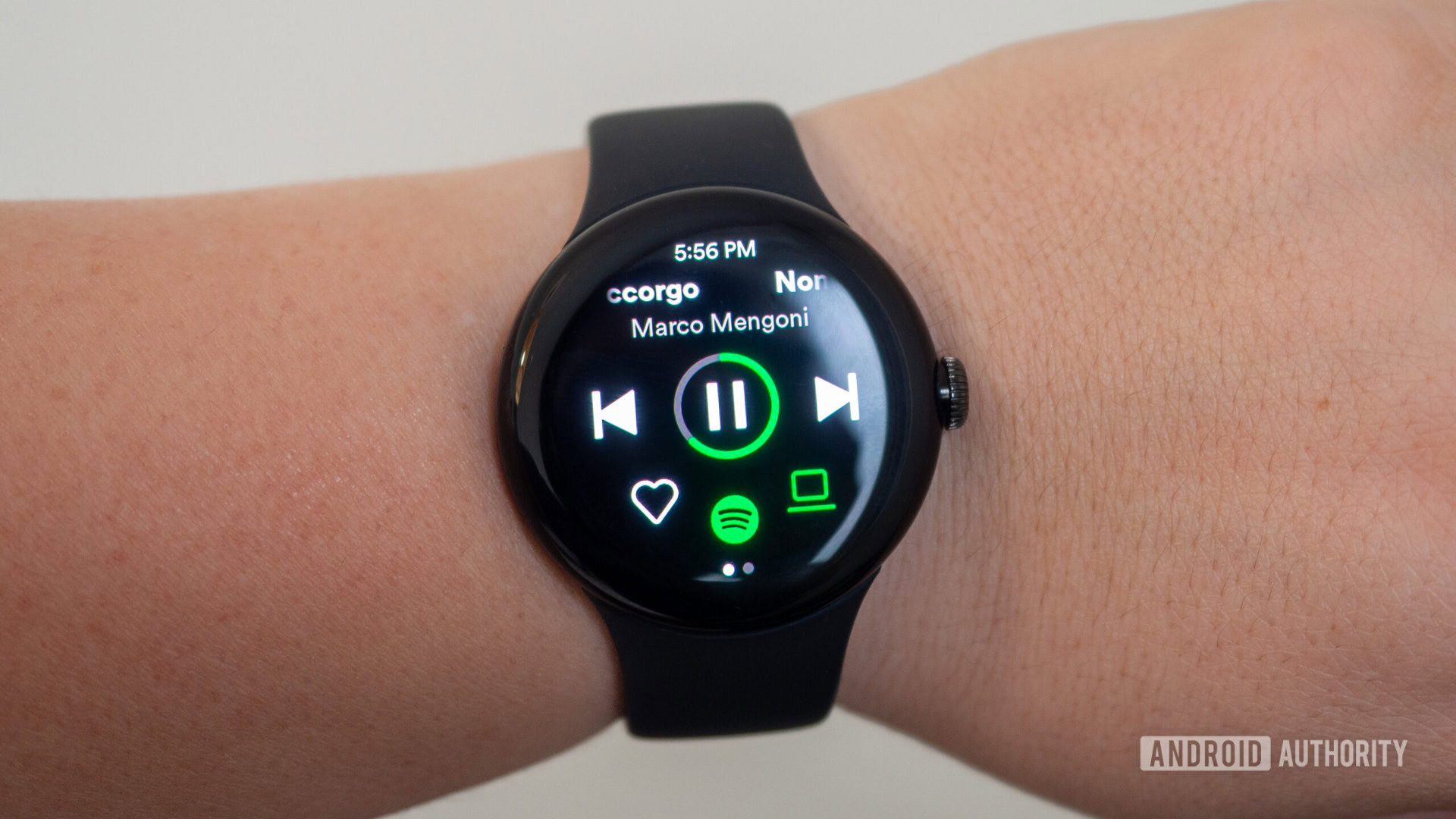
With Spotify v9.1.20.1442 installed on their phone, Telegram user @Fitzingout spotted a new “Now Playing” screen on their Galaxy Watch 7 running One UI 8 Watch. This Now Playing screen prominently features the song’s cover art and details, but no music controls.
Instead, the user can tap on the screen to pause and resume the song. A double-tap on the right goes to the next track, while a double-tap on the left goes back to the previous track.
This screen exists in addition to the usual Now Playing screen, which features prominent music controls and can be accessed by swiping up on the cover art screen.
Here’s a screen recording that the user shared with us, showing Spotify’s new “Now Playing” experience on Wear OS smartwatches:
This appears to be limited server-side testing on Spotify’s end, as we were unable to trigger the new experience on our Wear OS smartwatch. Hopefully, the company shares more details about this new Now Playing experience and rolls it out widely soon.
Thank you for being part of our community. Read our Comment Policy before posting.
 By
By