

Edgar Cervantes / Android Authority
TL;DR
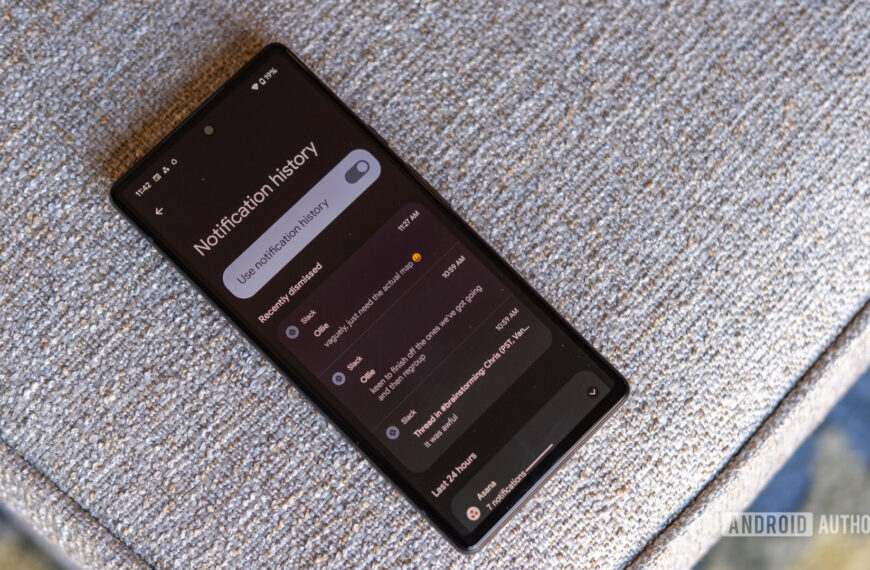
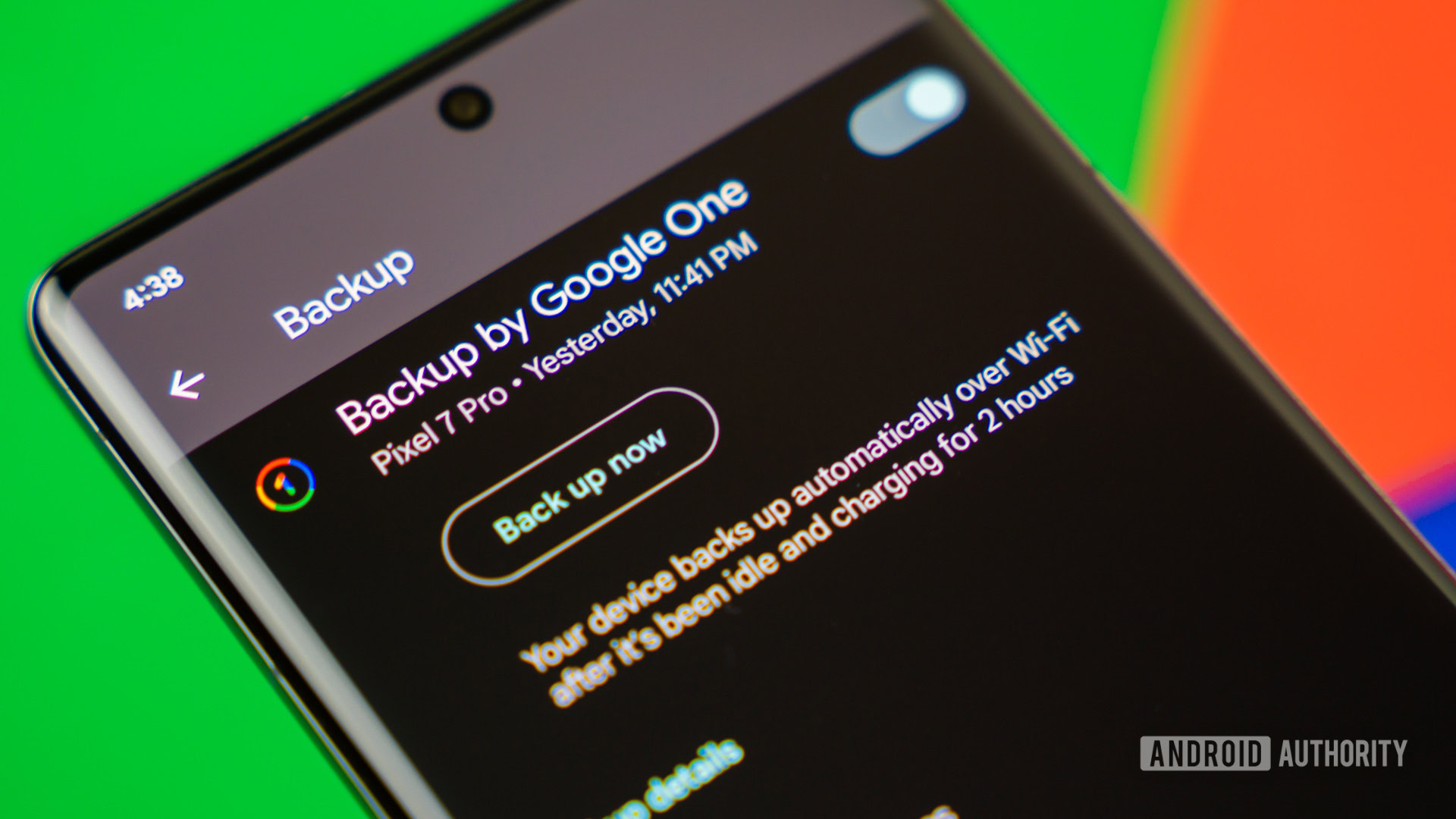
- Google is finally rolling out Drive’s new local file backup feature for Android devices.
- We’ve been tracking the feature for months and can tell you exactly how it would work.
- Android will use Google Drive to store backup copies of your downloaded files, but there are some caveats to how this will happen.
Google’s latest February Play System update is here, and it includes a short but intriguing item in the changelog:
[Phone] With the new local file backup feature, you can automatically save your downloaded documents to Google Drive, ensuring they are safe and accessible from any of your devices.
Don’t want to miss the best from Android Authority?


If that sounds familiar, it should. We’ve been tracking this exact feature for months through APK teardowns. Now that Google has finally acknowledged it publicly, we can clear up the confusion and explain what this feature is and isn’t.
For starters, this local file backup feature will only cover downloaded files on your Android device, not your entire internal storage. Android will use Google Drive to store these backup copies, similar to how Google Photos handles images and videos.
Moreover, downloaded files will be backed up as static copies, not continuously synced between your phone and Drive. That means any changes made to a file after it has been backed up will not be reflected in its Drive copy, and edits made in Drive will not sync back to the local file.
Until now, Android backups have worked in two main buckets, including photos & videos (via Google Photos) and “Other device data” like settings, call history, and some app data. Files downloaded from Chrome, email apps, or messaging services simply weren’t included in Drive backups. That meant PDFs, resumes, tickets, invoices, and installers stored in the /Downloads folder were effectively not backed up unless you manually uploaded them somewhere. This new feature finally closes that gap.
That said, based on the UI strings and warning screens we’ve seen in development builds, Google appears to be focusing on common document-style file types, so not every file format may be supported.
When will you actually see it?
As with most Play System features, the new local file backup feature should have a server-side rollout. It’s not going to land on your phone today, or anytime soon, given Google’s slow, gradual rollout of Play System updates.
Thank you for being part of our community. Read our Comment Policy before posting.
 By
By