

TL;DR
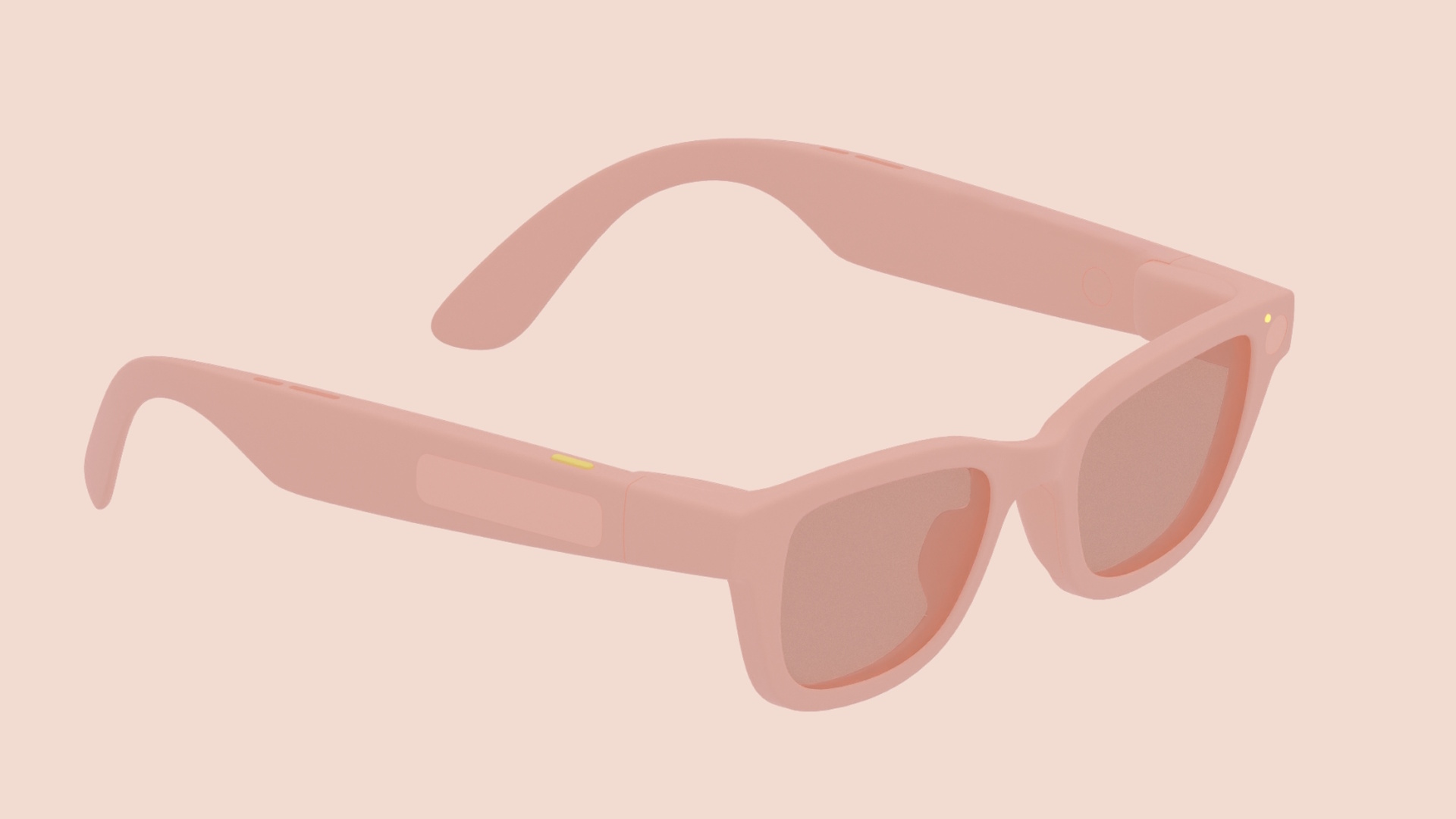
- Google’s Android XR documentation details two types of glasses: AI glasses and Display AI glasses with screens.
- The devices will feature physical buttons for cameras and displays, plus a touchpad for Gemini and gestures.
- UI design emphasizes rounded corners and power-efficient colors like green to manage heat and conserve battery life.
Don’t want to miss the best from Android Authority?


As spotted by 9to5Google, Google’s documentation identifies two form factors for glasses:
- AI Glasses feature speakers, a microphone, and a camera.
- Display AI Glasses feature a small screen, though the user can turn it off at any time. These Display AI Glasses are further classified into:
- Single display models are referred to as monocular.
- Dual screens are binocular and will be available later.
Google is mandating a few key physical controls for all glasses, namely a power switch/button, a touchpad (1), and a camera button (3). Models with displays will also feature a display button (2) on the underside of the stem to control them.

The camera button can be pressed once to take photos and held to take videos. A touch-and-hold on the touchpad will launch Gemini, and so will the wake word. A swipe down on the touchpad is interpreted as the system back gesture on Display AI Glasses, while a two-finger swipe controls the volume on all types of glasses.
Google is also mandating two LEDs on all glasses, one for the wearer and one for bystanders. These are considered system UI indicators; they provide visual feedback on device features and states and cannot be changed.

On Display AI Glasses, Android XR will present a Home screen that Google says is inspired by your phone’s lock screen. Home serves as a base for users, providing minimal, contextually relevant information and actions.

Notifications will appear as pill-shaped chips and expand to reveal their content when in focus.

Google’s guidance to app developers also notes that sharp corners should be avoided in UI elements. Apps will also need to account for color when designing for see-through displays. The company says that green is the least power-hungry color to display, while blue is the most. App developers should also minimize the number of pixels they light up, as the brighter the screen, the hotter the display will get (and use a lot of battery too).
The design documentation is great insight into how apps will function on AI Glasses. While it’s prudent to keep expectations grounded, I can’t wait to see how the next generation of Android experiences shape up with the new form factor.
Thank you for being part of our community. Read our Comment Policy before posting.
 By
By