

Andy Walker / Android Authority
TL;DR
- Google Maps users are noticing that they can only view a single image of a location when signed out.
- These users report that they have to sign in to their accounts to view multiple images.
- It appears that reviews also aren’t viewable unless you sign in.
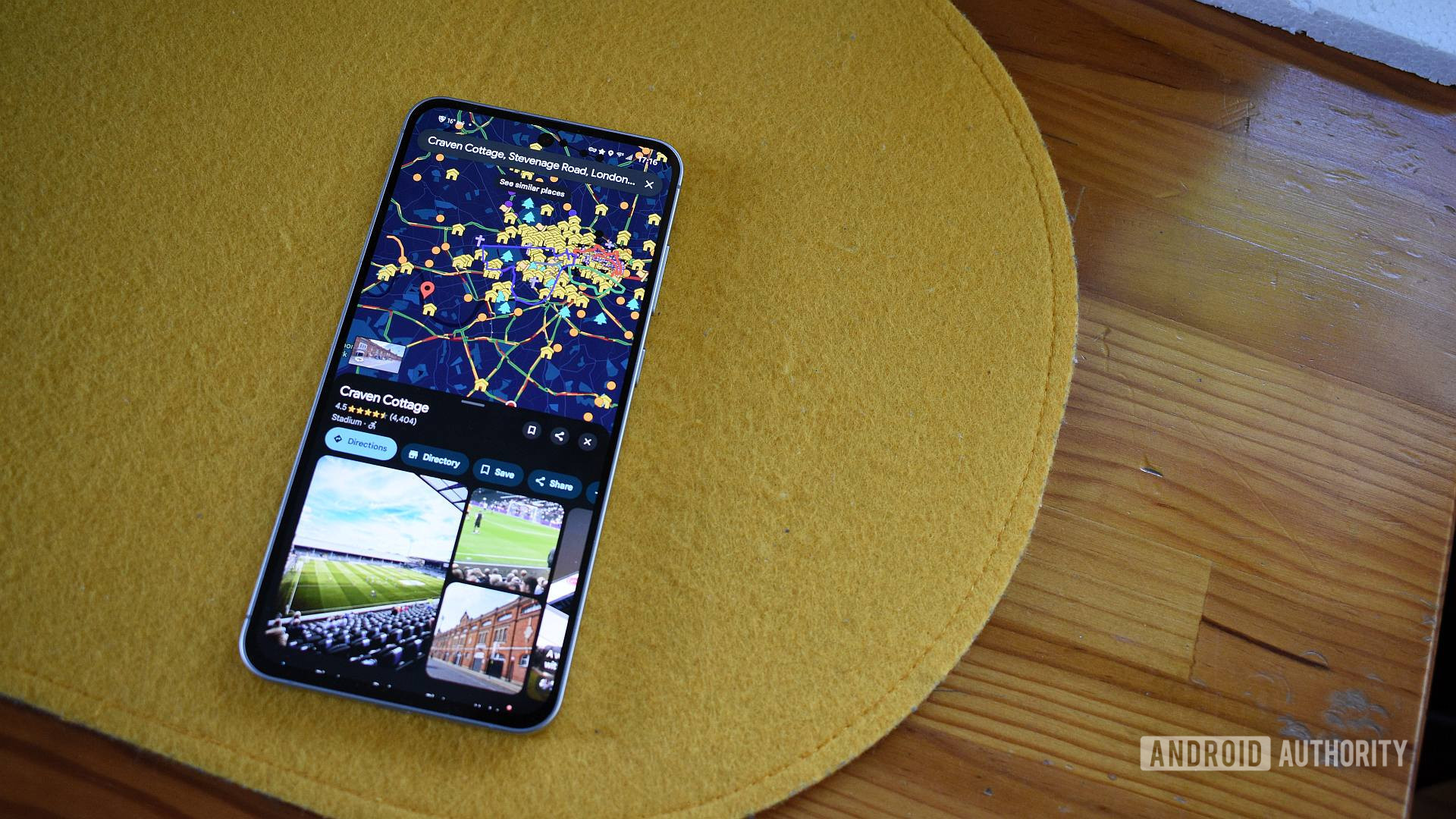
Something nice about Google Maps is that you can use it whether you’re signed in to your Google account or not. You can check out restaurants, get directions, search for locations, and more. However, you’re not quite getting the full experience as some features do require you to be logged in, like viewing your recent trips or saved places. Some users are noticing that Google may have added a sign-in requirement for two more features.
Don’t want to miss the best from Android Authority?


If you want to get a feel for a place before you visit, you can click on the destination to view images submitted by Google Maps users. While the number of images can vary depending on the site’s popularity, most public spots usually have multiple images to browse through. For example, if you click on the Statue of Liberty, there are more than enough shots to see the monument from every angle.
If you want to look at all of these images, it appears you may need to sign in to your Google account first. Several users on Reddit report that they can now only view a single picture for a public place when signed out. Only after signing in are they able to look at more photos. This happens to be the case for all locations, including highly trafficked destinations.
In the screenshots above, I tried accessing photos for the Statue of Liberty while logged in and logged out. As you can see, when I’m signed in, there’s a sidebar where I can scroll through multiple images. However, when I’m signed out, there’s only one photo available. It’s unclear if this is just a bug or if this is an intentional change made by Google.
Additionally, it appears that reviews are also inaccessible unless you sign in. This information can usually be found in the sidebar, near the bottom. If you’re signed out, this information simply isn’t there.
We have reached out to Google for comment. This article will be updated once new information becomes available.
Thank you for being part of our community. Read our Comment Policy before posting.
 By
By