

AssembleDebug / Android Authority
TL;DR
- With the addition of support for Calling Cards, Google Contacts can now have multiple photos assigned to each person.
- The app is working on a new UI to emphasize the Calling Card, and downplay the old contact photo.
- We also see Contacts further preparing for the ability to share your own Calling Card with others.
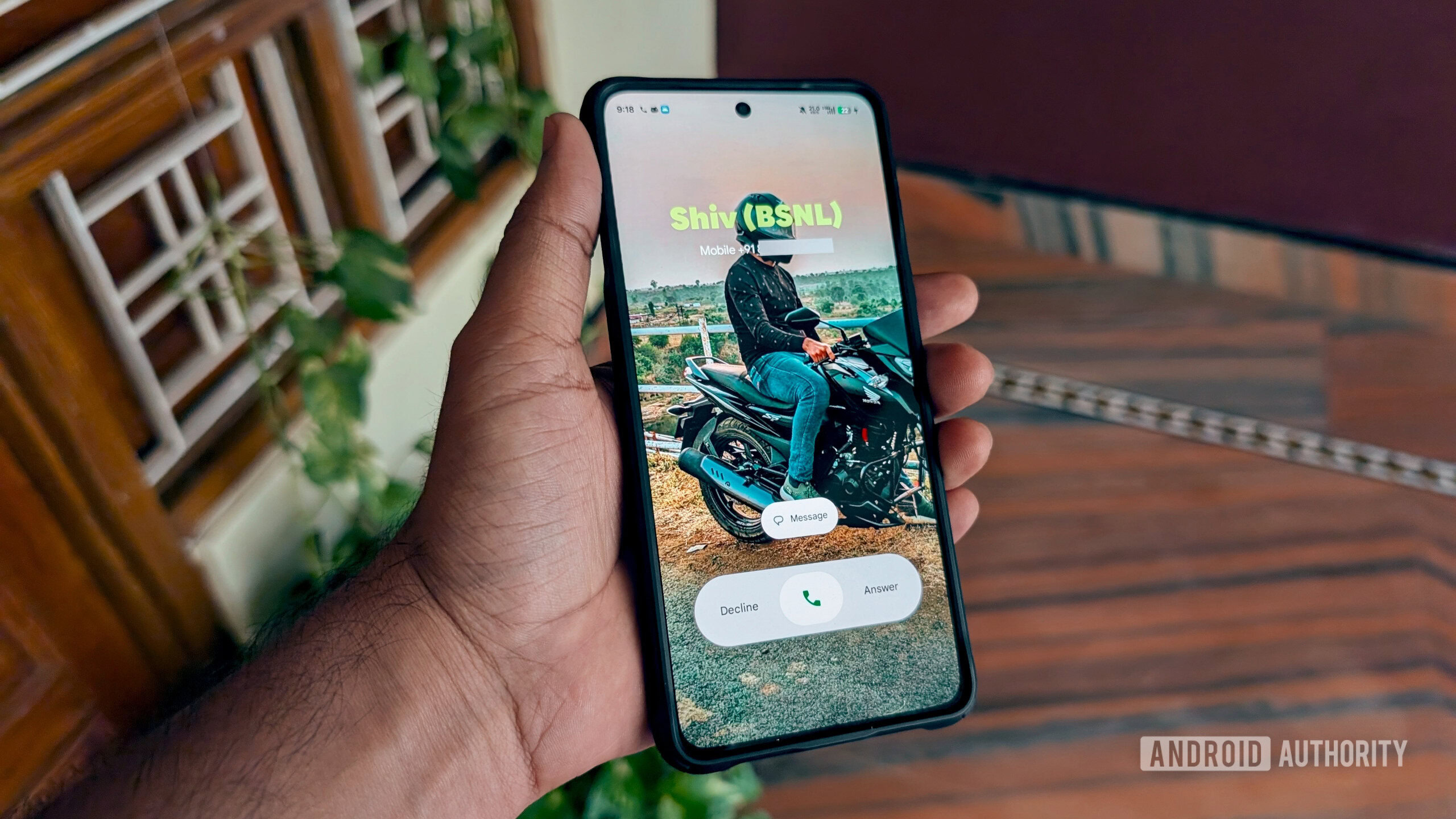
Last year, Google really spruced up how we’re alerted about the people trying to get in touch with us, through the introduction of Calling Cards. We can already set custom photos for our contacts, to be displayed when they call us, and it looks we’ll soon have the ability to configure our own Calling Card. As Google works on finishing that up, we’ve spotted another change that could impact how user photos are displayed in the Google Contacts app.
With the addition of Calling Cards, the Contacts app quietly developed a too-many-photos problem. There was already the option to define a photo for each contact, and now we have the big Calling Card pic, as well. So far, Contacts has been showing both of those on its contact detail screens, as you see to the left below. But with version 4.73.27.871645217 of the Android app, devs have started work on a new layout for those screens.
The current look makes both photos quite prominent, and consequentially comes across as a little busy. This new look isn’t live in the app just yet, but if and when Google makes the change, we could start seeing these screens minimize the old contact photos and really let the Calling Card photos shine through. That also has the side effect of just freeing up a lot more screen real estate for contact info.
When no Calling Card has been set up for a contact, the app will keep on just showing the old contact photo, the same as it does now.
Don’t want to miss the best from Android Authority?


Beyond that, we’ve also spotted a couple other Calling Card-related tweaks currently in the works for Contacts. Remember when we brought you that early look at setting up your own with “My Calling Card” last month? We saw that in-development UI include options that allowed you to control who you shared your Calling Card with:
With that on the way, it only makes sense that we should see some kind of sharing message on the receiving end, as well. Sure enough, we’ve spotted a new text string in the app:
Code
Calling card shared by %s Finally, we’re seeing work towards an updated notice that Contacts will display when you go to block someone, now explicitly referencing their Calling Card:
Calling Cards have been maybe the best new feature to come to the Contacts app in a long time, so we’re happy to see that Google’s continuing to give them the attention they deserve.
⚠️ An APK teardown helps predict features that may arrive on a service in the future based on work-in-progress code. However, it is possible that such predicted features may not make it to a public release.
Thank you for being part of our community. Read our Comment Policy before posting.
 By
By