

Tushar Mehta / Android Authority
TL;DR
- Spotify has enhanced its Mix feature by adding Smart Reorder, which automatically rearranges playlists based on BPM and musical key to create smooth, DJ-like transitions.
- Users can still customize individual song transitions or let Spotify handle them automatically for an optimized listening experience.
- Compared to Apple Music’s simpler AutoMix and YouTube Music’s lack of transition features, Spotify offers greater control and sophistication in managing playlist flows.
One of the key features in iOS 26 was AutoMix for Apple Music. This feature uses AI to create DJ-like seamless transitions between songs. While iOS 26 was still in beta, Spotify released a similar Mix feature, but gave users much more control if they wanted. Spotify is now doubling down on the feature with seamless transitions, now achieved by automatically reordering your playlist.
Don’t want to miss the best from Android Authority?


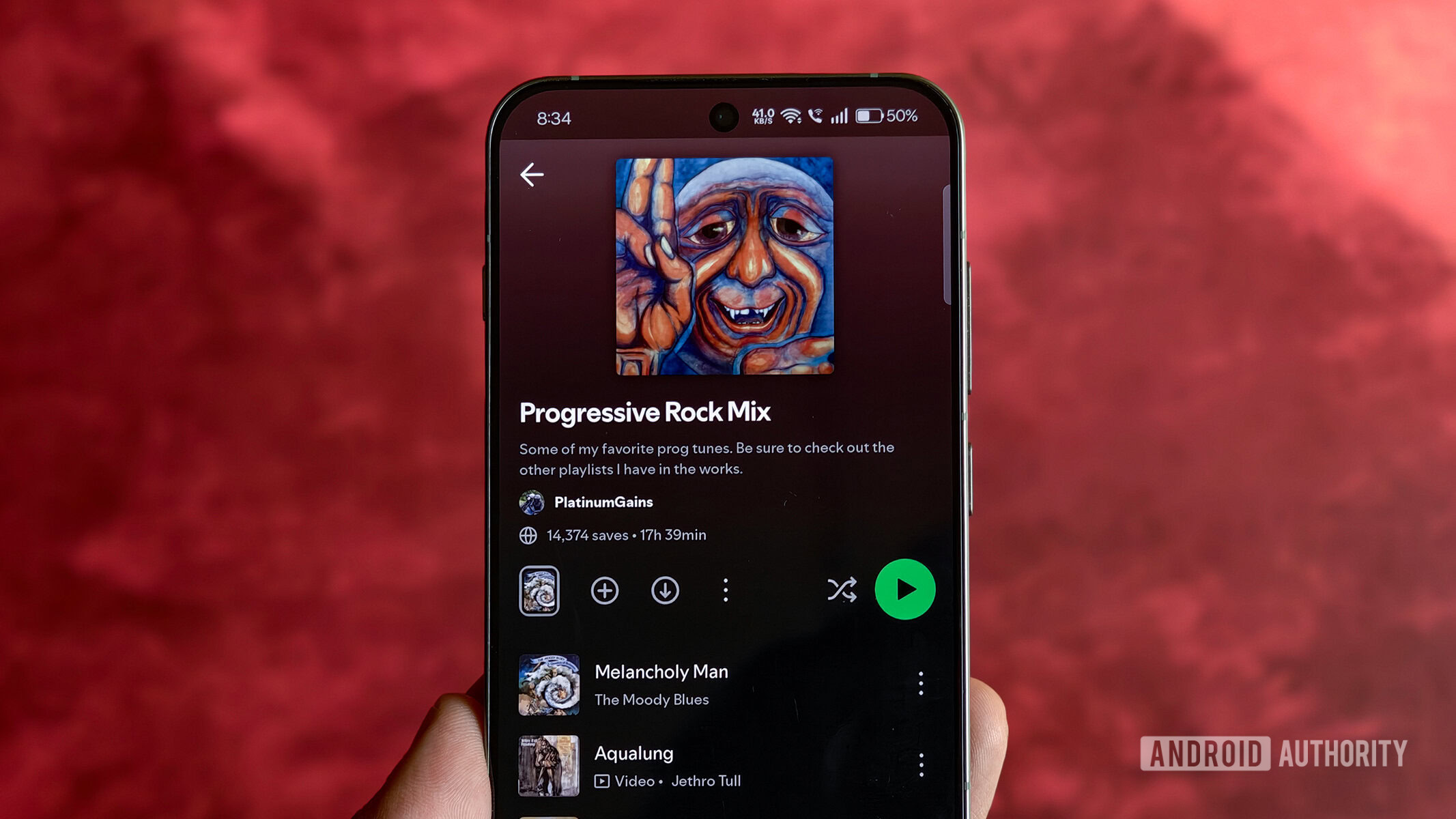
Spotify’s Mix feature already lets users set transitions between songs in their playlist. Users can choose the “Auto” option for an instant blend, select presets like “Fade” and “Rise,” or experiment further with volume, EQ, and effects for the best possible transition.

While this granularity and control feels liberating, it can also feel overwhelming to users who don’t want to jump into the weeds and just want the best flow for their playlist. For these users, Spotify is now introducing Smart Reorder, a new feature for Spotify Premium users that lets them easily and automatically rearrange playlists based on BPM and key.

To use the feature, open a playlist that you’ve created, and then tap Edit. Here you’ll now spot a new Smart Reorder button at the bottom. Tapping it will reorder your playlist based on its key and beats per minute. You can still go ahead and set individual transitions between songs, or let it transition automatically.
Apple Music’s AutoMix feature feels basic in comparison, though its simpler execution has won it its fair share of fans. On the other hand, YouTube Music has completely ignored adding any such “AutoMix” transition-related feature. In fact, the app lacks even a simple crossfade feature. Spotify’s control over playlist transitions should thus be a breath of fresh air for users looking to make the perfect playlist.
Thank you for being part of our community. Read our Comment Policy before posting.

 By
By