

Paul Jones / Android Authority
TL;DR
- Screenshot Analyzer on the Galaxy S26 series sorts your screenshots into categories.
- It’s built into the Gallery, making it easy to access.
- Screenshot Analyzer will let you quickly go back to the source of some screenshots.
As we’ve come to expect in modern smartphone launches, new AI features take center stage over everything else. That’s certainly the case with the Samsung Galaxy S26 series, which Samsung is marketing as an “AI phone” instead of a smartphone. Sickening marketing terms aside, some new AI features found on the Galaxy S26 and One UI 8.5 look useful, and one of them upstages something Google has on its Pixel phones.

Hadlee Simons / Android Authority
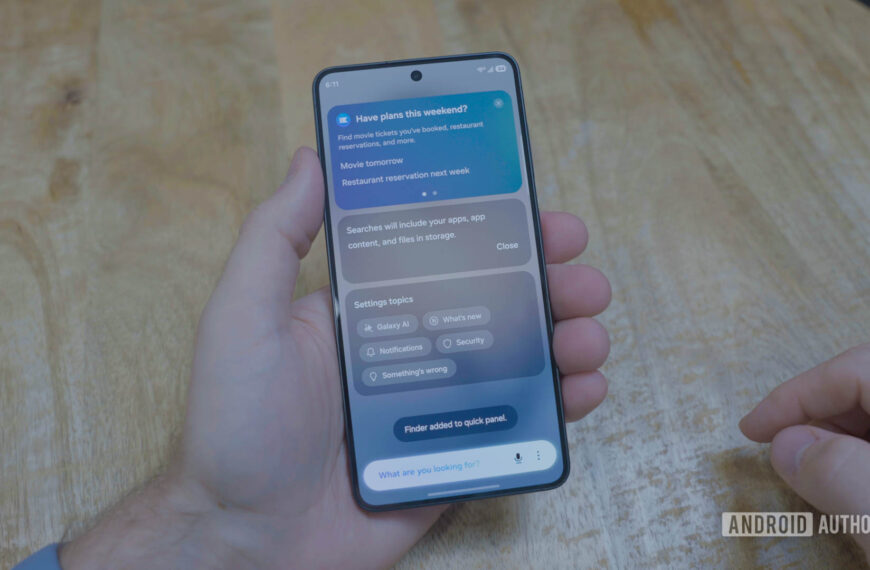
The AI feature in question is called Screenshot Analyzer. All of your screenshots will be scanned and categorized by Galaxy AI. Those categories include social media, boarding passes, coupons, chats, barcodes and QR codes, and more. If you’re anything like me, any tool that makes sorting through the masses of screenshots on my device is welcome.
Once you’ve found the photo you need, Screenshot Analyzer continues to be helpful. Depending on the type of screenshot, you’ll be able to return to its source. You can already do that with screenshots of web pages, but Samsung says it will even work with screenshots of conversations, although it hasn’t specified whether it’ll just open the relevant app or somehow navigate you to the specific chat.
Don’t want to miss the best from Android Authority?


Google added similar features starting with the Pixel 9 series, but rather than baking them into Google Photos, it made them a separate app, which is less convenient. I open the Pixel Screenshots app accidentally more often than on purpose. Samsung has avoided making this mistake by building Screenshot Analyzer right into the Gallery, so you’ll find it in the place you already go to find your screenshots.
There’s no word yet on whether this is a Galaxy S26-specific feature or if it will eventually come to existing devices as part of the One UI 8.5 update. Hopefully, it will be the latter.
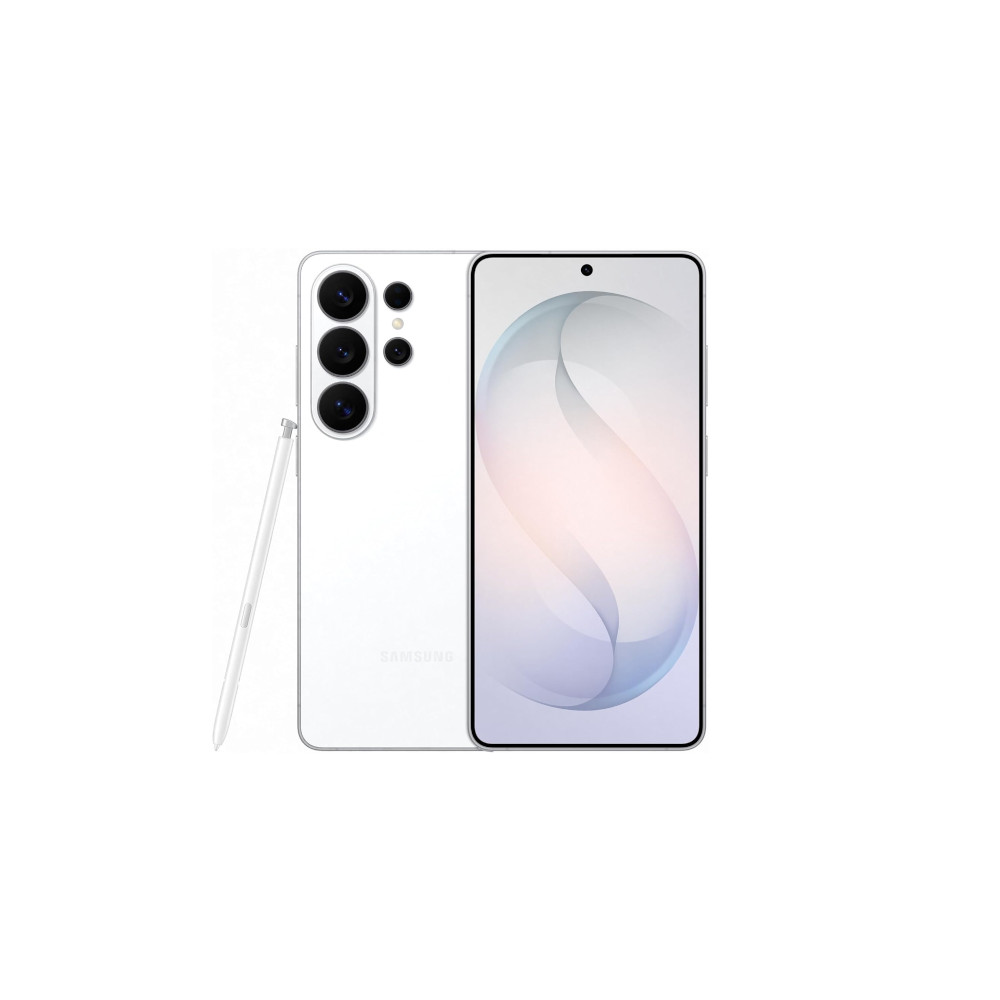
Samsung Galaxy S26 Ultra
Privacy display • Snapdragon 8 Elite Gen 5 for Galaxy • Power AI features •
Powerful flagship with top-tier cameras, AI, and privacy features.
The Galaxy S26 Ultra is Samsung’s slimmest and lightest Ultra yet, pairing a 6.9-inch 10-bit display with the Snapdragon 8 Elite Gen 5 for Galaxy and a redesigned cooling system. It doubles down on imaging with a brighter 200MP main camera, upgraded zoom, advanced 8K video features, and Ultra-exclusive privacy and Galaxy AI tools.
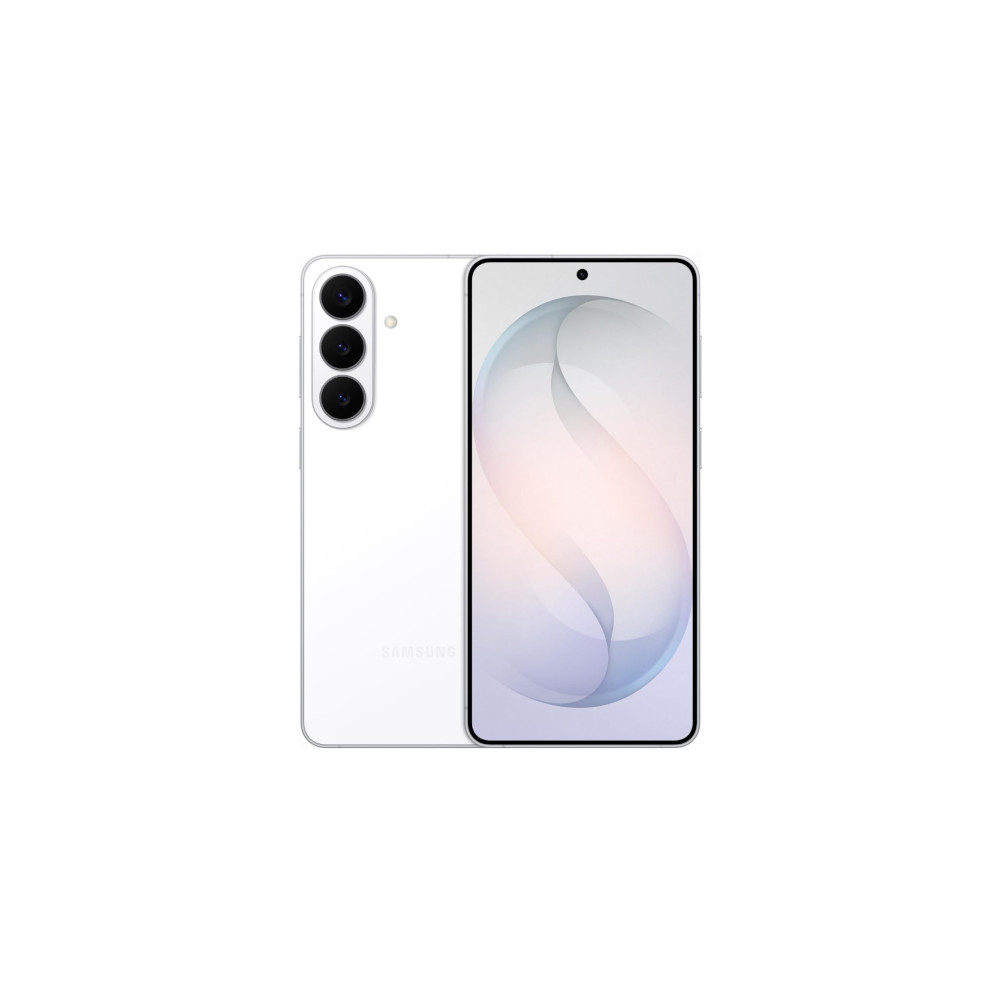
Samsung Galaxy S26 Plus
Powerful performance • New Galaxy AI features • Faster Wireless charging
A balanced middle-ground option with a large display, long-lasting battery, and faster charging.
The Galaxy S26 Plus sits in the sweet spot of the lineup, offering a large display, a big 4,900mAh battery with faster wireless charging, and the same powerful Galaxy AI features as its siblings, without stepping all the way up to Ultra pricing.
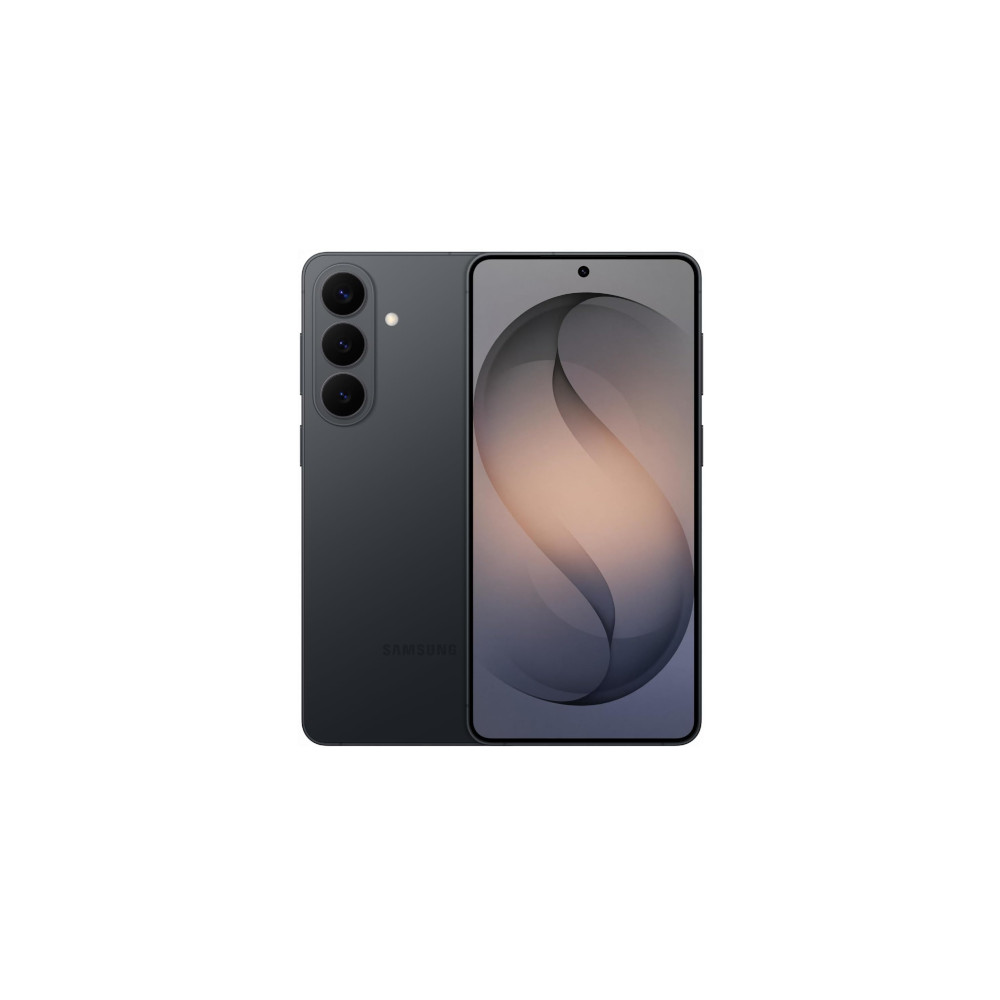
Samsung Galaxy S26
Powerful performance • New Galaxy AI features • Bigger Battery
Compact flagship with Galaxy AI and strong performance
The compact flagship of the lineup, pairing a slightly larger display with solid battery life, fast performance, and the full suite of Galaxy AI features in a more affordable package.
Thank you for being part of our community. Read our Comment Policy before posting.
 By
By