
TL;DR
- Samsung has expanded the capabilities of S Finder.
- The app has gained semantic search powers.
- S Finder also now has an icon on the home screen.
Samsung has finally launched the next iteration of its flagship series, the Galaxy S26. As you navigate your new phone, you may need help finding apps, settings, files, and so on. Samsung has long offered an app that can help with this very task, called S Finder. To make this app even more helpful, Samsung is giving S Finder a big upgrade.
Don’t want to miss the best from Android Authority?


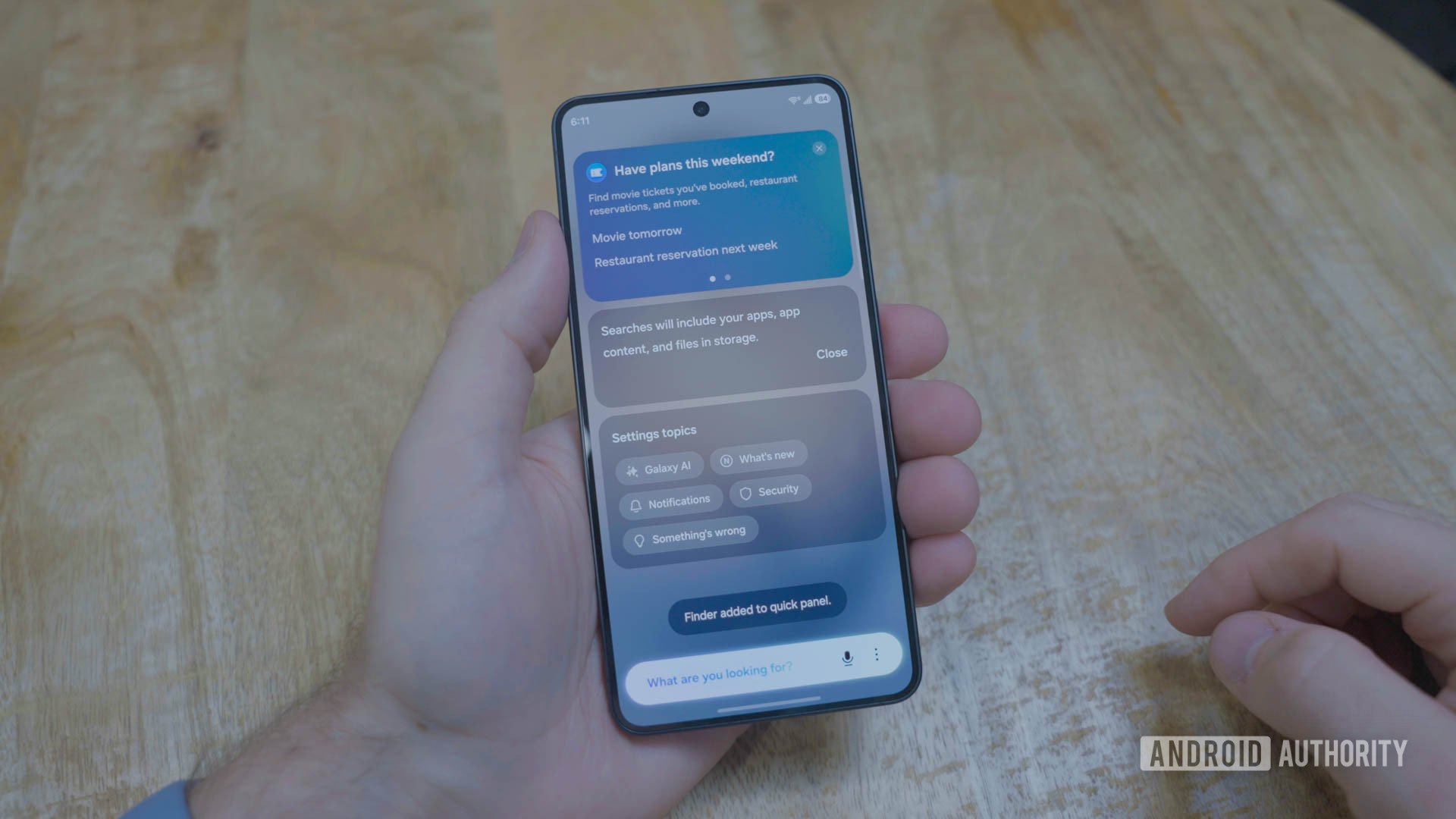
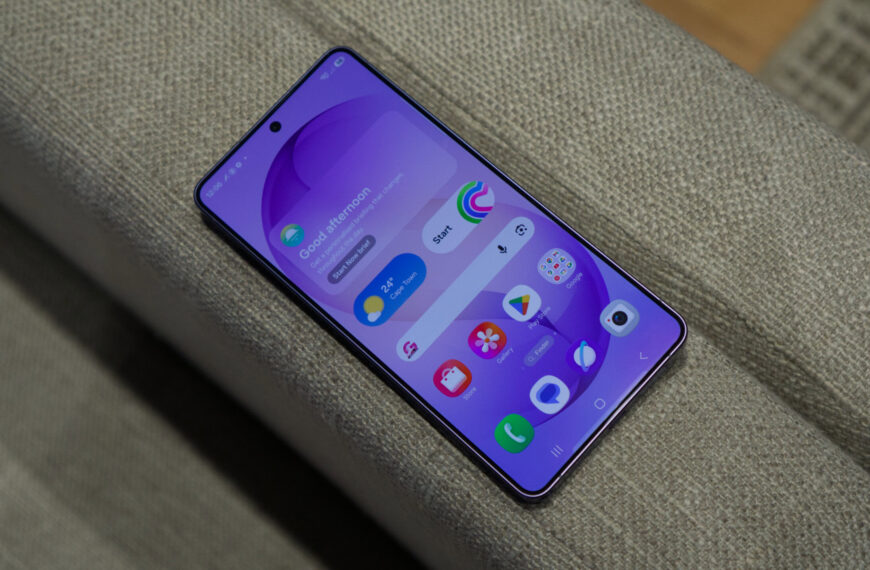
Previously, if you wanted to access S Finder, you would first have to open the app drawer and tap search. Now, Samsung has given the feature its own place on the home screen. As a result, you now have immediate access to the tool without the extra steps.
While having a home screen shortcut is a nice touch, that’s not the only change that was made. Samsung has given S Finder access to your messages and notifications, in addition to your apps, settings, and files. With this new level of access, Samsung has also added a new function to the app called semantic search.
With semantic search, S Finder will be able to answer questions based on the messages and notifications you receive. For example, if you received a message that a delivery would arrive at 5 PM tomorrow, you could ask S Finder when your delivery will arrive. It will then provide an answer, remembering what the notification said.
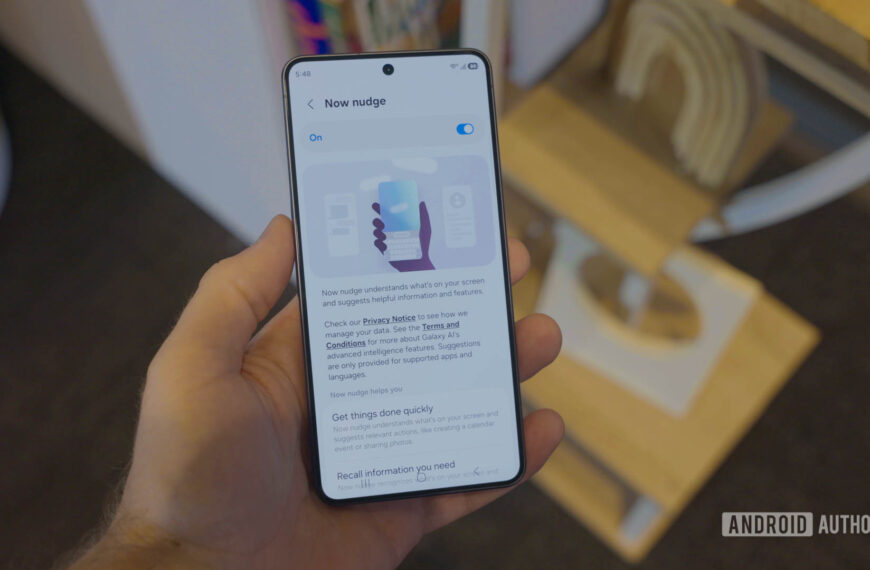
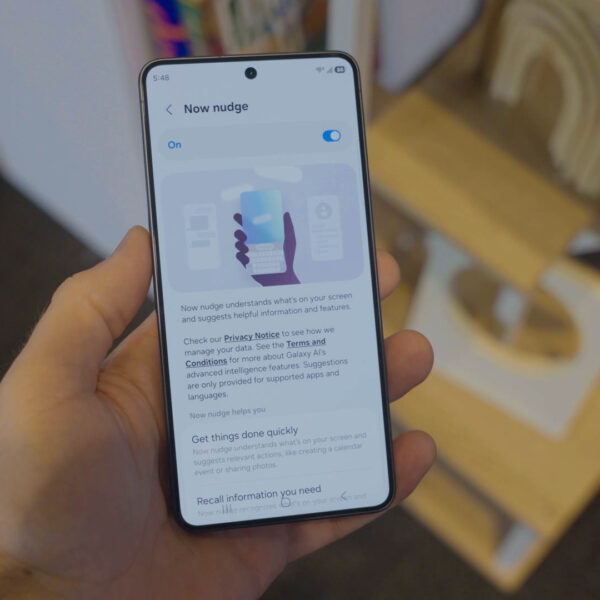
Semantic search is just one of the many new experiences Samsung baked into the Galaxy S26. The tech giant also gave the series its own version of the Pixel 10’s Magic Cue, called Now Nudge. And Samsung added notification prioritization and summaries, just to name a few of the new features.
Thank you for being part of our community. Read our Comment Policy before posting.
 By
By