

Rita El Khoury / Android Authority
Did you know that Google has a secret home screen widget for your camera app? When the Pixel 8a shipped in 2024, it came with this new “Snapshot” widget that lets you snap an instant photo with your camera and immediately pin it to your home screen. The widget remained under the radar, even though it showed up again on the Pixel 9a in 2025, but it never made it to any other phones beyond these two.
I just stumbled across the widget while digging through my Pixel 9a and realized it was tied to a standalone APK from Google called “Family Space.” After extracting the APK, I sent it to my other phones — Pixels, Samsung, Nothing, and OnePlus — and it worked there too. Here’s how to get it on your phone’s home screen.
How to get Google’s Snapshot widget

Rita El Khoury / Android Authority
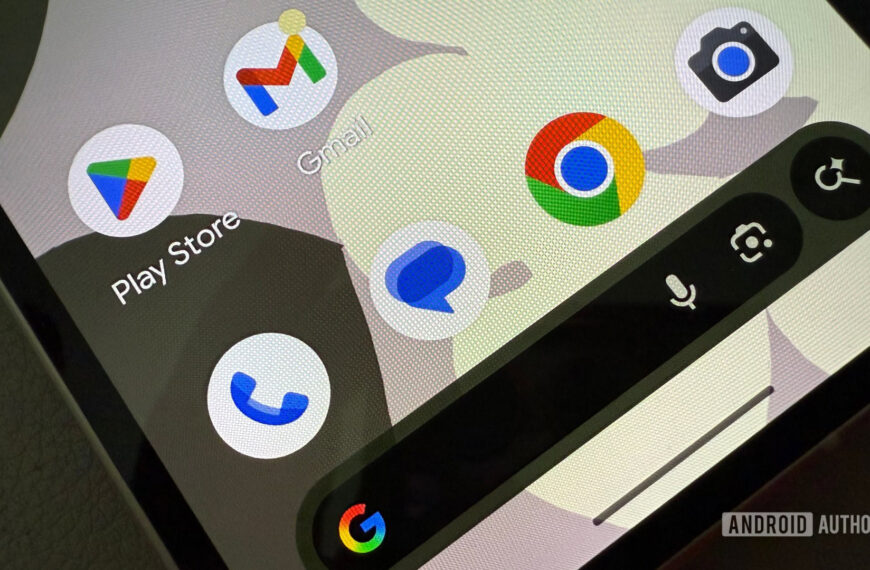
As far as I can tell, the Snapshot widget is only pre-installed on the Pixel 8a and 9a. There, you’ll find it under the full widget menu under Snapshot. Easy peasy.
Any other device will have to sideload it first. The package name is “com.google.android.apps.pixel.familyspace”. You can grab the file I extracted from my Pixel 9a from this Google Drive link. (It should soon be available on APK Mirror, too.) Download it to your phone and install it. You might run into a hiccup where Google says you need permission to install this file — that’s normal. Just give it permission, and you can always take it away later.
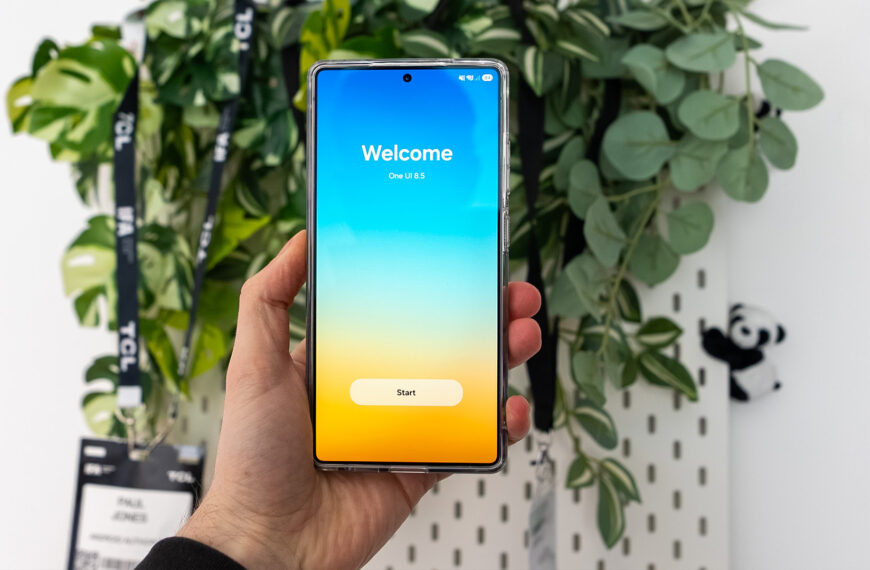
When it’s installed, go to your home screen and try to add a new widget. You’ll find the new widget either under Snapshot (Pixels) or Family Space (other phones). Add it to your home screen and resize it to fit as much or as little space as you want.
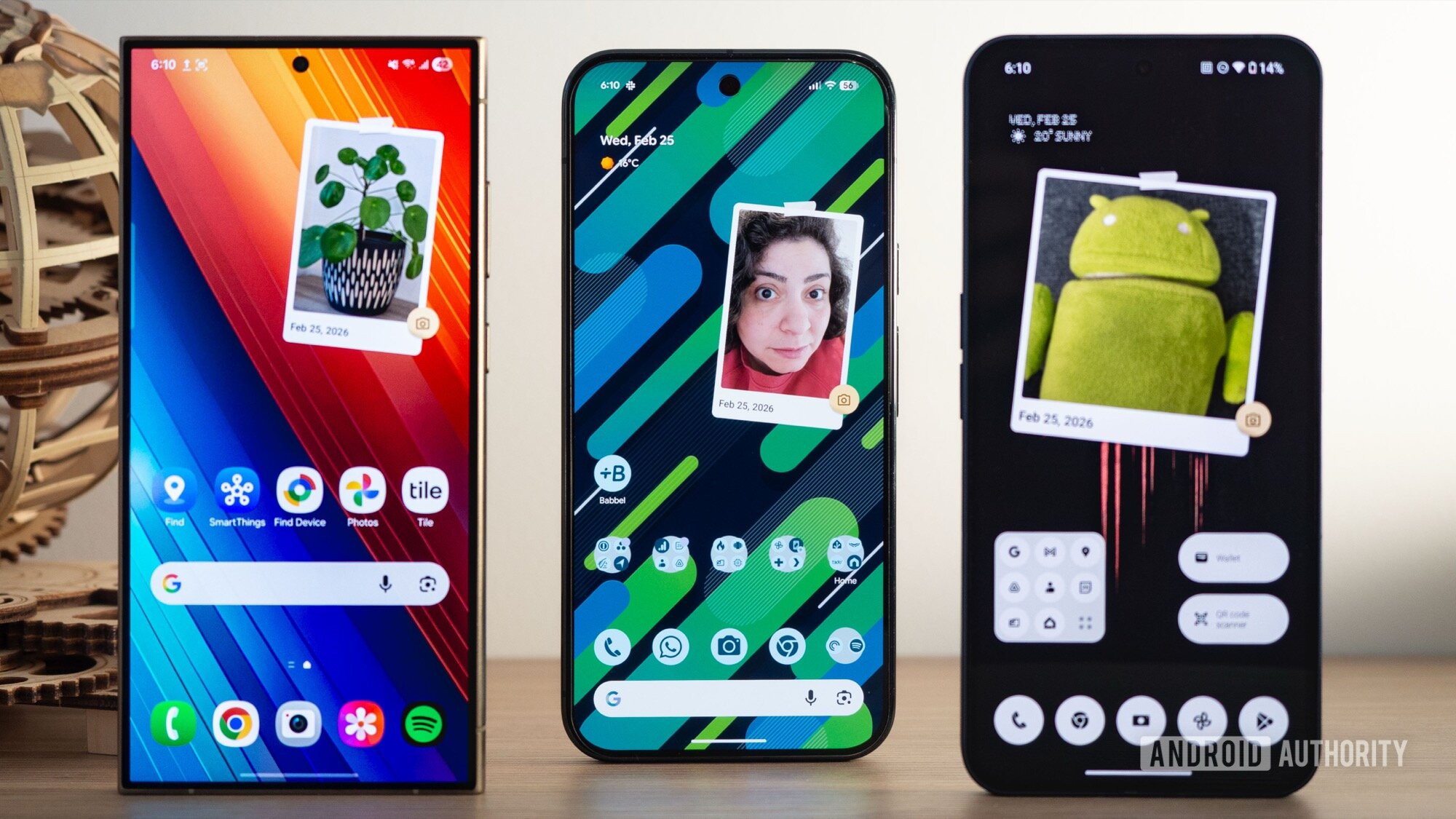
I’ve tried this on my Pixel 10 Pro XL, Samsung Galaxy S24 Ultra, Nothing Phone 2, and my colleague tried it on a OnePlus 13R. It worked on all of them. It’ll probably work with other Android skins and brands, too.
What Google’s Snapshot camera widget does

Rita El Khoury / Android Authority
The Snapshot widget is extremely simple and pretty barebones. At first, it shows up like a printed placeholder photo taped to your home screen. Tap the camera icon to open the default camera app on your phone, take a picture, approve it, and it will show up inside the widget.
It’s as simple as that, really. The photo will be saved like any normal pic on your phone. Tapping the widget opens the pic to let you edit it, but any edits you make won’t affect how the photo is displayed on your home screen. You can’t pin a previously-shot photo to the Snapshot widget; you can only take a new photo and set it immediately.
Just think of this Snapshot widget as an instant camera addition to your phone’s camera. It shoots a pic in the moment and pins it to your home screen the same way you’d grab a pic with an instant cam, print it, and pin it to your fridge or the board in your living room.
I’m not sure why Google has chosen to keep this particular feature as a Pixel A series-exclusive, without ever talking about it or marketing it. But hey, at least now you know how to get it on your phone, in spite of Google.
Don’t want to miss the best from Android Authority?


Thank you for being part of our community. Read our Comment Policy before posting.
 By
By