

Joe Maring / Android Authority
TL;DR
- Google app v17.8.59 contains code suggesting that the “Projects” feature in Gemini could be renamed “Notebooks.”
- The Notebooks feature appears to sync with NotebookLM, allowing users to share files and chats across both platforms.
- Notebooks will let users group chats by topic, upload multiple sources, and set custom instructions for the AI.
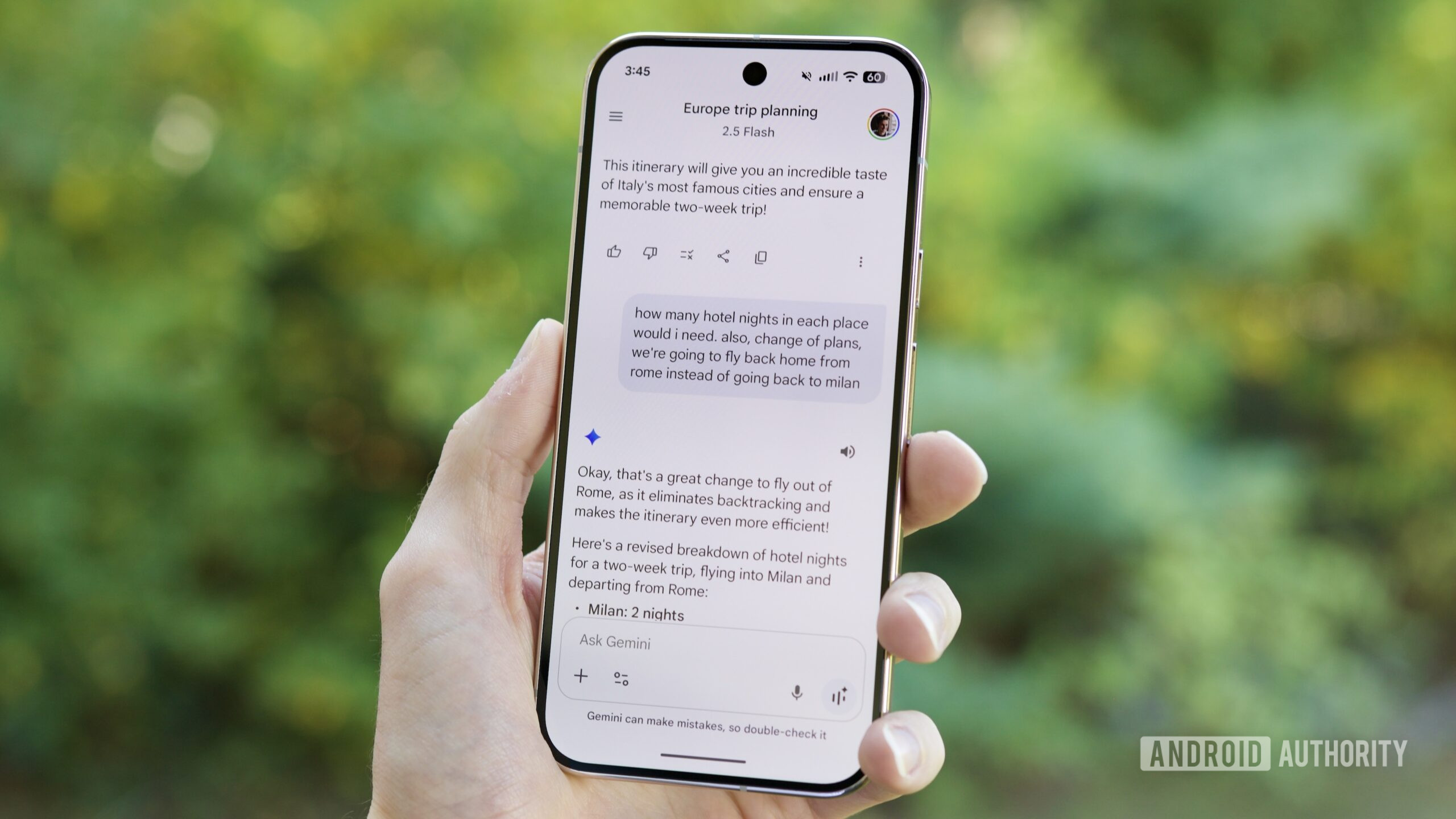
Gemini is a great tool that comes in handy in several situations, but keeping your conversations and files tidy and organized has remained a challenge for frequent users. Other AI assistants allow you to group and organize files and conversations into “projects,” and we had spotted that Google was also working on a Projects feature of its own. We now have new clues on what Projects could be, and it seems Google wants to not only rename the feature to Notebooks, but also tie it into NotebookLM functionality.
Google app v17.8.59 includes code that sheds more light on Gemini’s upcoming “Projects” feature, pointing to a potential rename and a tie-up with NotebookLM.
Code
• Introducing Notebooks
• Level up your projects | Powered by NotebookLM
• Notebooks keep your work and ideas organized. You can add context and tell Gemini how to help.
• Add files that Gemini can reference in your notebook
From these strings, it seems the “Projects” feature will be renamed “Notebooks,” aligning with NotebookLM’s branding.
Code
• Notebooks are available in both Gemini App and NotebookLM. Like NotebookLM, the files you add to your Notebook as a Source in Gemini App are not used directly for training our foundational models. Chats with your Notebook in Gemini Apps are saved according to your Keep Activity settings and used as described in Gemini Apps Privacy notice. You can still add Source files to your Notebooks, even if your Keep Activity setting is off. Learn more.Users will be able to add files to their Notebook in both Gemini and NotebookLM. The files added to Notebooks will serve as a source in Gemini but will not be used directly to train Gemini’s foundational models.
Code
• Group chats by topic
• Upload up to %1$d sources
• Set custom instructions
With Notebooks, users will be able to group chats by topic and set custom instructions, similar to what we had discovered for Projects.
Code
• Add to notebook
• Move to notebook
• Rename notebook
• This will permanently delete all chats and files in this notebook from Gemini and NotebookLM. To save any chats, you can move them first.
The last string mentioned above indicates that deleting a Notebook will delete all chats and files from both Gemini and NotebookLM. This indicates that a Notebook you create in Gemini will be available in NotebookLM and vice versa as well.
Don’t want to miss the best from Android Authority?
Set us as a favorite source in Google Discover to never miss our latest exclusive reports, expert analysis, and much more.
You can also set us as a preferred source in Google Search by clicking the button below.


The strings don’t mention this, but the two services serve different use-cases: NotebookLM strictly restricts itself to the uploaded source material, while Gemini also references the internet at large. With Notebooks, users may be able to switch between the two use cases without having to manage files in two separate places.
Curiously, strings related to Projects still remain in this version of the app, so we’re a little confused about what Google could be trying to achieve here. From the clues we see, a rename of Projects to Notebooks seems imminent, but nothing is final until the company releases the feature to everyone. We’ll have to wait for newer app versions to provide further insight or for Google to make an announcement for further clarity.
⚠️ An APK teardown helps predict features that may arrive on a service in the future based on work-in-progress code. However, it is possible that such predicted features may not make it to a public release.
Thank you for being part of our community. Read our Comment Policy before posting.

 By
By