

Jay Bonggolto / Android Authority
TL;DR
- Google News may soon let you read transcripts of its AI-generated audio news briefings.
- The feature would let you pause the audio and read the briefing summary instead of listening.
- We enabled the transcript button within the app, but it’s still in testing with no guarantee it will roll out.
Getting a quick news digest read to you can be handy when you’re on the move, but it’s not always practical. Google News has been experimenting with AI-generated audio briefings that summarize stories for you, yet there are plenty of situations where you might still prefer to read the summary rather than listen. A change we spotted in the app suggests Google may soon give you that option.
In version 5.154.0.880997081 of the Google News app, we managed to activate a new transcript feature for the app’s audio briefings. While the feature isn’t live yet, the interface shows a new button that lets you view a written transcript of the briefing currently playing.
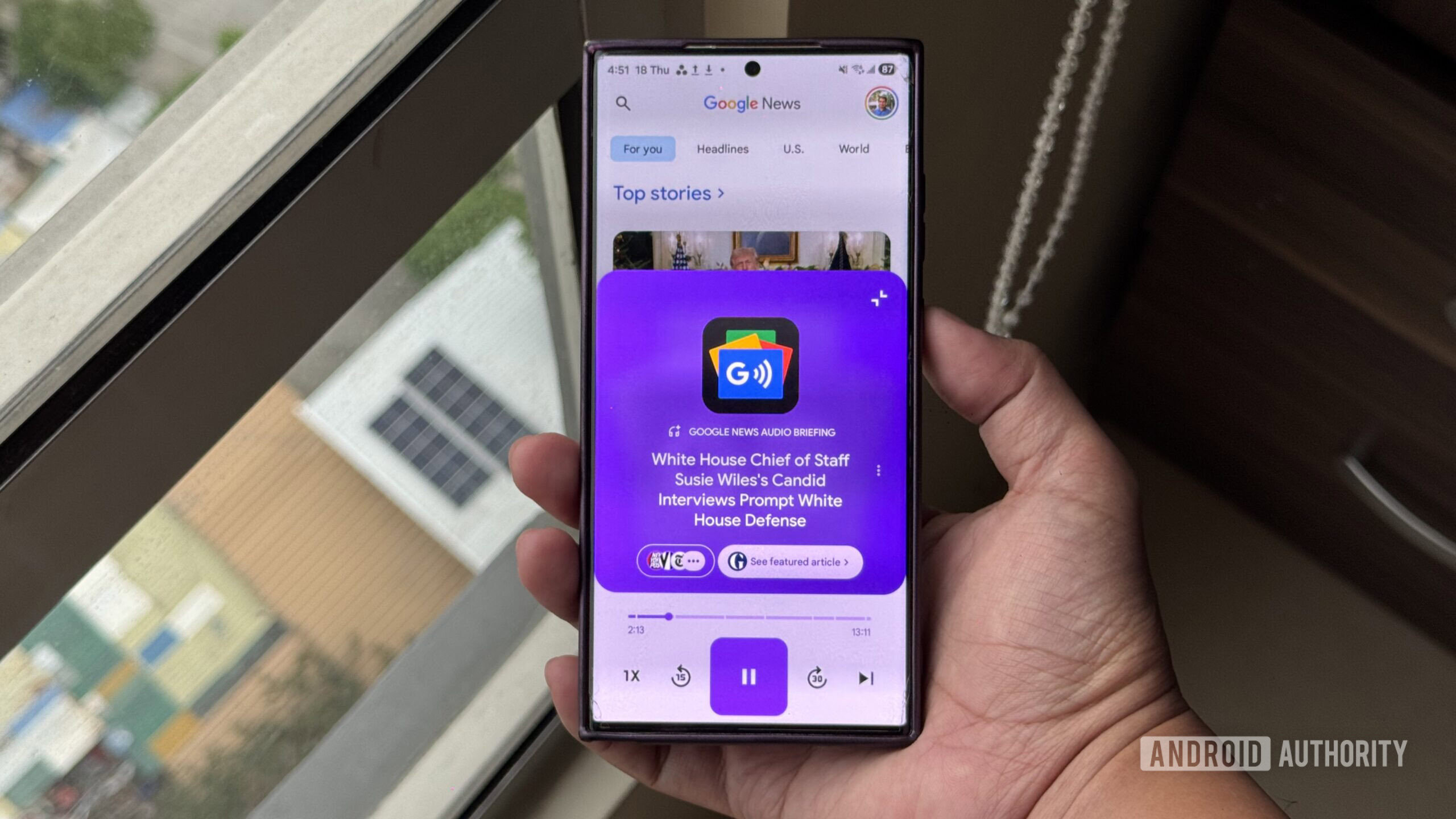
The Listen tab in Google News offers AI-powered daily audio briefings that summarize major stories, sourced from partner publishers. When you open a briefing right now, you’re presented with a simple audio player interface, complete with playback controls and adjustable playback speed.
The new version of the interface looks largely the same but adds a transcript button in the top-left corner of the audio briefing sheet. The icon resembles a caption-style symbol with an upward arrow. Tapping it expands the player sheet and reveals the full transcript of the briefing, letting you read along or simply pause the audio and skim the summary. You can see it in action in the video below.
If this feature rolls out, it could make the Listen tab more flexible. Sometimes you want a quick summary of the news without committing to a full article, but you might not be in a situation where listening to audio makes sense. Switching to a transcript would offer another way to consume those briefings without leaving the interface.
Don’t want to miss the best from Android Authority?


As with many discoveries from APK teardowns, there’s no guarantee this feature will make it into a public release. But some features in testing are more likely to roll out than others, and this one feels like one of those common-sense progressions we’d expect to see in a future stable release.
⚠️ An APK teardown helps predict features that may arrive on a service in the future based on work-in-progress code. However, it is possible that such predicted features may not make it to a public release.
Thank you for being part of our community. Read our Comment Policy before posting.

 By
By