

Joe Maring / Android Authority
TL;DR
- Samsung updates the ClockFace app to version 3.3.08.15.
- The update adds 10 new watch presets that feature a wide variety of clock styles, fonts, and colors for users to stylize their Galaxy phone with.
- The update is on a gradual rollout to eligible devices, so it should be arriving in the next few days if you don’t already have it.
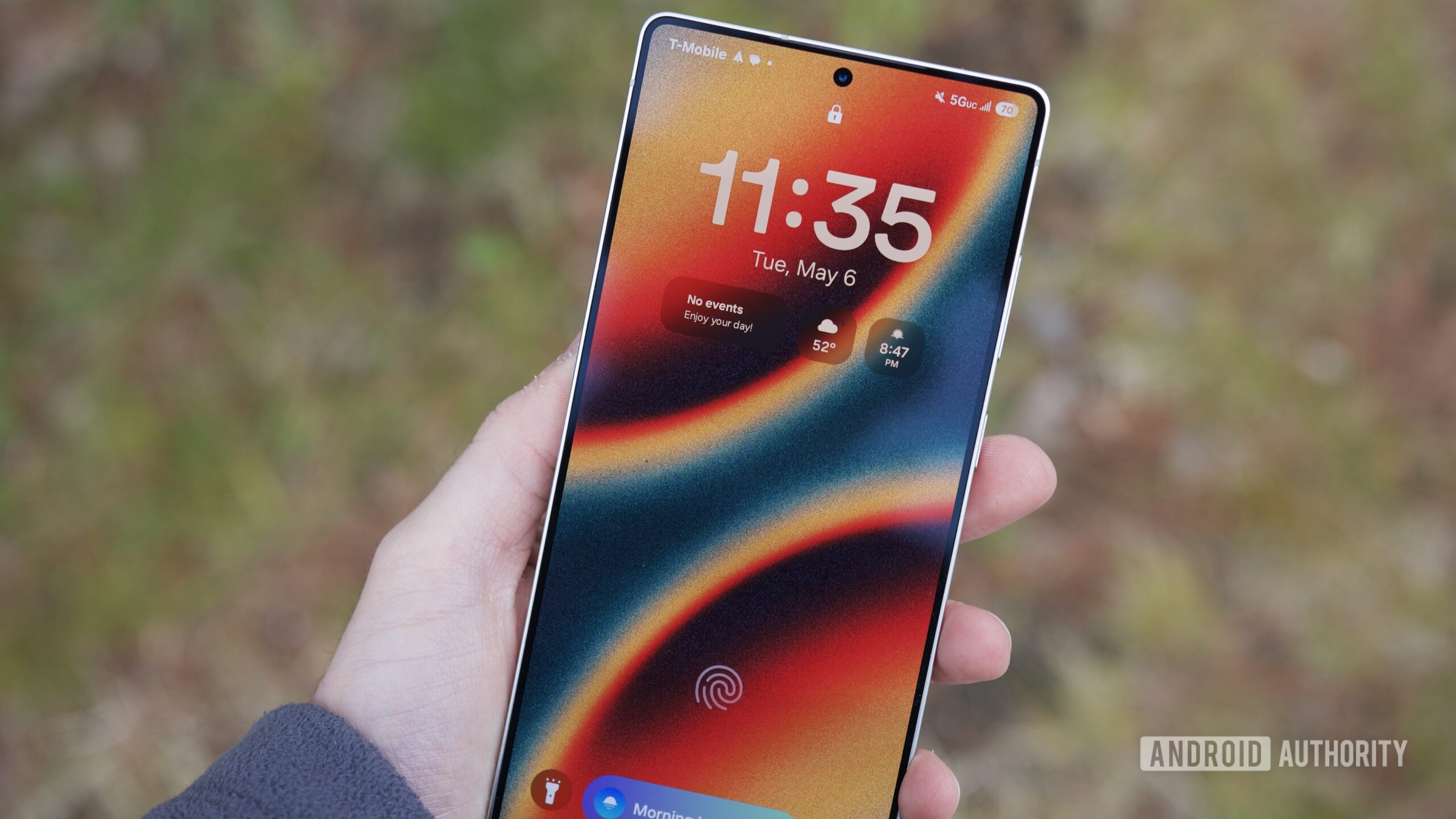
One of the most important things to personalize on any phone is the lock screen. That’s because it’s the first thing someone sees before it’s unlocked — it’s a way to quickly distinguish your phone from someone else’s, aside from using a case. And Samsung has just given users even more options for customizing its appearance.
Samsung is currently rolling out the latest update for its ClockFace app, which is version 3.3.08.15. This update adds 10 new watch presets for users to pick from, on top of squashing minor bugs and having more stability. The company is doing a staggered release with this update, so it may take a few days before everyone can see it. We aren’t seeing the new faces yet, but SammyGuru and @Theordysm on X have it.

To get ClockFace, you’ll have to go through the Good Lock suite, as ClockFace is an optional app module within Good Lock. If you don’t already have Good Lock on your Galaxy device, make sure to download it now, and then install the ClockFace module. ClockFace allows users to customize the clock on both the lock screen as well as the Always On Display (AOD).
Some of these new faces are certainly fun and interesting. For example, there’s one with the time appearing like a hand-drawn sketch with Totoro’s face smiling above, which should appeal to Studio Ghibli fans. Another has what appears to be an old-school digital alarm clock face, complete with a faux LED screen and all. There is also a face that spells out the time for you to read, and another with a more feminine touch with stars and a moon. Combined with the other few dozen faces from before, there should be a style for every taste in ClockFace.
Customizing your phone is a fun way to make it personal to you and your preferences, and Android as a whole makes it easy. If you have a Samsung Galaxy device, then make sure to grab the ClockFace module in Good Lock and fine tune your lock screen and AOD. Remember, this update is rolling out over the next few days, so if you don’t see it available yet, wait a bit before checking again. It is also requires One UI 7 or later on your Galaxy.
 By
By