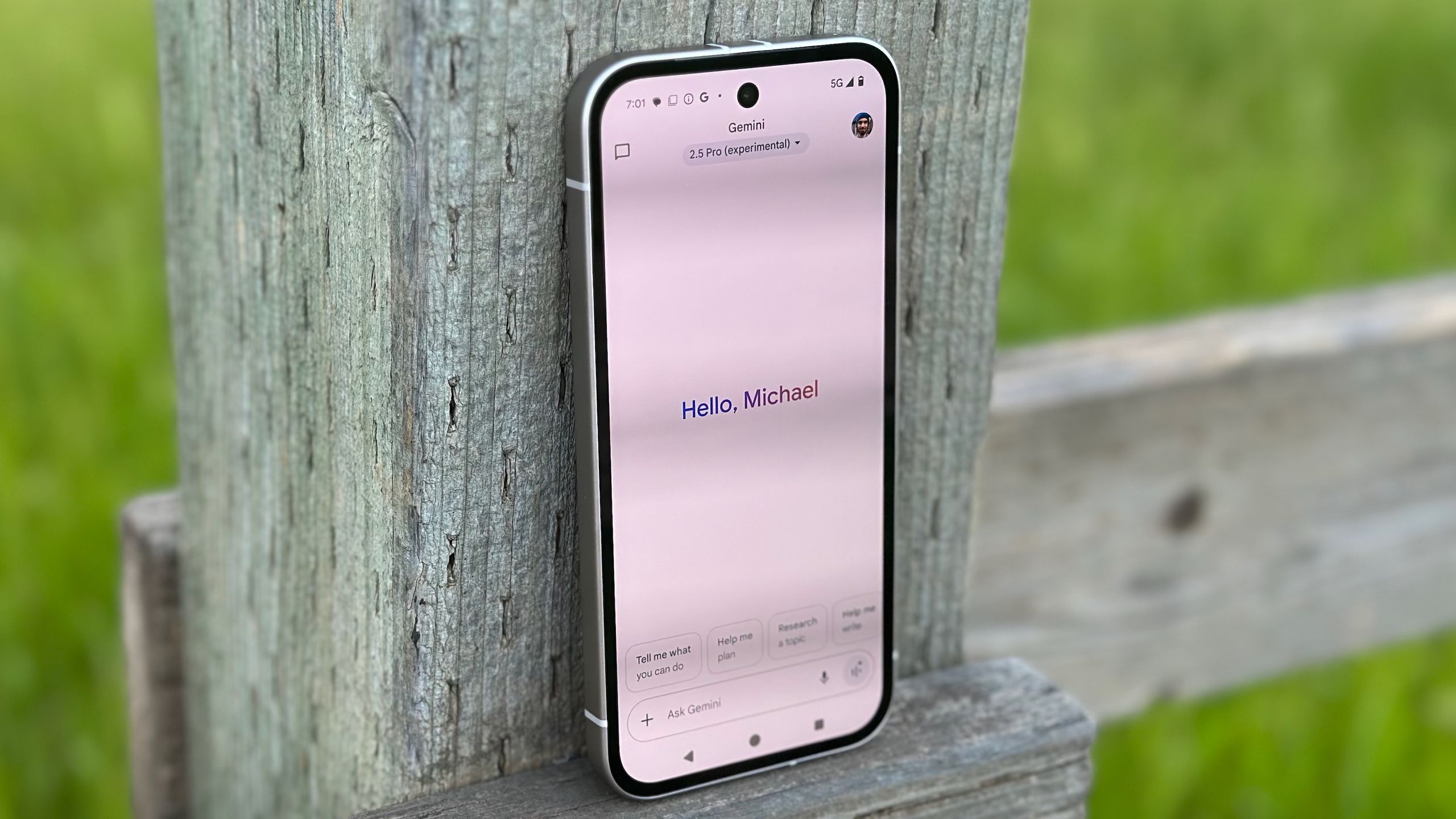

What you need to know
- A report claims Google is testing a small change to Gemini’s temporary chats that puts it front and center for users.
- This move would see it settled on the main Gemini app view, right beside your account icon, and switching is effortless.
- Google’s debut of temporary chats state that what’s discussed with Gemini isn’t “remembered” by the AI to be called back to in the future.
Google is reportedly running a test to see how it can improve the experience around its temporary chats with Gemini.
This change was supposedly spotted early, indicating it’s currently a test being run by the company, per 9to5Google. It looks as though Google is testing a way to make temporary chats easy to initiate, while also bringing them to the forefront for users. The report claims Google is interested in moving the temporary chat icon to the main Gemini app view. It would be positioned right beside your account icon.
From here, users can tap the icon to initiate the feature without having to navigate the side menu. Moreover, the publication reports that the Gemini app will make it pretty obvious you’ve transitioned. The temporary chat icon will assume a pale blue color in its background when tapped, and the basic Gemini chat information (its greeting, suggestions, etc.) will vanish.
Article continues below
Taking their place will be Google’s brief explainer as to how temporary chats function. Even the text box awaiting your query will say “Ask in a temporary chat,” not “Ask Gemini.” At the moment, there’s no indication as to when Google might roll this out for users, though it might not take long, given the magnitude of the change.
It’s only temporary

Temporary chats have been part of the Gemini app for several months now, following Google’s introduction of them last year. This feature was wrapped in a “privacy” blanket for users, as temporary chats could be used to prevent Gemini from “remembering” certain things you’ve asked about (or about you). Primary use cases could be for one-off questions you’re just floating out there. Google states that anything discussed with the AI in a temporary chat won’t appear in your “recent chats.”
Additionally, temporary chats won’t be used to train Gemini’s model to be more helpful in the long run. However, as Google points out, what you’ve just discussed with Gemini in a temporary chat will remain for 72 hours before it’s gone. In the realm of Gemini, Google recently brought its Personal Intelligence to free-tier users across the U.S. in AI Mode, the Gemini app, and Gemini for Chrome.
Android Central’s Take
It makes me wonder if not enough people were using Gemini’s temporary chats. This move makes the feature easy to use by putting it right in your face. It’s a useful feature, in a way, I guess. It’s like using Incognito Mode in Chrome or something. However, temporary chats could come in handy if you’re talking with friends and you’ve gotten into one of those conversations about random topics. You can ask Gemini in a temporary chat, since what you’re looking up has no relevance at all to you. Looking at it that way, I get it.
 By
By