

AssembleDebug / Android Authority
TL;DR
- Android Canary 2603 has arrived with a whole bunch of new UI tweaks.
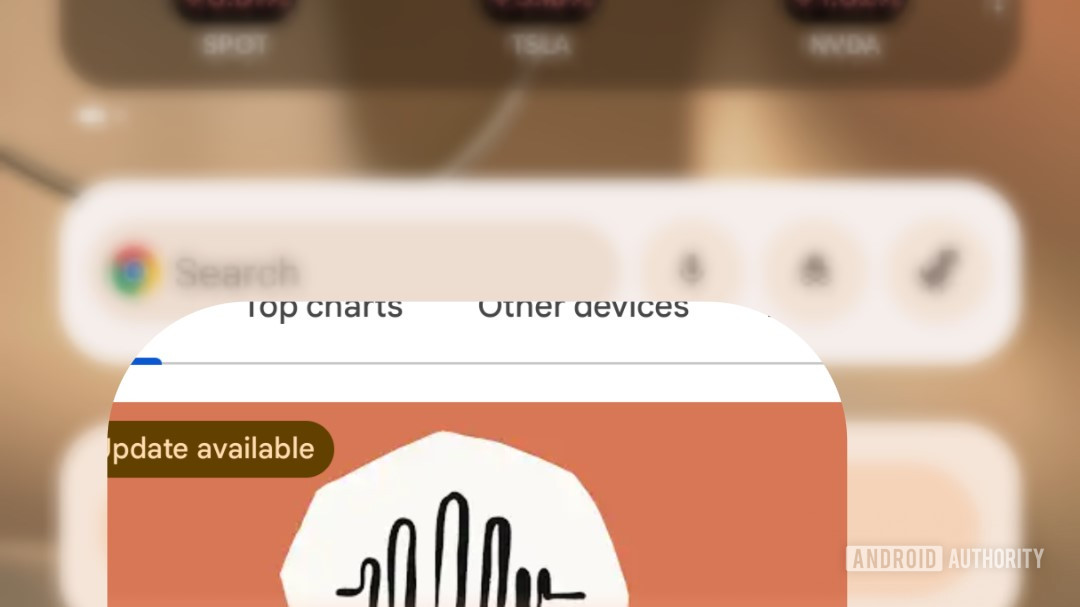
- One we’ve just noticed implements a new blur effect when launching apps.
- You’ll see the blur when opening apps on either your home screen or app drawer alike.
Last year, Google introduced a public Canary testing track for Android, and if you are the kind of smartphone fan who loves checking out all the latest features ahead of everyone else, this has been what you want to run. The latest March Canary release just landed yesterday, and ever since, we’ve been combing through it to point out all the changes we’ve noticed. Our latest is a bit of a small one, but it’s so slick-looking we just had to shine a spotlight on it.
Don’t want to miss the best from Android Authority?


Part of the subtle magic that separates an adequate user interface from a really great one is in the transitions — how all the parts of the UI move around in relation to each other as you navigate the system.
With Android Canary 2603, you might notice a new effect present when selecting an app from your home screen or app drawer:
We slowed the action down so you have a better chance to actually spot it. Did you pick up on the blur?
In Canary 2603, Google has started implementing a new blur effect for this app-launch transition. We still see the “pinch” zoom of everything moving towards the center of your screen like we already had, but that’s now joined by a blur filter that increases in intensity as the transition continues.
When you return to your home screen, that all plays out in reverse, with all your icons moving back into place and sharpening up. It happens so quickly that we’d forgive you for never noticing it — but now that you’re aware of it, you may be able to appreciate how this feels like a smart improvement.
Keep checking back with Android Authority for ongoing coverage of all the new Android Canary additions.
Thank you for being part of our community. Read our Comment Policy before posting.
 By
By