

Andy Walker / Android Authority
TL;DR
- Android’s built-in Linux Terminal is getting new features with the latest Android Canary update.
- Android Canary brings several small interface changes throughout the Terminal.
- It also brings an Advanced settings menu to set memory limits and change screen timeout settings.
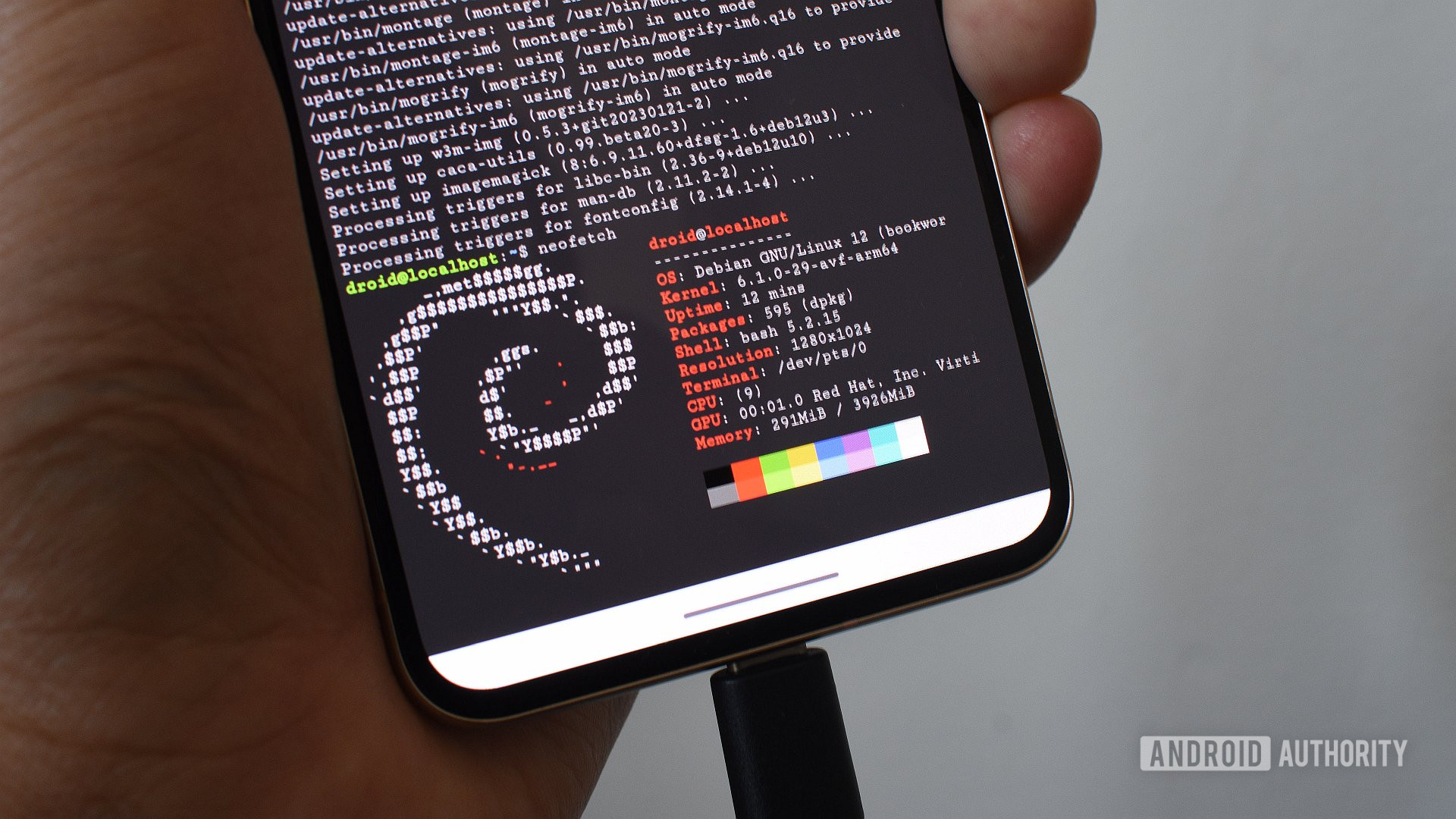
One of the most underrated features of Google’s Pixel smartphones is a full-fledged Linux Terminal baked into them. While it is particularly of interest to tinkerers, anyone can easily enable Terminal and even use it to run a wide range of Linux apps and games, such as DOOM. As Google prepares to add broader support for full-scale Linux apps, it appears to be introducing some changes to the Terminal app with the latest Android Canary.
Don’t want to miss the best from Android Authority?


In the recently released Android Canary build 2603, Google is bringing a range of enhancements to the Terminal app on Android. These include both graphical improvements with more modern elements, as well as features for better operations. Let’s begin with the visual changes first.
Right from the installation screen that we see when we first enable Terminal on a Pixel device, we notice a new interface with more modern elements. The progress bar is now centered, and the Wi-Fi-only checkbox is replaced with a toggle. Additionally, the Terminal installation progress now shows with a progress bar in the form of a live activity.
The command line interface itself does not look much different, except that the tabs at the top no longer have curved edges, which looks like an oversight.
However, Android Canary brings some changes to the graphical interface, where the buttons for keyboard and touchpad input now appear at the top instead of the bottom.
Next, in terms of functional changes, we’re seeing a new menu, called “Advanced,” in Terminal’s Settings. This menu includes a functionality to limit the memory size for the virtual environment so it doesn’t bottleneck the phone’s resources, as well as the option to keep the screen active for a specific duration, ranging from 1 minute to an entire day.
The screen cautions users that keeping the screen on for a long duration can drain the battery faster. However, doing so becomes necessary if you’re running a time-consuming application and don’t want it to be automatically killed in the background.
While these features are available in Android Canary, we’re not seeing them in Android 17 Beta 2 or Android 16 QPR3. Therefore, it’s difficult to comment on whether we will see them across a broader set of Android devices or not.
Thank you for being part of our community. Read our Comment Policy before posting.
 By
By