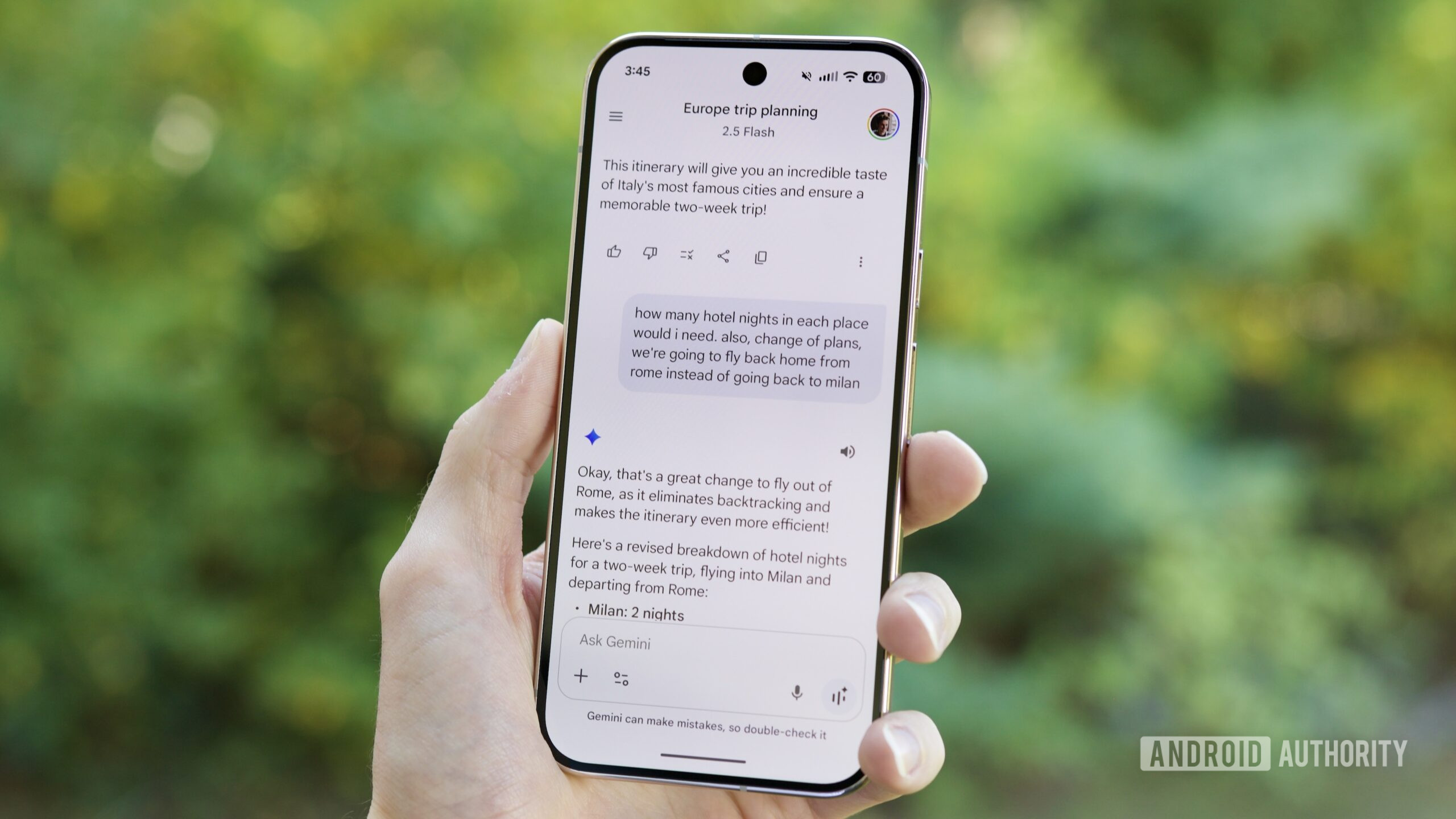


Joe Maring / Android Authority
TL;DR
- Gemini is debuting a memory import feature that intakes saved data from other AI services.
- Users can export their chat history and memory information and upload it to Gemini with this tool.
- Google hopes to make it easier for users of competitors like ChatGPT or Claude to try Gemini without starting from scratch.
ChatGPT owned a major advantage in the AI chatbot race because it was first. While competitors like Gemini or Claude may have caught up in benchmarks and feature set, people are inclined to stick with one chatbot to retain access to their conversation memory and chat history. We spotted Google working on a feature to overcome this barrier to switching earlier this week, and now it’s official. Google announced the rollout of simple switching tools that work with other AI apps for all personal Gemini users in a blog post today.
Gemini’s data import feature does not directly integrate with other AI chatbots and services. Instead, users must manually export chat history and memory data from their other AI service and then upload them to Gemini. Users can find the import page in the Gemini app by opening “Settings and help” and selecting the “Import memory to Gemini” option. This feature could make it easier for users to leave other platforms like ChatGPT.

To import your AI chatbot’s memory information into a Gemini account, you need to feed the other chatbot a sample prompt. The standard prompt asks for detailed information about the contents of the other chatbot’s saved memory. The other chatbot will return a response that must be copied and pasted into a field in the Gemini app. When finished, pressing “Add memory” saves the data to your Gemini account.
Don’t want to miss the best from Android Authority?


After hitting the “Add memory” button, a new Gemini chat will open with a message including the memory information pasted. Gemini will respond confirming the data has been saved to your Google account and will be remembered later.
As part of today’s updates, Google is rebranding Gemini’s “Past chats” feature as “Memory.” The name change reflects the unification of Gemini chat history and memory, and the new branding will start showing up over the next few weeks, according to Google.

To give Gemini even more information, users can upload a full chat history from another app on the “Import memory to Gemini” page. This must be entered as a ZIP file, and can’t be more than 5GB in size. The process for creating a ZIP file with your chat history depends on which AI service you’re using. For ChatGPT, the steps involve opening “Settings,” navigating to “Data Controls,” and selecting “Export Data.” After clicking “Confirm Export,” the platform creates a ZIP file that can be later uploaded to Gemini.
You can start using the memory import feature in the Gemini app settings today. Will this feature make you more inclined to switch to Gemini from another AI chatbot? Let us know in the comments below.
Thank you for being part of our community. Read our Comment Policy before posting.
 By
By