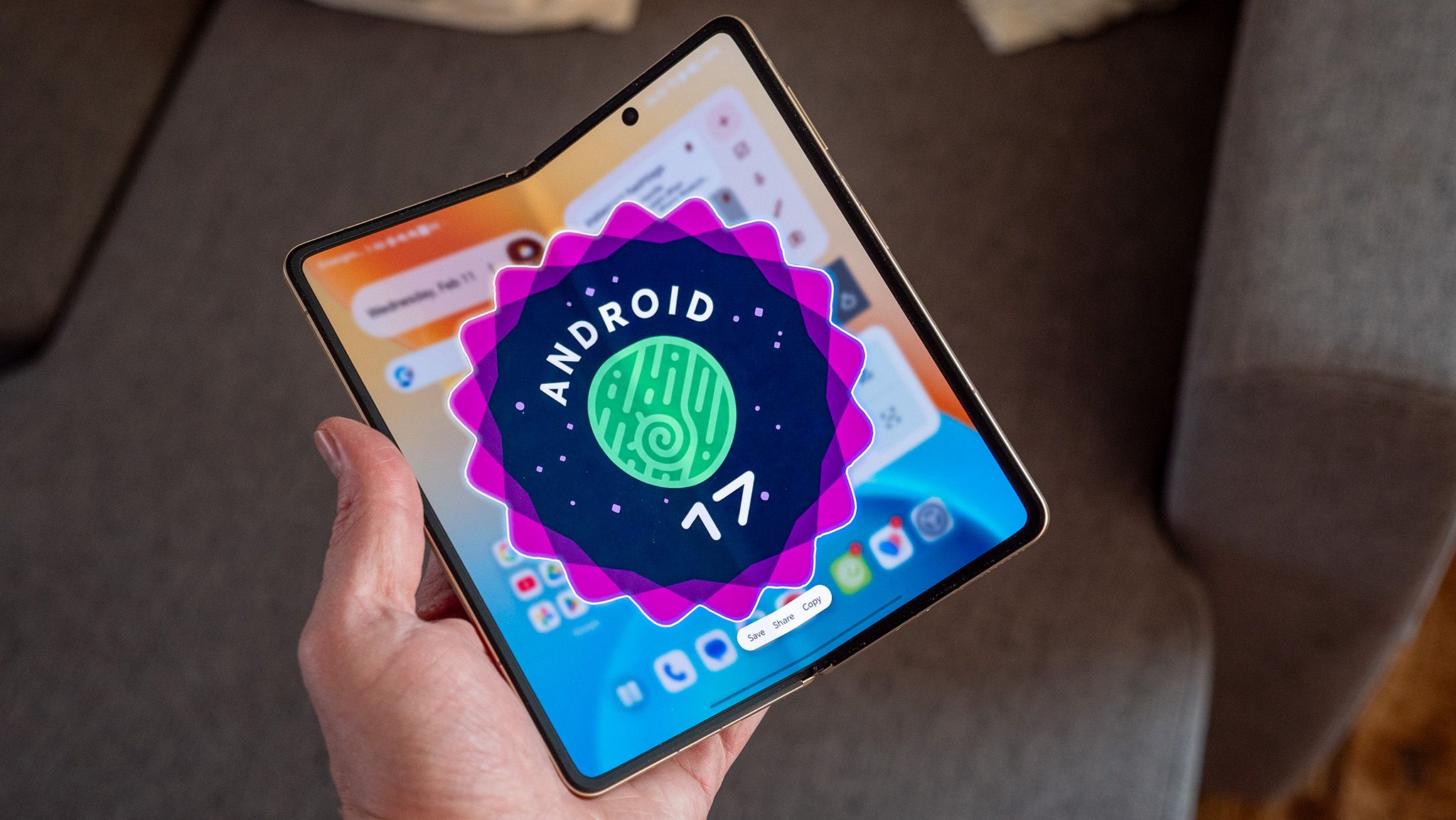

What you need to know
- Android 17 Beta 3 finally delivers on its multitasking promise after earlier betas stalled with mostly backend changes.
- The new Bubbles system lets you run almost any app in floating windows for real multitasking.
- Screen recording gets a floating control panel with quick edit, share, and delete options.
- Quick Settings are simplified with separate Wi-Fi and mobile data toggles (finally).
Android 17 Beta 1 arrived in mid-February with the typical behind-the-scenes updates. Just a week later, Beta 2 introduced the idea of the “Bubbles” windowing framework, but you couldn’t actually use it yet. Now, Beta 3 is here a month after the last release, and this time, Google has finally delivered on its promise.
Android 17 Beta 3 is now available for Pixel 6 and newer devices, reaching the platform stability milestone, as noted by Google’s community engagement manager for Android, Mishaal Rahman, on Reddit. This means the SDK and NDK APIs are set, so developers can start releasing apps for Android 17 on the Play Store. The main news, though, is that multitasking is finally complete.
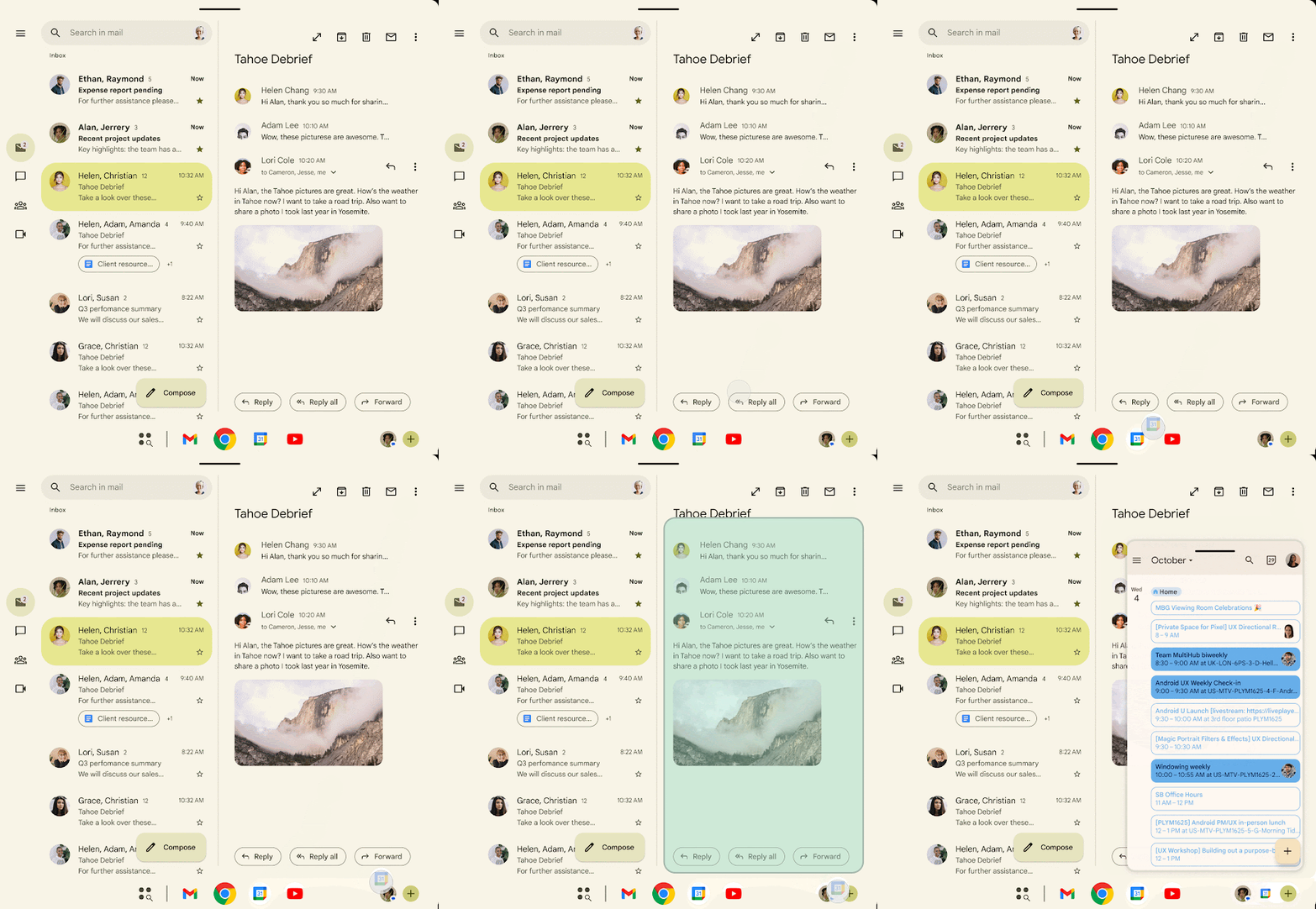
With Bubbles, you can open almost any app in a floating window that stays above others. Just long-press an app icon on the launcher or taskbar, pick the “bubble” option, and you’re multitasking. On foldables and tablets, you can also drag an icon from the taskbar to a bottom corner. For larger screens, there’s a new bubble bar UI where bubbles pin to the taskbar instead of floating, and you can organize and move them between set points.
Article continues below
Android Central’s Take
Personally, I find the floating window feature genuinely useful. It makes your phone feel more like a mini-desktop when you need it, and the detailed audio controls show that Google is thinking about real-world use, not just appearances. Still, this isn’t exactly new. Samsung has offered something similar with DeX for years, and many of these customization options have been available in third-party launchers for a long time. It’s good to see Android 17 finally improving multitasking, but I can’t help but roll my eyes at the rollout -promising a big feature, skipping it for a whole beta cycle, then quietly releasing it as if nothing happened.
The screen recording toolbar has a new look. When you tap the Quick Settings tile, you’ll see a floating toolbar with recording controls and capture options. After you stop recording, you can quickly view, edit, delete, or share your video.
Quick Settings are improved as well. The combined “Internet” tile has been replaced with separate tiles for Wi-Fi and mobile data. Tap the icon to turn the radio on or off, or tap the label to open the full Internet panel. It now takes fewer taps to do basic tasks, making you wonder why this wasn’t done sooner.

Widgets now work correctly on external displays. If you’ve connected your phone to a monitor and seen widgets appear at the wrong sizes, this update fixes that. The system now automatically adjusts padding, text size, and layout based on the display’s density.
You can now hide app labels on the home screen. The option is under Wallpaper & style > Home screen > Icons > Names. Turn off “Show app names” for a cleaner look. Folders and the app drawer still show labels; this only affects the home screen.
Beta 3 also adds interactive Picture-in-Picture for Desktop mode, a new feature for Android’s desktop windowing. Apps can now keep their PiP window interactive while staying on top of other windows. For example, a video conferencing app can keep call controls available while you use other apps.
Additionally, the third beta adds a setting that notifies you when the clock changes, such as during daylight saving time. It’s a small improvement, but anyone who’s been caught off guard by a time change will find it helpful.
Accessibility gets granular
Accessibility and audio features have also improved. If you use hearing aids, you can now choose where system sounds play. Notifications, ringtones, and alarms can each go to your hearing aid or your device’s speaker separately.
Android Central’s Take
Android appears to be adopting multitasking in a way that is practical for everyday use, rather than just for demonstrations. The advantages are clear: replying to messages while watching a video, moving apps as on a desktop, and increasing productivity without frequent app switching.
There’s also a new Assistant volume slider that is separate from media volume.
The expanded dark theme now allows per-app exceptions. Android 16 QPR2 forced dark mode on apps that didn’t support it, which sometimes caused display issues. With Beta 3, you can turn off the dark theme for individual apps, so the system stays dark but certain apps can show their normal appearance.
There are also new privacy features. Password visibility now depends on how you type: physical keyboards hide characters right away for better privacy, while touch input still briefly shows them to make up for the lack of tactile feedback.
There’s also a new Location Button that apps can add. When you tap it, the app gets your precise location just for that session, with no system dialog and no permanent permission.
 By
By