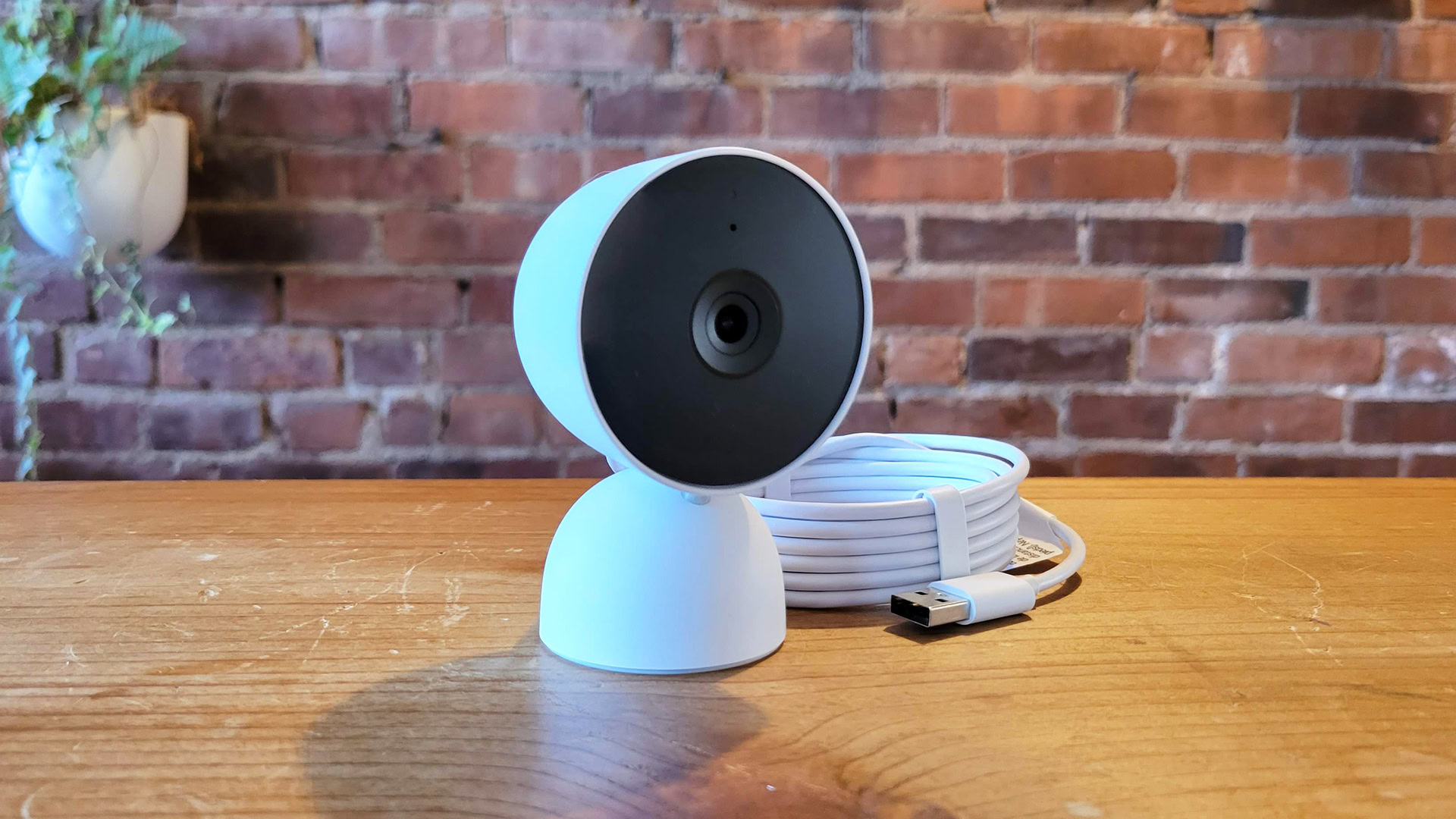


C. Scott Brown / Android Authority
TL;DR
- Some Nest Cam owners have recently lost the ability to edit or create camera Activity Zones.
- A recent update to the Home app on iOS may be to blame.
- Google confirms that it’s aware of the problem, and is investigating a solution.
Smart cameras are a cheap and easy way to help you feel secure about your house and belongings, making it a snap to keep an eye on things even when you’re away from home. Features like motion alerts help us keep on top of what’s happening, but they can also quickly become overwhelming if your cameras just see a lot of motion. That’s exactly why we love features like Activity Zones on Google Nest cameras, letting us define specific areas of interest (or those we want to ignore). Right now, though, some users are running into trouble working with Activity Zones.
While your existing Activity Zones may be working as intended, we spotted a Reddit thread started by user Cool_Willingness_302 where multiple Nest users have been complaining about recently losing the ability to edit and create Activity Zones. Affected users encounter a “could not turn on” error message in the app.

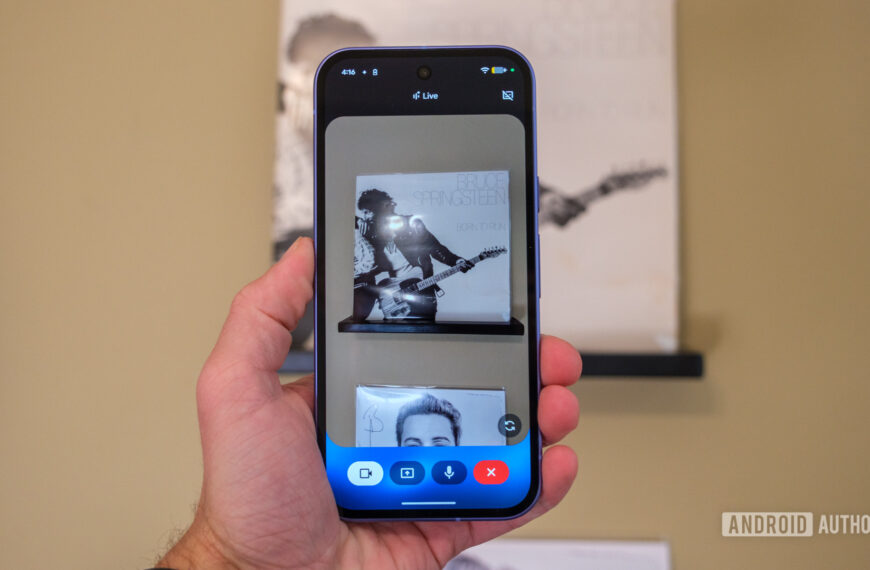
C. Scott Brown / Android Authority
Although not yet confirmed, the loss of functionality may be tied to the release of a recent Home update or involvement with the Public Preview program. A number of Nest owners, like TheGowanus, report running into the problem specifically with the Home app on iOS.
What we do know is that an official Google account popped up in both of these threads and acknowledges the problem:
We’re aware of an issue impacting activity zones and are looking into it. We will keep you updated when this is resolved. Thanks for your understanding.
We haven’t spotted any further update since Google first shared that message yesterday afternoon, but it’s reassuring to at least hear that developers are on the case. If your Nest cameras are refusing to let you configure your Activity Zones, know that you’re not alone, and help is on the way — sooner or later.
 By
By