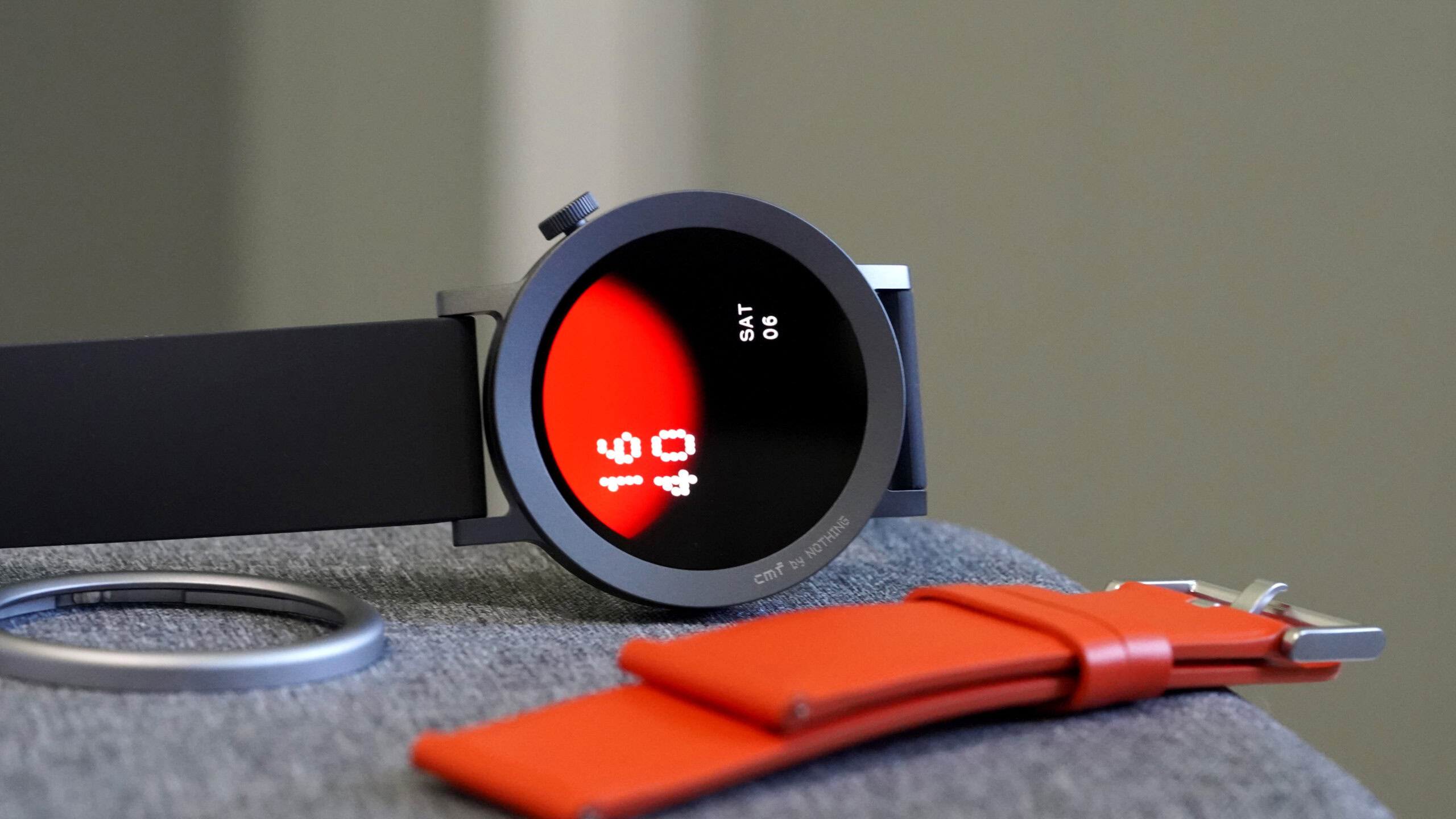


Kaitlyn Cimino / Android Authority
TL;DR
- The CMF Watch app is getting removed from app stores on April 3, 2026.
- CMF watches will need to start pairing and connecting to the Nothing X app on July 19, 2026.
- The migration process will transfer data such as workout records, daily activity, heart rate, active score, fitness goals, and more.
- Custom watch faces created in the CMF Watch app won’t transfer.
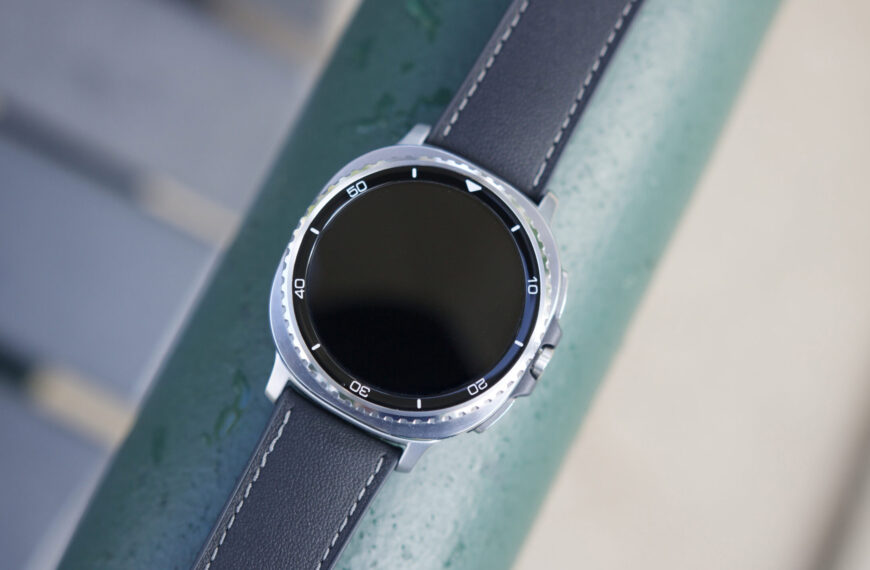
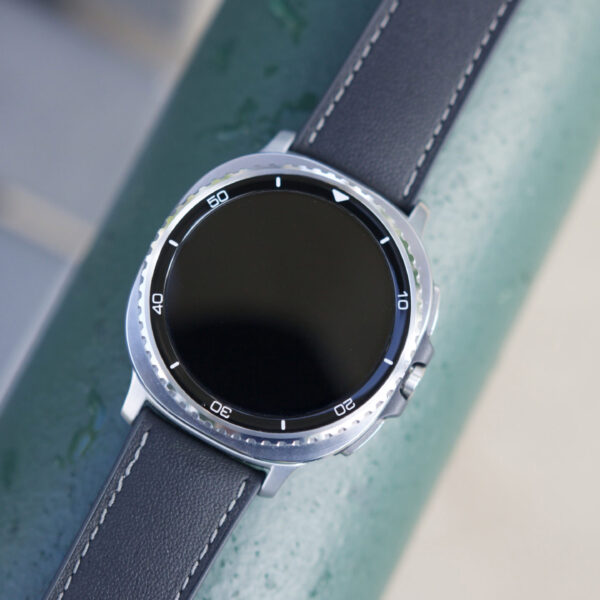
It has been almost three years since the CMF Watch app launched on the Google Play Store. Now its time is coming to an end as Nothing plans to sunset the app. If you’re still using the CMF Watch app for your CMF Watch, you’ll wan’t to start migrating over to the Nothing X app as soon as possible.
Don’t want to miss the best from Android Authority?


On April 3, 2026, the CMF Watch app will start disappearing from app stores. In terms of the Play Store, Nothing says the app will be removed by the end of the year. Going forward, CMF Watch owners will need to pair and connect to the Nothing X app. The London-based startup recommends migrating before July 19, 2026, for the smoothest transition.
There are a few things you need to know before you start the migration process. First, you can expect your workout records, daily activity, sleep, heart rate, blood oxygen, stress, active score, training load (Watch Pro 2 only), and fitness goals information to transfer over. However, nicknames, avatars, height, weight, and female health data will need to be re-entered. Watch faces made in the CMF Watch app also won’t migrate over to the Nothing X app. Additionally, once the process starts, your CMF Watch app account will be deactivated and you won’t be able to log in to or redownload the CMF Watch app.
If you’re ready to make the jump, you can transfer your information by opening the Nothing X app. You’ll then need to log into the same account, connect your smartwatch, and hit Data Migration. If you run into any trouble, the firm recommends getting in touch with Nothing support.
Thank you for being part of our community. Read our Comment Policy before posting.
 By
By