

Mishaal Rahman / Android Authority
TL;DR
- Google is working on an Automatic backup feature that can copy your phone’s photos, videos, and audio to your PC without using cloud storage.
- The feature appears in Quick Share settings and lets you choose what to back up, with both automatic syncing and manual backup options.
- This could help you free up phone storage easily, since deleting files on your phone won’t remove their copies stored on your PC.
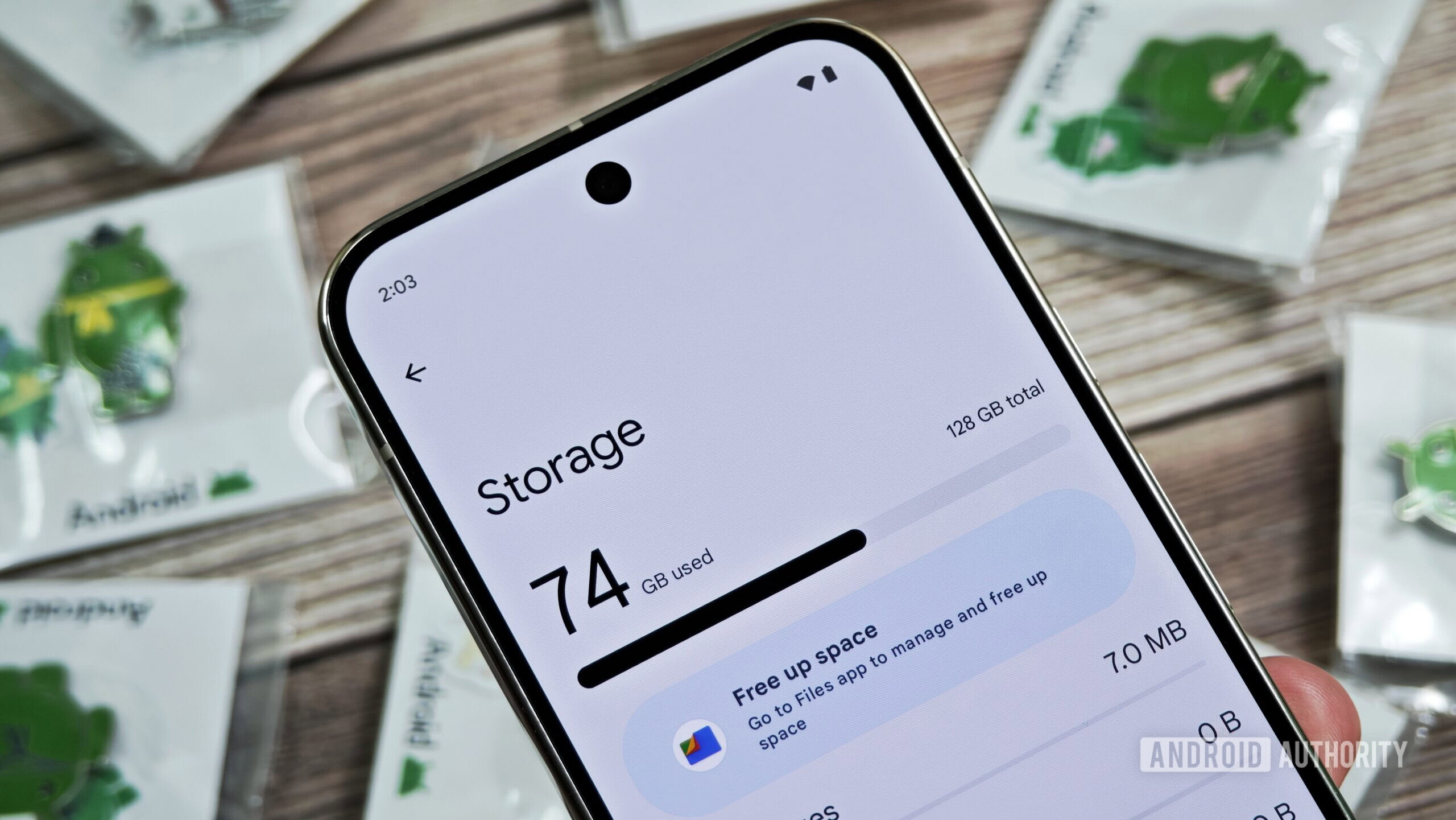
Running out of phone storage is one of those problems that never really goes away. You take a few photos, shoot some videos, download a couple of apps, and unless you splurged on a high-capacity phone, you inevitably end up with that dreaded “storage full” warning.
If that sounds like a problem you run into often, Google might be working on something that could fix this problem once and for all.
While digging through Google Play Services (v26.15.31 beta), we’ve discovered a new feature called “Automatic backup” that will automatically copy your files from your phone to your PC, without using the cloud.
The feature currently shows up inside the Quick Share settings page, with a short description that reads: “Backup your photos with devices in your household.”
Digging deeper, we found screens for the feature that explain what it does in simple terms. The files you select on your phone will be automatically copied and stored directly on your PC without the need for any cloud backup and at no extra cost.
So instead of relying on services like Google Photos, your files stay local and sync between your phone and your computer automatically.
Once enabled, the feature will let you choose exactly what gets backed up, including:
- Photos from your camera
- Videos from your camera
- Audio files
There’s also a toggle to turn the feature on or off, giving you full control of how this works. Moreover, if you don’t want to wait for automatic syncing, there’s a “Back up now” button that lets you manually trigger a transfer at any time.
Don’t want to miss the best from Android Authority?


Furthermore, if you decide to delete a file from your phone, it won’t be deleted from your PC backup, something many users worry about when freeing up space on their devices.
Since this feature lives inside Quick Share, it likely uses the same system to transfer files between devices. That means you won’t need internet connectivity for uploads, but you’ll most likely need to be signed in to the same Google account on both devices.
The current UI shows a placeholder for a Windows PC, but this could easily expand to other platforms, including Google’s upcoming Aluminum OS.
⚠️ An APK teardown helps predict features that may arrive on a service in the future based on work-in-progress code. However, it is possible that such predicted features may not make it to a public release.
Thank you for being part of our community. Read our Comment Policy before posting.
 By
By