

Edgar Cervantes / Android Authority
TL;DR
- Google Messages seems to be working on new chat customization options.
- Code strings found in the latest beta version of the app reveal that users may soon be able to do a lot more than just change background and bubble colors in RCS chats.
- New customization options in Google Messages could include the ability to set your own images as backgrounds, mix and match elements, and more.
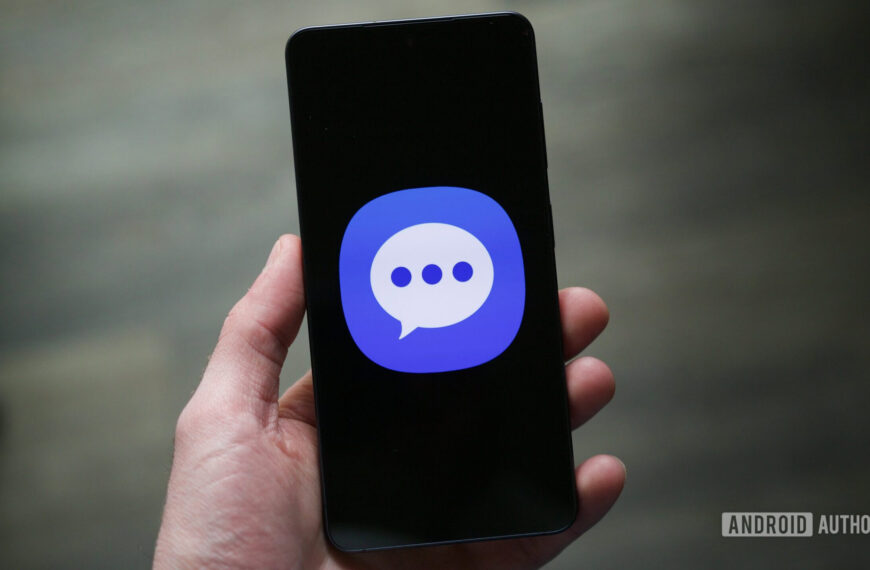
Samsung recently confirmed a clear timeline for phasing out Samsung Messages, crowning Google Messages as the default messaging app on Galaxy phones. While this is ultimately a positive change, given that Samsung Messages no longer supports RCS, it has left some longtime users missing the customization features they were used to. Now, it appears Google has taken note and is working on adding some fun features that Samsung Messages fans will recognize.
Right now, if you want to customize RCS chats in Google Messages, you only get a “Change colors” option through the three-dot menu in chats. This option lets you change the background and chat bubble colors in tandem, but that’s about all the customization you can do in individual or group chats.

AssembleDebug / Android Authority
In contrast, Samsung Messages allows deeper customization, including the ability to color and decorate chat rooms with images from your phone’s gallery. Using Theme Park (via Samsung’s Good Lock module) allows for even more customization, such as changing bubble colors, adjusting contrast, applying wallpaper-based themes, and more.

Ryan Haines / Android Authority
So naturally, with Samsung Messages on its way out, users who relied on custom theme packs have started voicing frustration over the lack of personalization options in Google Messages. It seems Google has been paying attention, as we’ve now spotted a new customization feature in development for its messaging app.
Don’t want to miss the best from Android Authority?


In the latest beta build of Google Messages (messages.android_20260410_02_RC00.phone.openbeta_dynamic), we spotted several new strings pointing to expanded theme controls in the app.
Code
Upload photo
Your photos
Theme Preview
Theme UI
Custom
Backgrounds
Bubble Color
Apply
The new strings suggest Google is developing a full “Custom” theme section, where users may be able to tweak background styles, adjust bubble colors, and, most notably, upload their own photos to use as chat wallpapers. References like “Upload photo” and “Your photos” strongly hint at a Google Photos integration, while options like “Theme Preview” and “Apply” indicate a more interactive customization experience.
There are also mentions of dedicated sections for backgrounds and bubble colors, suggesting users could mix and match elements rather than relying on preset themes.
If this feature rolls out, it would mark a meaningful step toward giving users more control over how their conversations look, something that has been noticeably absent from Google Messages so far.
⚠️ An APK teardown helps predict features that may arrive on a service in the future based on work-in-progress code. However, it is possible that such predicted features may not make it to a public release.
Thank you for being part of our community. Read our Comment Policy before posting.
 By
By