Kaitlyn Cimino / Android Authority
Amazon’s latest Kindle move dropped support for a number of older devices, aggravating many users in the process. The change also reminded a lot of shoppers that the Kindle experience isn’t what it used to be. From its closed ecosystem to a series of shaky software updates, there are a handful of reasons to consider leaving Amazon behind.
Most importantly, it’s not the only option anymore. Kindle still puts out some fantastic hardware, and it’s still the biggest name in the space, but it’s no longer the only option worth considering. Like Kindle, some competitors are strictly reader-focused. Others offer unique feature sets beyond reading. Below are the top e-readers to shop if you’re ready to move on from Kindle.
Would you abandon Amazon Kindles for a new alternative e-reader?
34 votes
Kobo Libra Colour

Kaitlyn Cimino / Android Authority
If it’s your first time shopping beyond the Kindle lineup, Kobo is the easiest place to start. The Kobo Libra Colour is my personal favorite from the brand and has earned a permanent spot in my rotation over the past year. It pairs a 7-inch display with a lightweight, asymmetrical body that comes in around 200g, making it easy to hold one-handed for long stretches. The device also features two physical page-turn buttons (reminiscent of the Kindle Oasis), which are arguably the best part of the experience.
As the name implies, the device features a color e-ink display. The muted, almost pastel tones bring life to covers, menus, and highlights without veering into distraction or compromising the classic paper-like feel. The device also offers stylus support.
Like Kindle’s, Kobo’s interface is clean and intuitive, though small touches like swipe-based brightness control keep things feeling thoughtful rather than overengineered. What really sets the brand apart, though, is its open ecosystem. With a Kobo e-reader, users aren’t locked into a single storefront. You can load EPUBs, borrow directly from library apps like Libby, and generally treat the device like it’s yours, not Amazon’s. It’s an easy recommendation if you’re even slightly curious about life outside the Kindle bubble.


MSRP: $219.99
Reading in color, page turning with buttons.
The Kobo Libra Colour is a versatile e-reader that combines a color display, standard reading features, and an open ecosystem, while also offering handy physical buttons for extra-tactile page turning.
Positives
- Physical buttons streamline navigation
- Portable, ergonomic build
- Color enhances the user interface and reading experience
- Open ecosystem offers versatility
- Waterproof
Cons
- Kobo Stylus 2 costs extra and needs refinement
- Online access still in beta
Kobo Clara BW

If you’re not sold on color, or if you just want something simpler, the Clara BW is another straightforward pick from Kobo. It packs a 6-inch black-and-white display in a lightweight, ergonomic body. There are no physical buttons here, just a responsive, water-resistant touchscreen. If you crave tactile feedback, Kobo does sell a branded page turner that’s fairly simplistic but surprisingly satisfying.
With just a black and white display, text on the Clara looks sharp, and page turns are quick without the extra processing demands of a color panel. Put simply, the device offers consistency and reliability, which makes it an easy transition from a traditional Kindle.
Like the rest of Kobo’s lineup, the Clara BW benefits from an open ecosystem. You can sideload EPUBs and PDFs over USB or wirelessly, and pull in books from multiple sources without conversion headaches. Built-in OverDrive support also means you can browse and borrow library books directly on the device via apps like Libby. Compared to Kindle, it’s a more open setup that gives you more control over how and where you get your reading material.
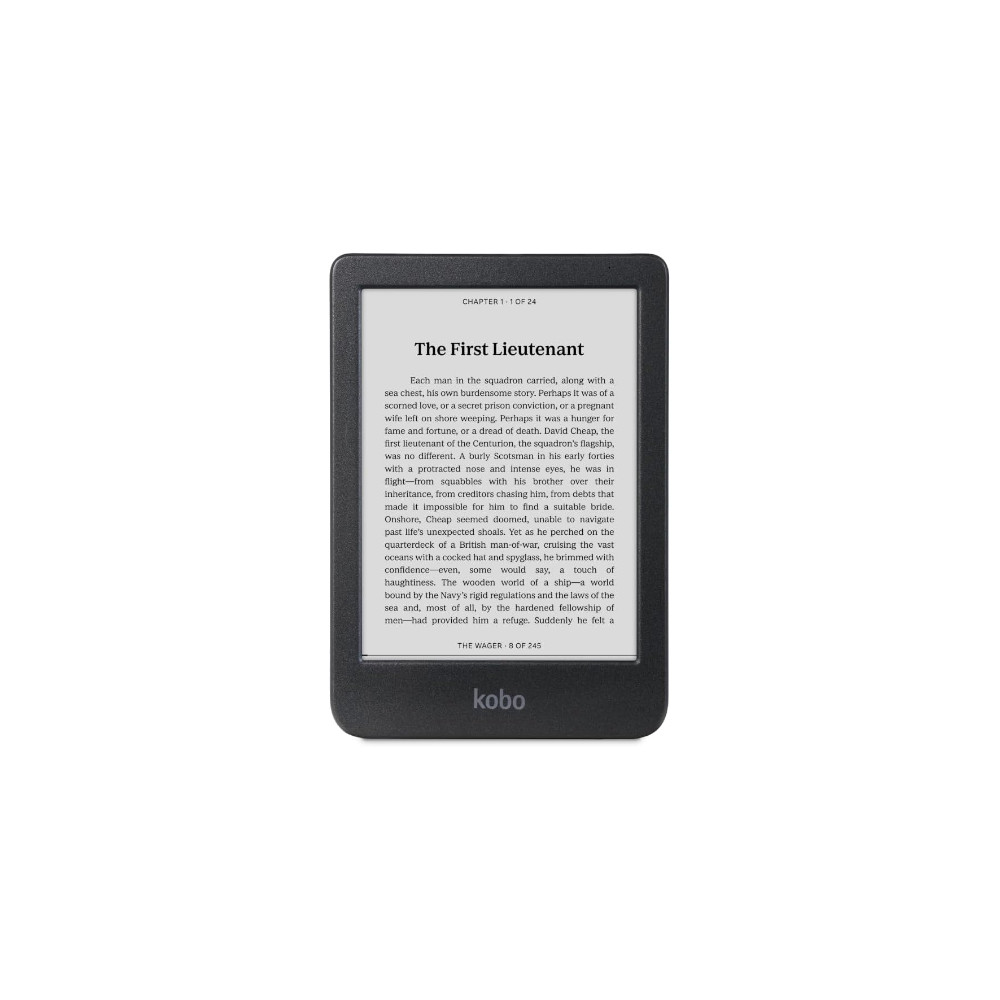
6-inch glare-free e-ink display • multi-week battery life • 16GB storage
MSRP: $139.99
The Kobo Clara Colour is a small, no-fuss e-reader with multi-week battery life and an open ecosyste
The Kobo Clara Colour pairs a 6-inch Kaleido 3 color e-ink display with a compact, lightweight build. It offers weeks of battery life and offers adjustable front lighting for warmer nighttime reading. With 16GB of storage and broad file support (including EPUB and PDF), its a versatile e-reader.
Positives
- 6-inch glare-free e-ink display
- multi-week battery life
- 16GB storage
- waterproof
Cons
- No tactile buttons
- No stylus support
- Monochrome only
ReMarkable Paper Pro

Kaitlyn Cimino / Android Authority
Though it sits in a slightly different category, the reMarkable Paper Pro is an easy recommendation for anyone eyeing the note-taking features of the Kindle Scribe. The 11.8-inch tablet looks and feels more like a slim folio than a traditional device. The low-power, glare-free e-ink display keeps things easy on the eyes, with a front light for working in dimmer settings.
To be clear, the Paper Pro is built for writing first, reading second. Latency is low, pressure sensitivity feels natural, and the overall experience is closer to actual pen and paper than what you get on the Kindle Scribe. While the Scribe is perfectly capable of marking up documents, it still feels like a reading device with note-taking tools layered in. The Paper Pro’s color display adds some flexibility, but like most panels, it’s muted and functional rather than vibrant, and is best suited for organizing notes, highlighting, and light sketching.
The heart of the device is its distraction-free ethos. There are no apps or notifications, and very little to pull your attention away from the page. Instead, you get a workspace that syncs with Google Drive, Dropbox, and OneDrive, with straightforward tools for organizing and exporting your notes. I use mine with the brand’s Type Folio, and it’s great for longer brainstorming sessions or lengthy rough drafts.


Large, notebook-sized color E-Ink display • Distraction-free writing experience • Attractive, portable build
MSRP: $579.00
reMarkable, now with a splash of color.
The reMarkable Paper Pro is an 11.8-inch E-Ink tablet that closely mimics paper and colorful pens.
Positives
- Large, notebook-sized color E-Ink display
- Backlit screen
- Distraction-free writing experience
- Attractive, portable build
- Fantastic with Type Folio keyboard case
Cons
- Expensive, and even more so with expensive accessories
- Stylus needs refinement
Boox Note Air 4C

Kaitlyn Cimino / Android Authority
If you want a device with more flexibility, the Boox Note Air 4C starts to feel more like an e-ink tablet than a dedicated reader. It centers on a 10.3-inch color display that keeps text sharp, but the bigger story is Android. You get full access to the Google Play Store, so you don’t need to choose between Kindle, Kobo, or any other reading platform.
That flexibility carries into note-taking. The stylus is responsive, the textured screen adds some welcome friction, and Boox’s built-in Notebook app is adept at organizing handwritten notes. The color panel helps with markup, and extras like cloud syncing and expandable storage via microSD make it easier to manage larger libraries. The trade-off is focus. Compared to something like the reMarkable Paper Pro or Kindle Scribe, Boox devices are busier and more distracting.
On the other hand, you can multitask, split-screen apps, and customize just about everything. The device can also pull in the rest of your workflow, from Gmail and Google Drive to habit trackers or list-keeping apps, all without switching devices. I even keep a couple of low-effort distractions on mine, like chess, crossword puzzles, and the NYT app. If you want one device to handle reading and productivity, this is one of the most capable options—it just doesn’t pretend to be simple.
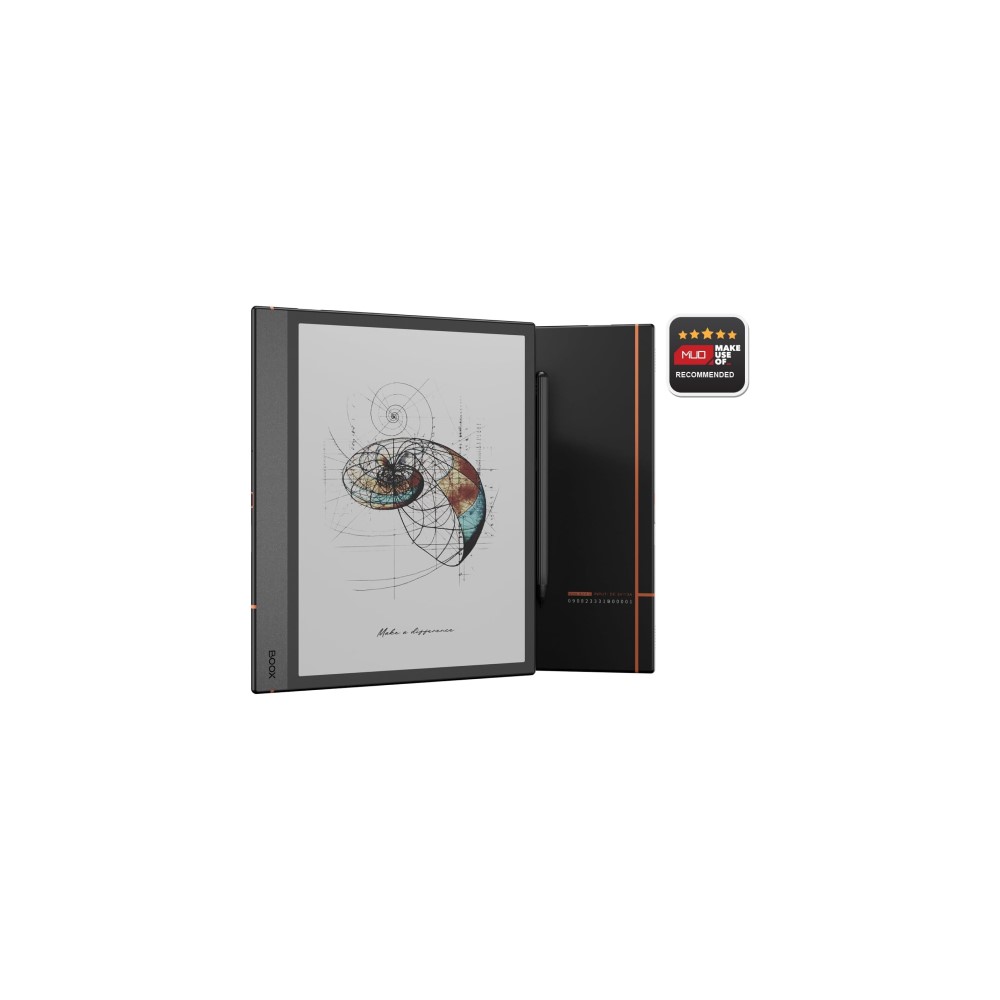
Vibrant 10.3-inch color e-ink display • Cloud syncing and expandable storage via microSD • Fantastic built-in Notebook app for use with stylus
MSRP: $499.99
Colorful E-Ink Android tablet.
The BOOX Note Air 4C is one of the most versatile E-Ink tablets you can buy. With full Android 13 support, a responsive stylus, and a colorful display, it delivers far more than a typical e-reader.
Positives
- Vibrant 10.3-inch color e-ink display
- Google Play Store and third-party app access
- Highly customizable display settings
- Cloud syncing and expandable storage via microSD
- Fantastic built-in Notebook app for use with stylus
Cons
- Imperfect interface
- Expensive at MSRP
- Android 13 isn’t the newest software
- Stylus erasing experience is clunky
- Short battery life compared to simpler e-readers
Don’t want to miss the best from Android Authority?


Boox Palma 2

Rita El Khoury / Android Authority
For a truly portable option, the Boox Palma 2 makes the strongest case. Boox’s tiniest model is essentially a phone-sized e-reader, with a tall, narrow design that should feel extremely familiar in your pocket. But unlike your smartphone, the device’s black-and-white e-ink display keeps text sharp and easy to read outdoors, and offers much better battery life.
Like other Boox options, it runs on Android. The Palma 2 taps into the Play Store, so you don’t have to commit to a single bookish ecosystem, and you can bounce between Kindle, Kobo, Libby, or whatever else you’re using. The software is also more customizable than most e-readers, with control over things like refresh mode and layout.
The trade-off is that it’s not likely to be your full-time reading device. The smaller screen isn’t ideal for long sessions, and once you start layering in apps, you can quickly lose focus compared to reading on a Kindle. Still, I love the tiny option for stowing in my bag and pulling out for quick chapters in line, in the car, or while waiting for my family to get out the door. It’s not the most immersive reader you can buy, but it’s easily one of the most convenient.

Pocketable size • Full access to the Play Store and Android apps • Week-long battery life
MSRP: $299.99
Pocket-sized Android e-reader.
The BOOX Palma 2 is a small, lightweight, and portable e-ink reader. It runs Android 13 with full access to the Google Play Store, allowing you to use your favorite apps on a display that’s easily readable outdoors while still lasting a week on a charge.
Positives
- Pocketable size
- Full access to the Play Store and Android apps
- Week-long battery life
- Optimized and highly customizable Boox software
- MicroSD slot
Cons
- Only 6GB of RAM
- Slow and unreliable fingerprint reader
- Still based on Android 13
Boox Go 7

If you want a straightforward e-reader but still like the idea of Android flexibility, the Boox Go 7 is a good middle ground. It bumps up to a 7-inch display available in monochrome and offers stylus support for jotting quick notes. If you are interested in color, the series also includes the Go 7 Color with a Kaleido 3 display. Either model is lightweight and easy to carry, and feels more like a true everyday reader than the smaller and larger options above.
Most importantly, Android is still part of the equation, so you get access to the Play Store and can run Kindle, Kobo, Libby, or any other reading app without being locked into one ecosystem. It also supports a wide range of file types and expandable storage via microSD. Like the Kobo Libra above, the Go 7 also features physical page-turn buttons.
It’s not quite as plug-and-play as something like a Kindle Paperwhite, but that trade-off comes with more control over how everything works, from apps to layout. Once it’s set up, it settles into a really solid everyday reader, and for most people, this is probably the sweet spot in Boox’s lineup.
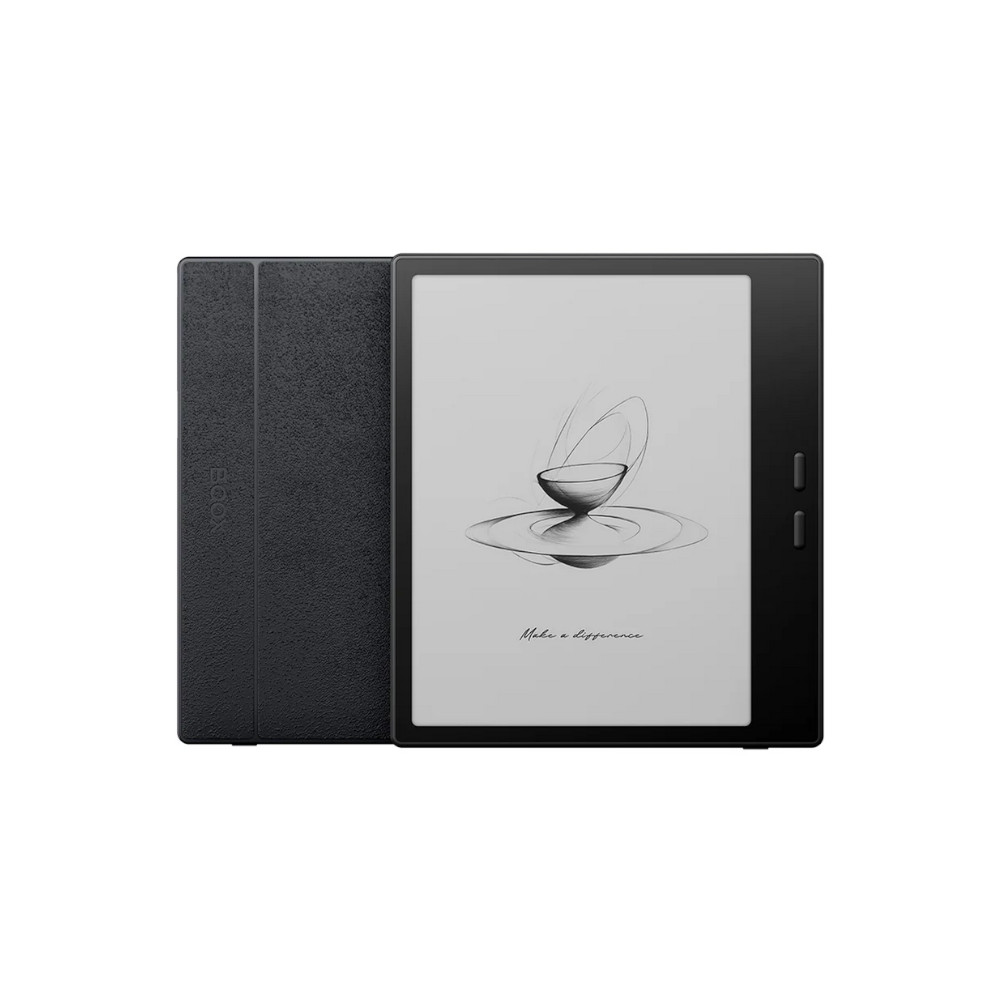
Runs on Android • Ergonomic page-turn buttons • Optional stylus support
MSRP: $269.99
A 7-inch Android e-reader with offers full app freedom and physical page-turn buttons.
The Boox Go 7 packs a 7-inch Carta 1300 display into a compact body, with 4GB of RAM and 64GB of expandable storage. It runs Android 13 for full Play Store access, plus USB-C, Bluetooth, and dual-band Wi-Fi for flexibility well beyond a typical e-reader. You also get front lighting, physical page-turn buttons, and stylus support, making it feel closer to a mini tablet than a pure reading device.
Positives
- Runs on Android
- Ergonomic page-turn buttons
- Optional stylus support
Cons
- Not water resistant
- Slight ghosting
- Limited note taking tools
Thank you for being part of our community. Read our Comment Policy before posting.
 By
By