

Kaitlyn Cimino / Android Authority
TL;DR
- Right now, Pixel Watches let you turn on Fall Detection without a Google account linked to the wearable.
- Google appears to be preparing some new messages informing users of an account requirement to continue using the feature.
- There should be a multi-day grace period before Google disables access.
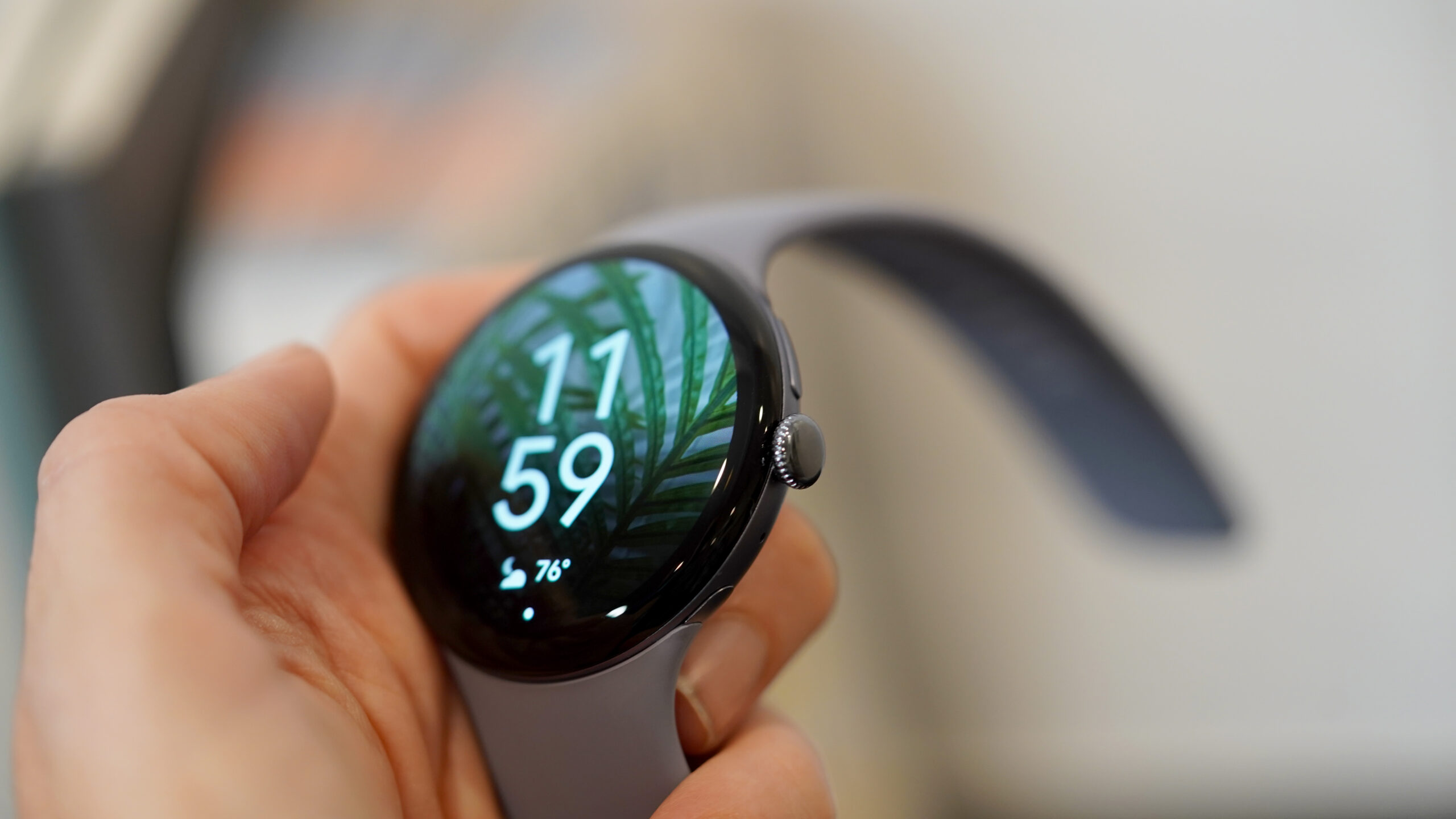
For most of us, signing into a Google account is just second nature when setting up a new device — we want access to our email, our apps, our photos, and everything we’ve backed up to the cloud. But there’s also a lot you can get done without one, if you’re opting out or just putting off logging in for whatever reason. But if you want to use some of the Pixel Watch‘s best safety features, it looks like you won’t be able to hide under the cloak of anonymity for much longer.
Google introduced Fall Detection a few months after the inaugural Pixel Watch arrived, and it’s been supported on all subsequent Pixel Watch models to date. And as you can see here on a Pixel Watch 3, the wearable lets you activate the feature even if you haven’t yet added a Google Account:
Based on some new strings we’re finding in version 4.4.0.897056328 of the Pixel Watch app, Google looks like it’s about to get much more strict about requiring an account.
Don’t want to miss the best from Android Authority?


Google’s getting ready to start showing messages to Pixel Watch users about new sign-in requirements for Fall Detection:
Code
Sign in
Fall Detection will soon require sign-in
To use this feature, sign in to Personal Safety
Sign in to use Fall Detection
- "Sign in to Personal Safety within %d days to continue using this feature. Your Fall Detection settings will be synced across supported devices where you sign in with the same Google Account."
As you can see, Pixel Watch owners attempting to use Fall Detection without an account will be alerted that they must sign in with a Google account to keep using the feature long-term. It’s nice that there appears to be a grace period implemented so that you can still start using Fall Detection straight away, even if you can’t immediately sign into an account.
We can’t say how long that grace period will be, however, and it’s possible Google itself still hasn’t decided. But once you do connect your Watch to an account, you’ll get the benefit of having all your Fall Detection settings synced across devices.
Requiring sign-in for a safety feature makes a decent amount of sense — and honestly, 99% of the time we’d be signed in to Google accounts on a Pixel Watch, anyway. For those of you who still needed a nudge, it may not be much longer before Google starts giving you one.
⚠️ An APK teardown helps predict features that may arrive on a service in the future based on work-in-progress code. However, it is possible that such predicted features may not make it to a public release.
Thank you for being part of our community. Read our Comment Policy before posting.
 By
By