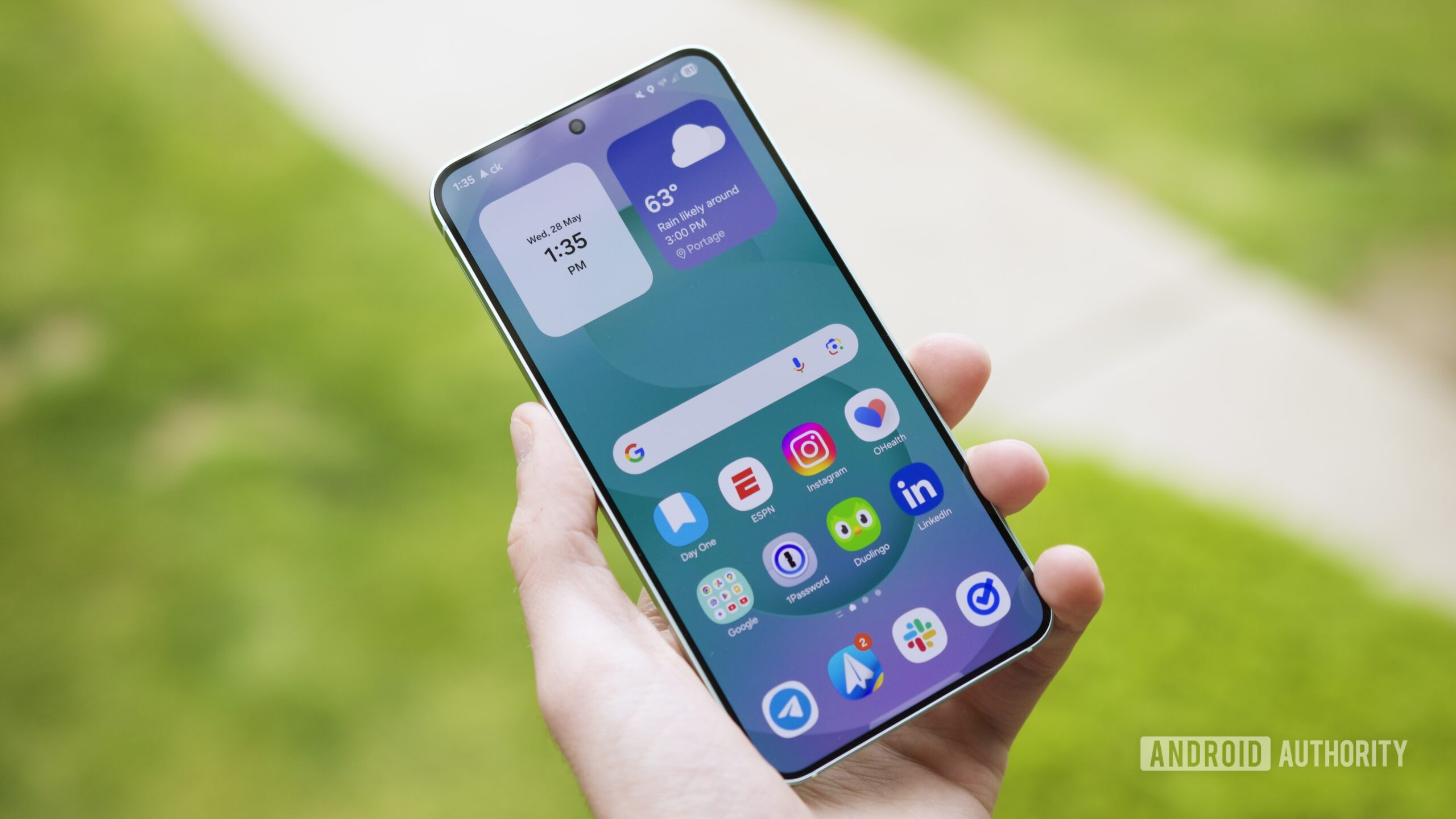


Joe Maring / Android Authority
TL;DR
- Samsung has begun rolling out the fourth One UI 8 beta for the Galaxy S25 series.
- The third beta is available to users in the South Korea, Germany, and India, but we expect users in the US to get the update soon.
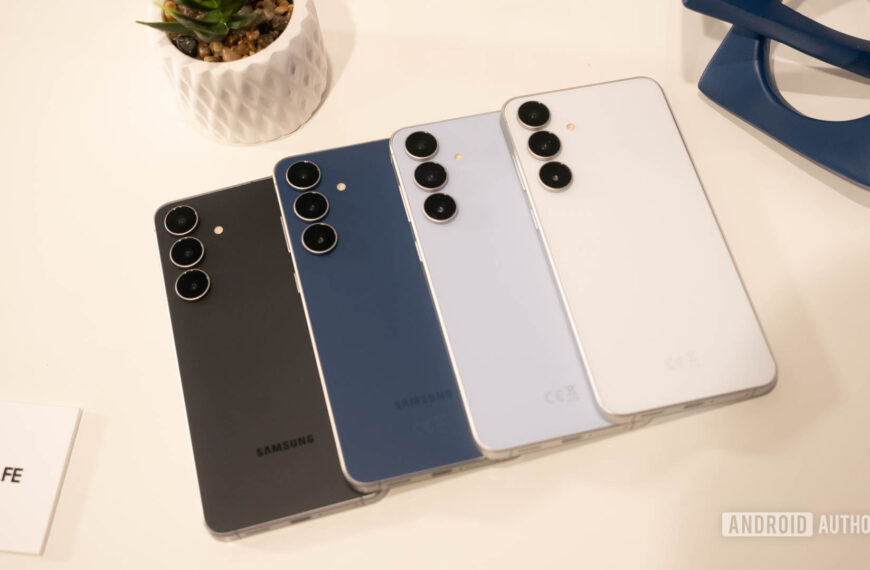
The Galaxy Z Fold 7, Flip 7, and Flip 7 FE have launched with stable One UI 8, but the rest of Samsung’s lineup still has to wait for their stable release. There’s some good news for the six-month old Galaxy S25 series though, as Samsung has released One UI 8 Beta 4 for the lineup.
The fourth One UI 8 beta build for the Galaxy S25 series (h/t Tarun Vats) is 1.3GB in size and has the version number S938BXXU5ZYGB/S938BOXM5ZYGB/S938BXXU5BYGB, depending on the region. This update is rolling out to users in Germany, South Korea, and India at the moment, but we expect users in the US and UK to also get the update very soon.

The complete changelog isn’t visible, but I could piece together the following translated changes from different images:
- Added emergency update feature to Samsung IMS Service: A notification or pop-up may appear asking you to agree to IMS service updates and restarts.
- Supports full-screen switching during video playback when using DeX.
- Improved Galaxy AI Reply Recommendation Feature Operation.
- Improved loading issues when uttering Bixby routine commands.
- Improved display error of quick launch icon area on lock screen.
- A bug when editing iNavi dashcam videos in the Gallery app has been fixed.
- An issue where the “Fingerprint sensor is not responding” message was displayed on the lock screen has been fixed.
- A bug with outgoing calls when dialing by swiping from the contact list with the TalkBack feature enabled has been fixed.
- An issue with the center horizontal/vertical screen level flickering when switching from the front to the rear camera has been fixed.
- Software stability has been improved with updates to several applications.
To enroll in the One UI 8 beta program on your Galaxy S25 series, you will need to download the Samsung Members app, sign in with your Samsung Account. If you are in an eligible region, you will see a One UI 8 Beta Program banner on the home page, which you need to click on and complete your registration. Once done, you can check for an impending update at Settings > Software update > Download and Install.
Thank you for being part of our community. Read our Comment Policy before posting.
 By
By