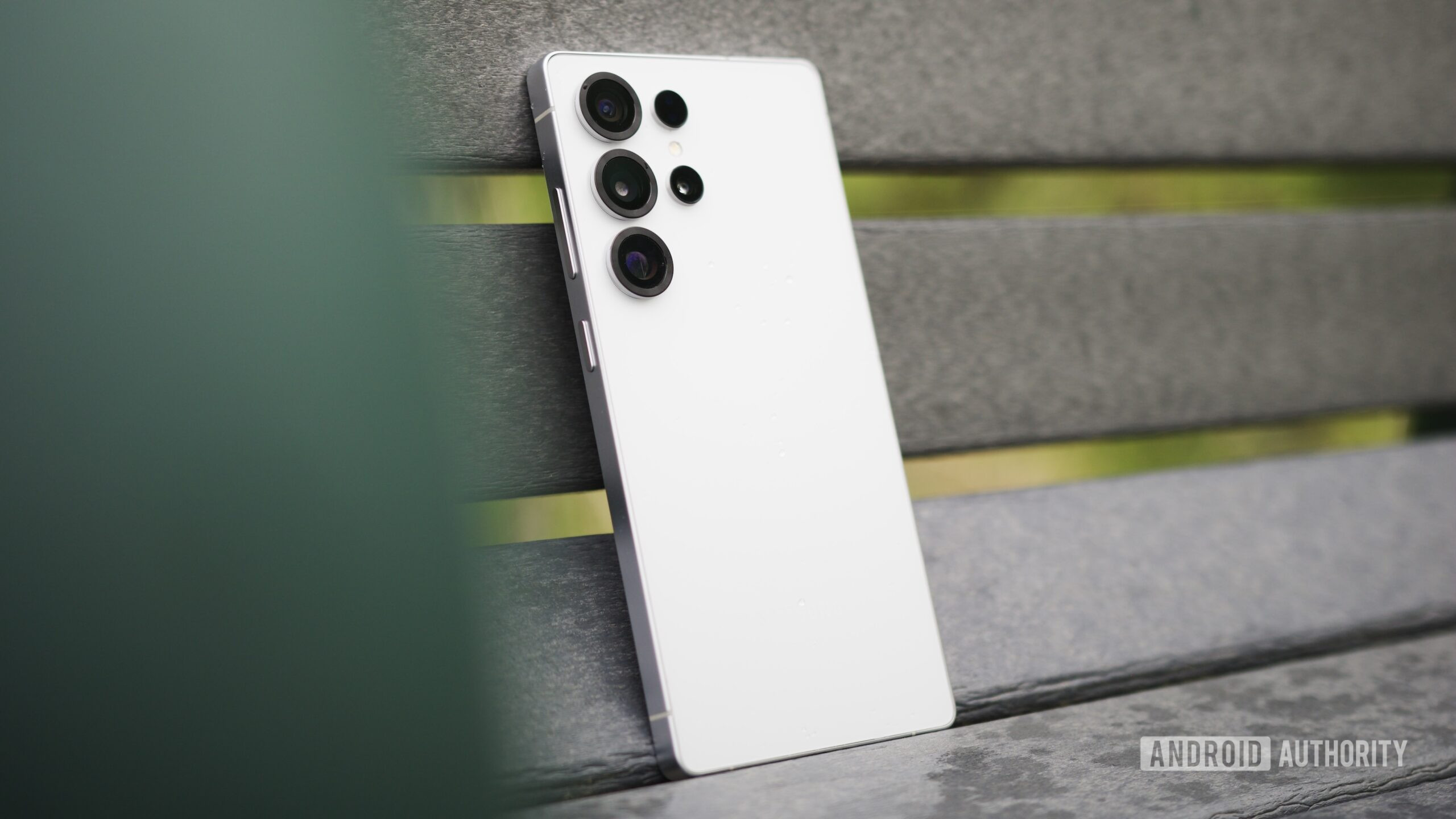


Joe Maring / Android Authority
TL;DR
- Samsung is releasing the fifth One UI 8 beta to Galaxy S25 devices.
- The update has a download size of about 1.79GB and includes various bug fixes.
- This update fixes the issue where the moon would turn purple when taking pictures at 100x zoom.
Another beta has arrived for the Galaxy S25 series. It’s the fifth One UI 8 beta to hit the Galaxy S25, which comes only a few weeks after Samsung released the previous beta. As expected, this update carries various bug fixes, including a fix for a rather peculiar issue plaguing the camera.
Don’t want to miss the best from Android Authority?
Today, users are starting to see the release of a new One UI 8 beta. This rollout is getting spotted in the US and the UK. There are also a few reports coming from India, Korea, and Germany.

Zac Kew-Denniss / Android Authority
The firmware for this update ends with ZYH6 and weighs in at about 1.79GB. You’ll also find the August 2025 security patch attached to this update. As mentioned earlier, there are quite a few bug fixes listed in the changelog, including:
- Fixed hotspot connection error
- Fixed the issue of the size of the clock on the lock screen getting smaller
- Fixed S Pen Air command exception
- Fixed issue of Quick Settings window not appearing
- Fixed the issue that overlap the Quick Settings and Notification Windows
- Fixed the exception when capturing screen in the app in the secure folder
- Fixed an issue of Do Not Disturb Mode’s settings resetting
- Fixed the issue of NowBrief briefing content disappearing
- Stabilizes SW with multiple App Update
Last week, we reported that Galaxy S25 users were experiencing an issue where the moon would turn purple when trying to take a picture. The issue would trigger if you attempted to take a moon shot at any zoom setting past 30x zoom. It appears this update addresses that bug as well.
To see if the update is available for your device, just head over to Settings and look for Software Update. You can then tap on Download and install.
Thank you for being part of our community. Read our Comment Policy before posting.
 By
By