

Mishaal Rahman / Android Authority
TL;DR
- Google has confirmed it will roll out a new customization setting in Android to let users turn off the background blur effect.
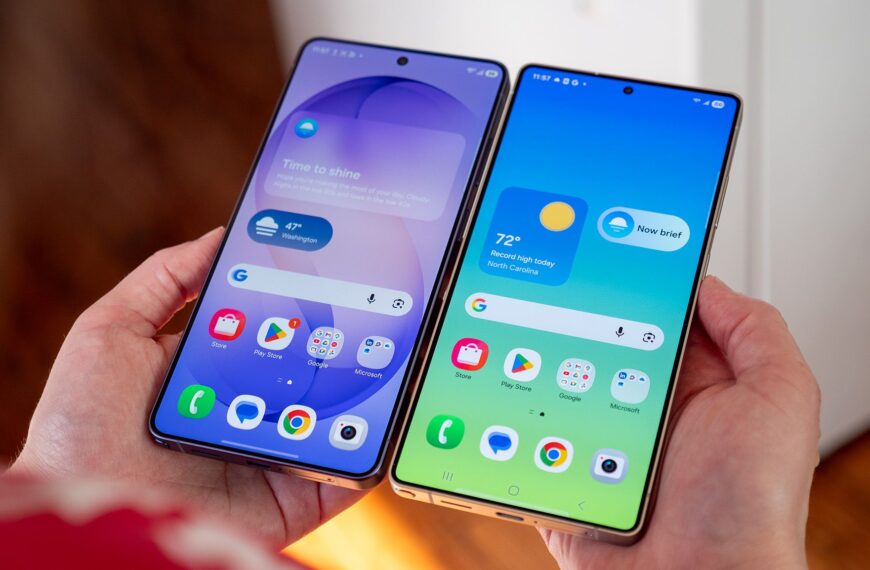
- Android’s new Material 3 Expressive design makes ample use of blur throughout the UI.
- The setting is coming in the “near future” for accessibility and could also offer a minor improvement in battery life.
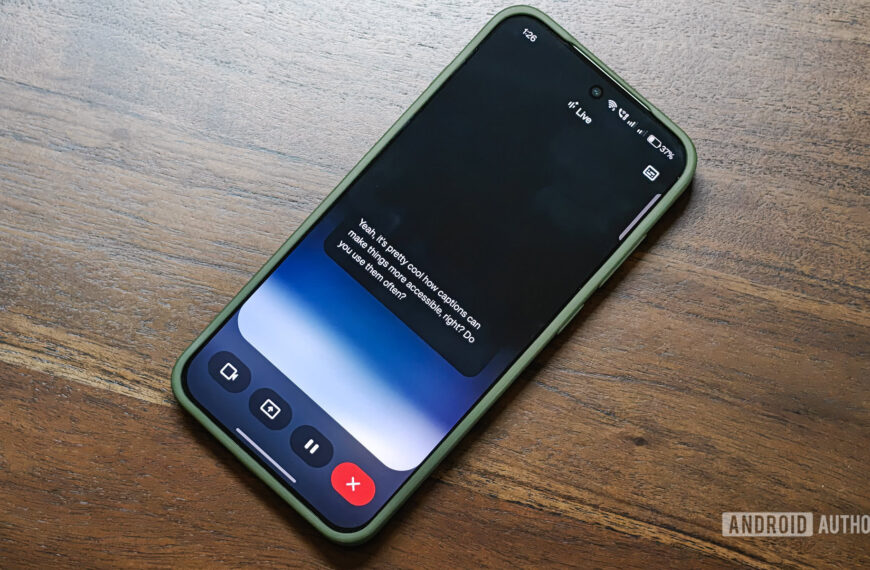
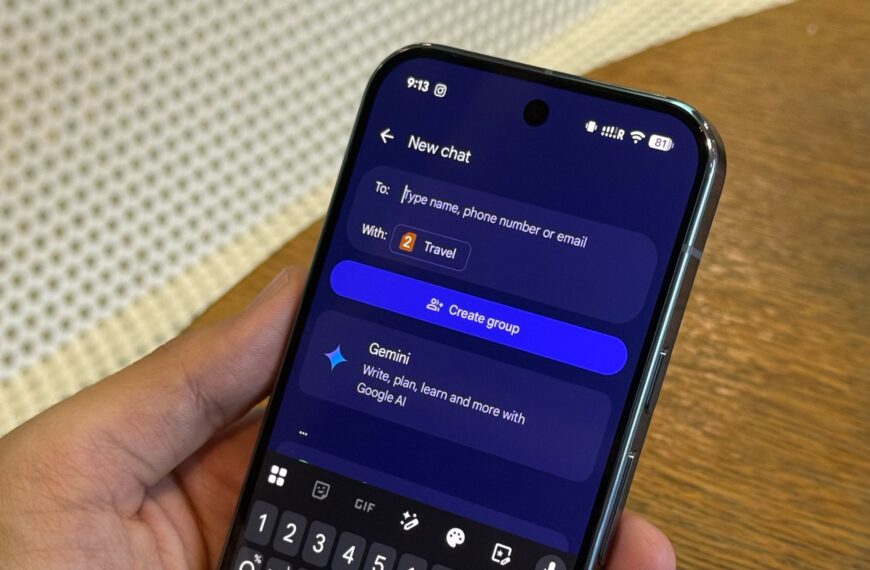
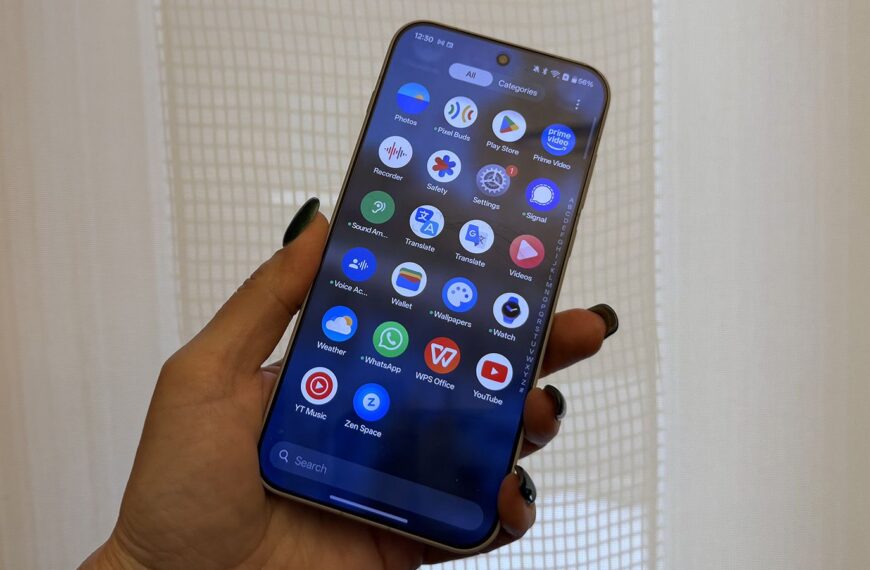
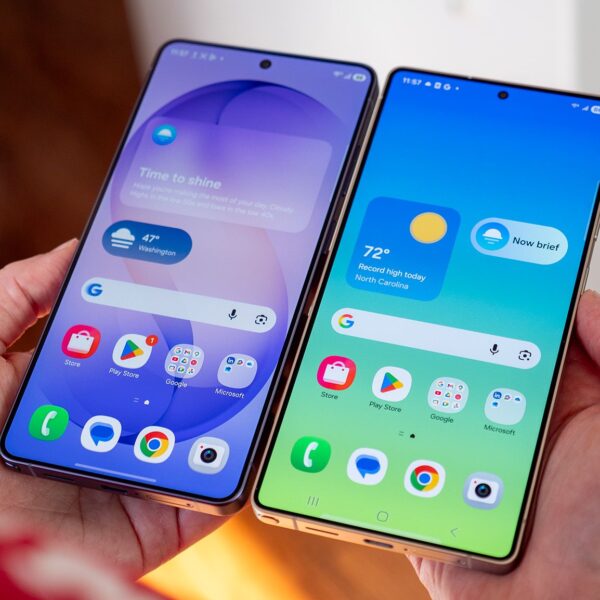
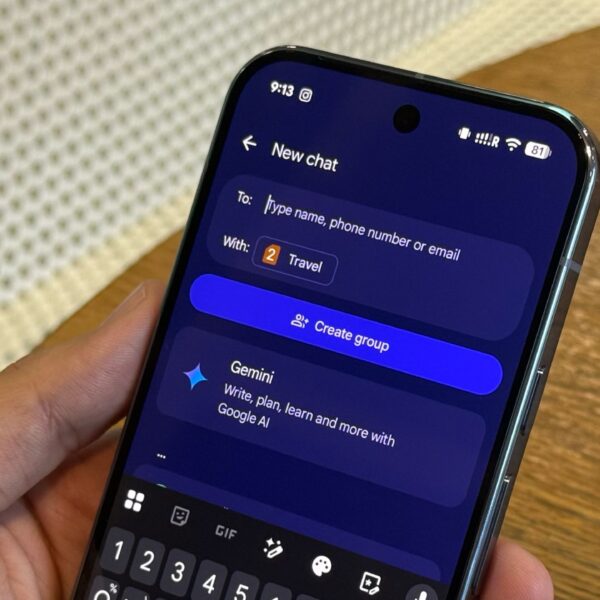
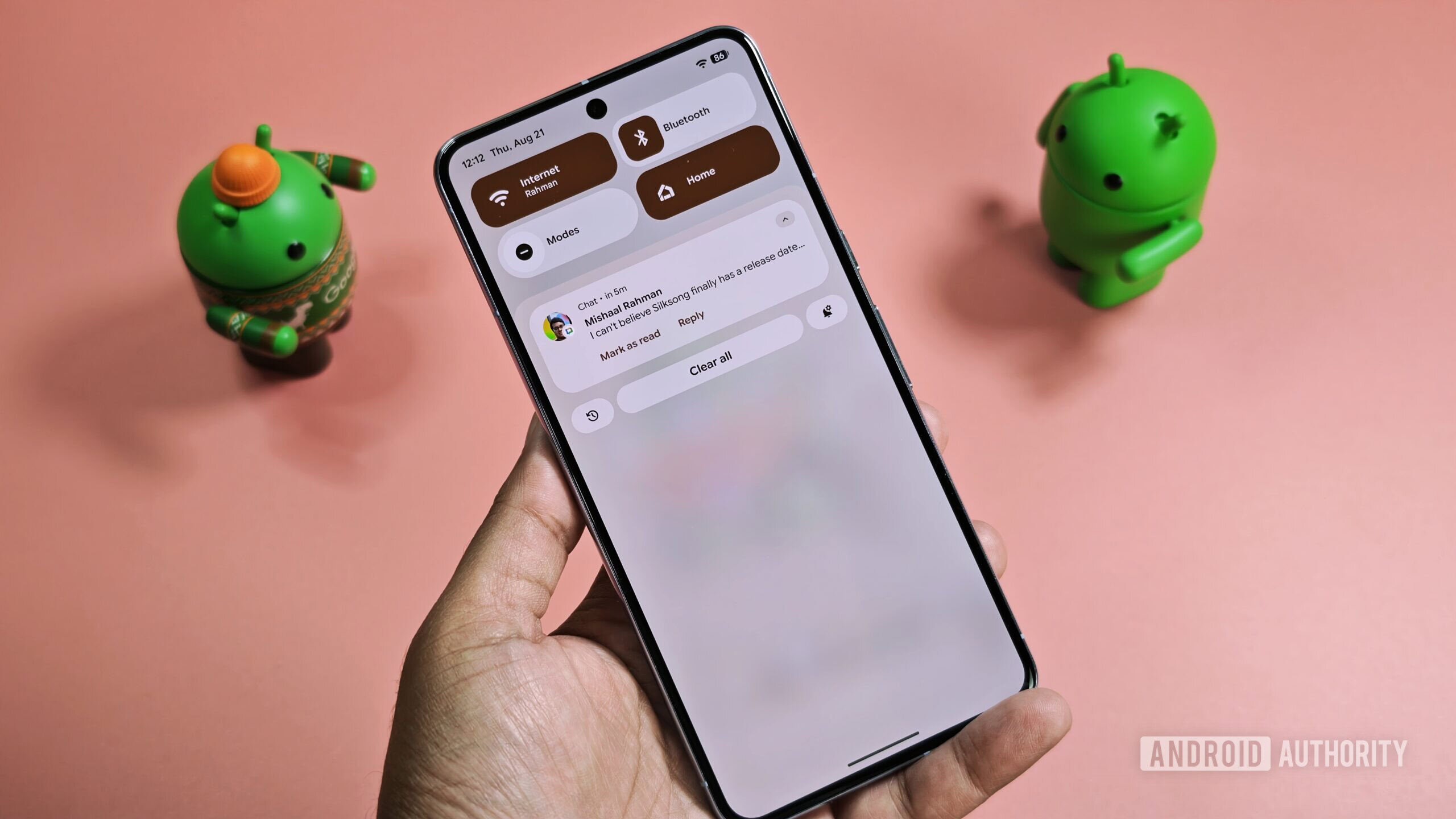
Android’s big Material 3 Expressive redesign is just around the corner, bringing Google’s new design language to many more people. While most will likely enjoy the new look, some may not jibe with its ample use of background blur. This effect appears in the Quick Settings panel, the notification shade, the lock screen, the app drawer, and the recent apps menu, to name a few places. Fortunately, if you’re worried the blur will harm readability, there’s good news: Google has confirmed it’ll roll out a new option in Android to disable it.
Don’t want to miss the best from Android Authority?
The news comes from Mindy Brooks, Google’s VP of Product Management and User Experiences on the Android Platform, in an interview I helped conduct for the Android Faithful podcast. (Speaking of podcasts, we just launched our very own — give it a listen!) I asked her about concerns some people have with background blur and its impact on readability, pointing to the reaction to Apple’s Liquid Glass design.
In response, she told me that Google uses blur to minimize distractions by focusing your attention on key UI elements. This makes sense, as without blur, the visuals underneath would remain clearly visible, potentially shifting your attention from the content that’s in focus.
The challenge, however, is deciding how blurry the background should be. If the effect is too subtle, the background can still be distracting, but too much blur can spoil the aesthetic. While I think Google struck a nice balance — and I’m sure most people would agree — others might not. That’s why Google will be rolling out a “new customization setting” that allows users to turn off background blur effects on Android.
This new option will be coming in the “near future,” according to Brooks, but we don’t have a firm release date. Our hope is that the option will arrive in the second quarterly release of Android 16, but there’s no sign of it in the Android 16 QPR2 Beta 1 release that Google put out earlier this week.
Here’s the full quote from Mindy Brooks, for reference:
“On the question of blur specifically, our hope with the use of blur was to be able to focus your attention, as a user and be able to keep you, visually where you need to be on the screen. And that was really the design principle behind it is how do you minimize distraction, by the use of blur. But that said, we obviously know that it doesn’t meet the needs of all users. So we will be rolling out a new customization setting so that you can turn blur off as well.
So that’ll be coming in the near future. So that’s another way in which we’re trying to make sure that, again, with Android, we are enabling the platform to be as customizable as possible to be able to support all of our users, no matter where they’re at.”
Implementing this option shouldn’t be too difficult for Google, especially since a system-wide toggle to disable background blur already exists in Android’s Developer Options. However, turning a developer toggle into a polished, user-facing feature requires checking a lot of boxes. The company must thoroughly test it, decide where to place the setting in the UI, create illustrations if necessary, translate text into other languages, and much more.

Mishaal Rahman / Android Authority

Mishaal Rahman / Android Authority
Besides improving accessibility, turning off background blur can also slightly improve battery life. In fact, Android’s own battery saver mode disables the effect, highlighting its impact. Though the power savings are likely minor, the effect still requires GPU processing, so it doesn’t come for free.
If you’re interested in learning more about Material 3 Expressive, check out our deep dive or listen to the full interview with Mindy Brooks. I, alongside my cohost Ron Richards, asked her about Google’s journey to developing the new design language, what the company did to make it appealing to a broad group of people, how the team factored in accessibility when designing it, and more.
Thank you for being part of our community. Read our Comment Policy before posting.
 By
By