

Mishaal Rahman / Android Authority
TL;DR
- Android 17 Beta 2 starts implementing support for restricting how Thunderbolt or USB4 devices access system memory.
- Just like on Chrome OS, that access could be limited by default, and require users to specifically grant it.
- Android’s Advanced Protection Mode may restrict your ability to override the limitation.
Android is already a lot more than just a mobile OS, and has found success in the home through Android TV. But the platform’s expansion onto new device types is really only just getting started, and maybe the most exciting area for its expansion now is onto desktop and laptop computers. Aluminium OS teases a new Android-powered way for us to compute, and Pixel users everywhere are already trying out Android’s Desktop Mode. We’re picking up a new whiff of Android’s increasing desktop-ification as we continue to dig through all the changes present in Android 17 Beta 2.
Meeting the needs of desktop computer users requires supporting a lot more hardware than a phone alone might need to — and that includes connectivity options, as well. High-speed wired interfaces are still king, and in Android 17 Beta 2 we can see Google working on Android support for something Chromebooks already offer: The ability to limit how Thunderbolt or USB4 devices access system memory.
Don’t want to miss the best from Android Authority?


By default, Chrome OS restricts the ability of devices connected over Thunderbolt or USB4 from getting direct memory access. That kind of permission represents a lot of exposure from a security standpoint, so Google suggests you leave this off except with trusted devices and when there’s a real performance penalty from not using it.
Well, don’t look now, but with Android 17 Beta 2, we’re starting to see the same sort of access restriction being built into Android.
Code
Data access protection
Allow USB and Thunderbolt devices to access system memory directly for maximum hardware speeds.
Note: This poses a security risk, so only connect devices you trust.
Just like on Chrome OS, Android is also preparing for enterprise tools for IT admins to be able to control that option across a fleet of devices.
Code
Disabled by your IT admin Code
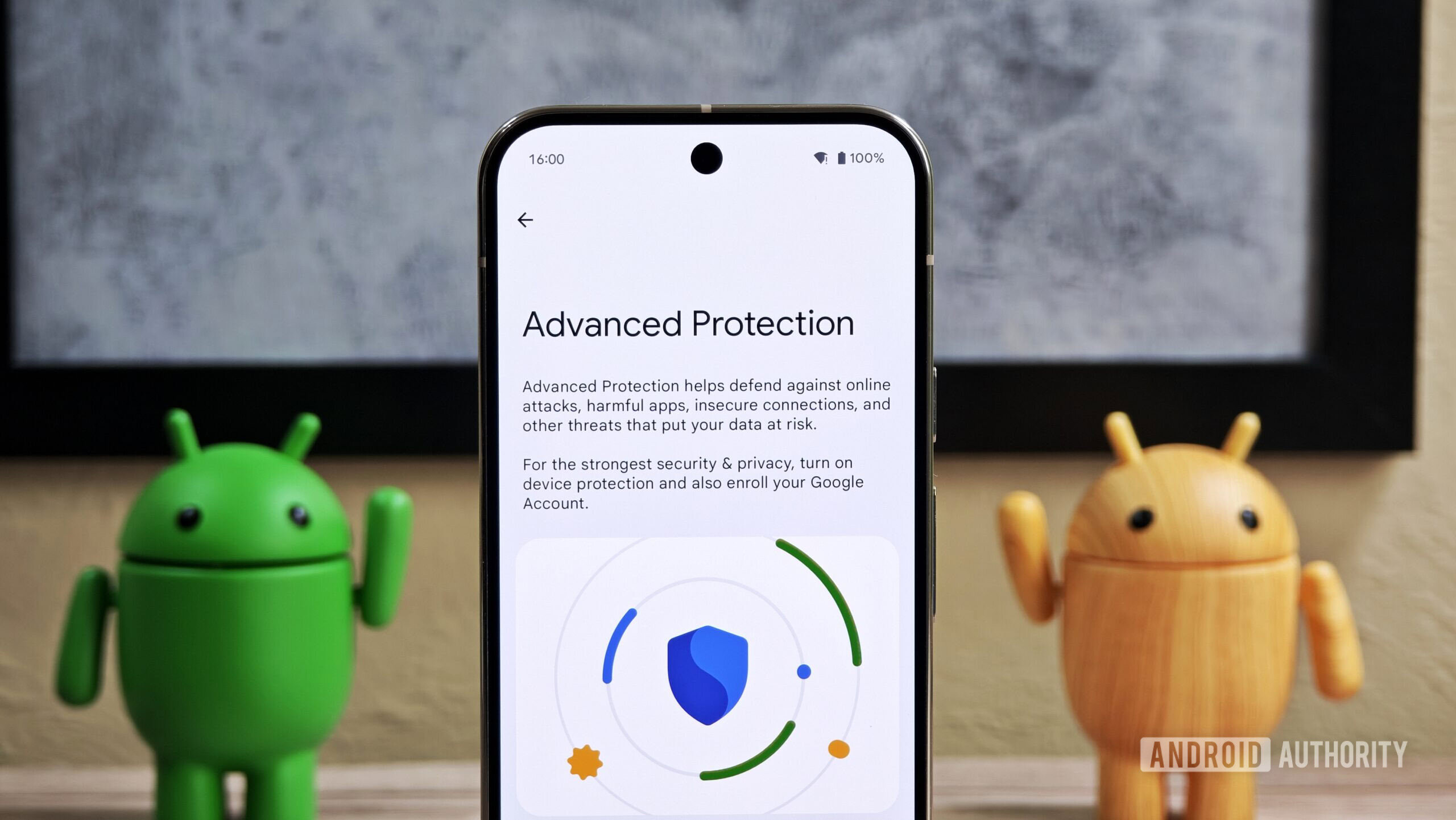
Disabled by Advanced Protection Mode Google seems to be building that out on a few fronts lately, and just earlier today we shared with you how Advanced Protection was adding new WebGPU restrictions in the name of security.
Right now, even Android 17 Beta 2 testers won’t see this new option on their Pixel phones — for the moment, we’re only finding these code references. But when it’s finally ready to go live, it looks like Google could make the setting visible on the same USB Preferences screen you see when setting file transfer options.
⚠️ An APK teardown helps predict features that may arrive on a service in the future based on work-in-progress code. However, it is possible that such predicted features may not make it to a public release.
Thank you for being part of our community. Read our Comment Policy before posting.
 By
By