

Joe Maring / Android Authority
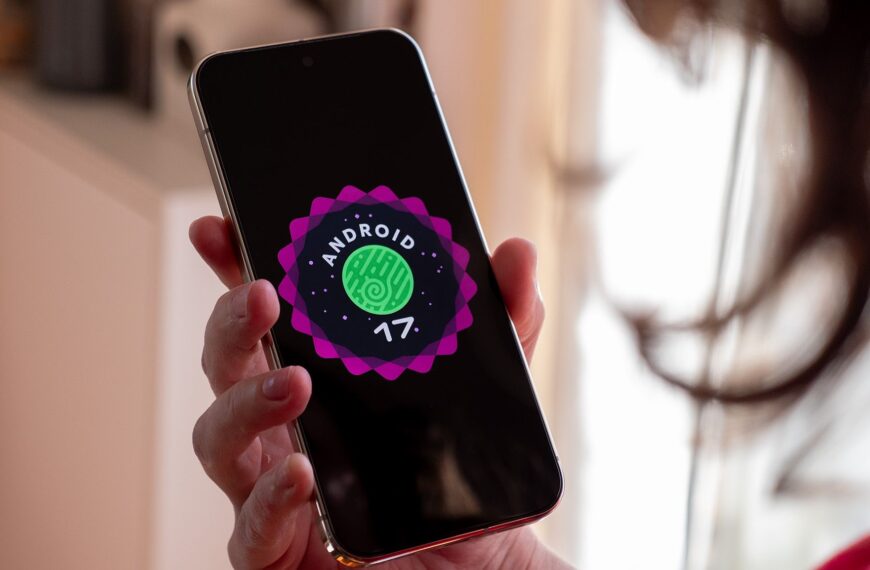
Android 17 is shaping up to be one of my favorite Android updates in recent years. The changes Google is making, while small, all address some long-standing bugbears of mine.
One such tweak has made Smart Replies a feature I want to use rather than one I try to avoid at all costs.
As a refresher, Smart Replies are the suggested responses you’ll see in your notification shade when you receive a message. Google added Smart Replies to our phones back in Android 10, so I’ve been avoiding them like the plague for almost seven years.
What’s the problem? Smart Replies are sent as soon as you tap them. As such, 99% of my interactions with the feature since 2019 have gone something like this:
- Try tapping a notification to open it.
- Accidentally tap the Smart Reply that says the opposite of what I want.
- Panic.
- Open the app.
- Edit the message, hopefully before anyone else sees it.
- Go for a laydown and a wee satsuma.
I know I’m being overly dramatic, but you get the idea — having the suggested response sent right away doesn’t save time like it’s supposed to. Not if you’re a fat-fingered oaf like me, anyway.
Do you like the changes made to Smart Replies?
0 votes
Thankfully, Android 17 has changed this behavior. As you can see in the screenshots above, tapping a Smart Reply in Beta 3 inputs the recommended response into the reply field, leaving you to remove, modify, or send the message. Again, this is a tiny change in the grand scheme of things, but it’s enough for me to start using a feature that was useless to me before.
Another reason I never bothered to use Smart Replies is that they were too generic or said only half of what I wanted. Now that I can tap one and make changes, it’s a feature that will save me time, using the suggestion as the start of the message and adding whatever else I want to say to the end. It’s such a small tweak, but also one I’m so, so happy with.
Are you as pleased with the changes Google has made to Smart Replies in Android 17? Or did you prefer the way things worked before? Please let us know in the comments below.
Don’t want to miss the best from Android Authority?


Thank you for being part of our community. Read our Comment Policy before posting.

 By
By