

Mishaal Rahman / Android Authority
TL;DR
- Google’s been making preparations to position Android more and more to take advantage of a desktop PC interface.
- New onboarding screens in Android Switch reveal some of the early messages desktop users could expect.
- References to hardware keyboard keys help establish that these screens aren’t meant for phones.
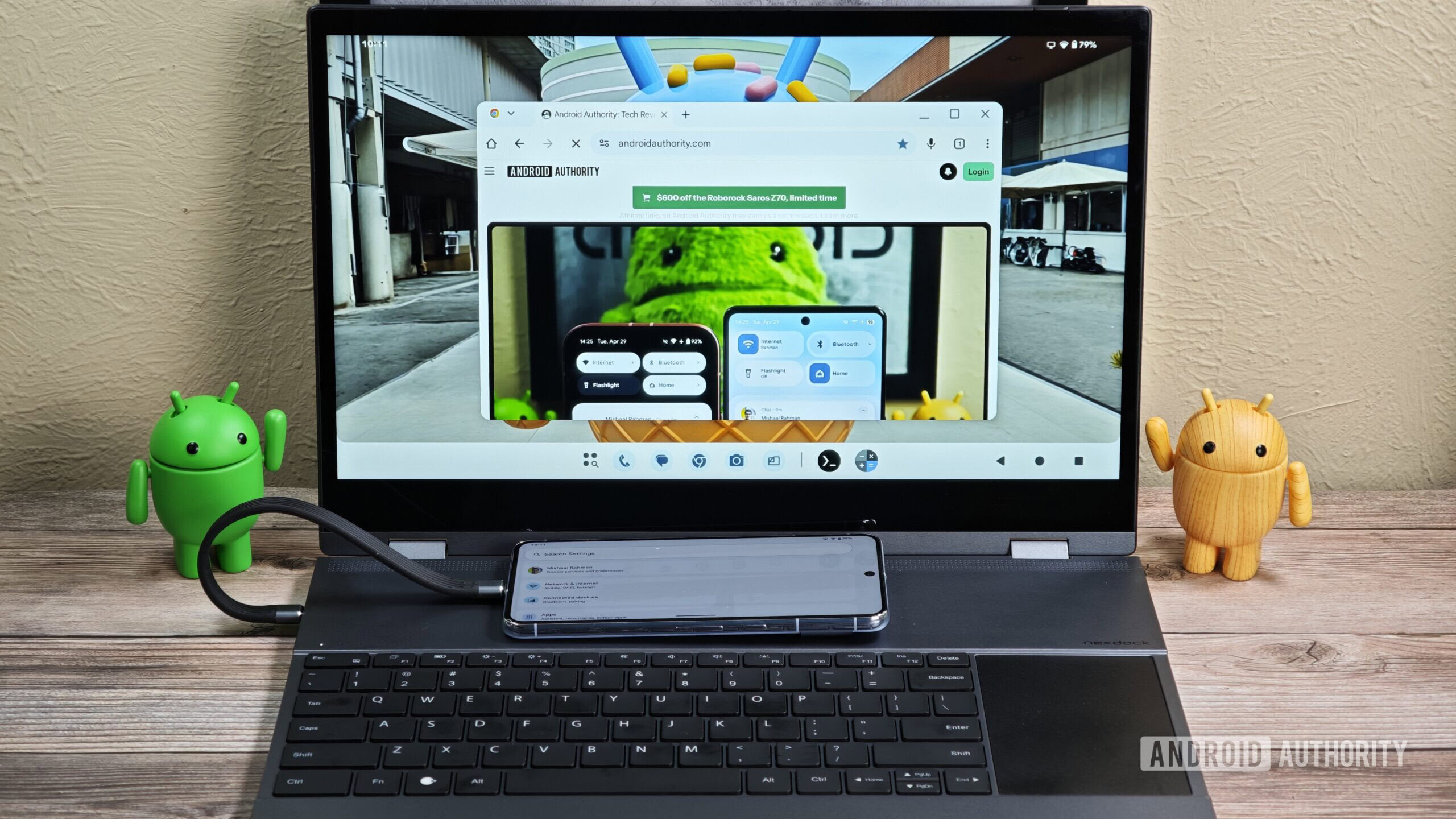
The Android landscape is about to change in a big way, and while smartphones aren’t going away anytime soon, Google’s platform is currently preparing a major expansion into desktop computing. In addition to the Android Desktop Mode we can already try out, projects like Aluminium OS tease an Android-based native desktop experience. And as wait to see exactly how these desktop ambitions will all take shape, we’ve got an early look at one corner to share with you.
It may be a little while since you’ve seen one, but we’re all familiar with the Android onboarding screens we run into when setting up a new device. You know the routine: set up your Wi-Fi, configure your Google account, and get harassed about not having your SIM inserted yet. Right now, that also includes some messaging delivered through the Android Switch app, introducing users to a few of Google’s latest AI-powered features. And based on what we’re finding, it looks like Google could bring a similar screen to desktops.
Don’t want to miss the best from Android Authority?


Just to contextualize what you’re seeing here: We’re running Android Switch version 1.0.882455745 on an Android phone, but we’ve tricked the app into thinking that it’s running on an Android desktop PC. Under these circumstances, the app presents a very different, still very much in-development onboarding screen:

AssembleDebug / Android Authority
As you can see, the messaging there is incomplete, and appears to be referencing some icon art that isn’t yet available for the app.
Even in this state, though, there’s clear evidence in support of this being an onboarding screen for an Android desktop interface. If you’re already a Chromebook user, you may already recognize Quick Insert as one of the special function keys on your keyboard. And of course, you’ll also find Google’s “G” key, which Circle to Search is apparently getting ready to take advantage of.
Each of those points to the idea of an Android system based around a physical keyboard; taken together, they’re that much harder to ignore. And if none of that has managed to convince you, here’s one more piece of the puzzle:
The text strings identifying these features label them as “desktop promo cards.” Of course, we expect this onboarding screen could appear much differently in a windowed, desktop environment. But even in this limited form, it’s still exciting to be getting an early preview.
⚠️ An APK teardown helps predict features that may arrive on a service in the future based on work-in-progress code. However, it is possible that such predicted features may not make it to a public release.
Thank you for being part of our community. Read our Comment Policy before posting.
 By
By