

TL;DR
- Android is taking new measures to discourage casual app installation from unverified developers, including a 24-hour wait period.
- Users will be able to opt out of further delays after that initial 24 hours.
- Today Google clarifies that this status can carry over to new devices, so you only ever have to go through it once.
Ever since last summer, Google’s been getting Android users ready for new rules regarding how you’re allowed to install apps on your devices. Nothing about getting apps directly from the Play Store is changing, but whether you call it “sideloading” or just manually installing APKs, Google is taking steps to make that process “high-friction” in order to discourage scammers from tricking vulnerable users into installing malware. The whole effort has proven hugely controversial, but Google’s been working hard to relive everyone’s fears — and now its latest update is maybe the best news yet.
Don’t want to miss the best from Android Authority?


How manual Android app installation is changing
In case you’re late to this party, here’s what’s going on: Android currently lets you manually install apps by just copying the associated APK to your device, and opening it with an app you’ve granted the correct permissions to. Maybe that’s an internal app that your company doesn’t want to distribute on the Play Store, a private software project you’ve been working on yourself, or a community effort like any of numerous emulators.
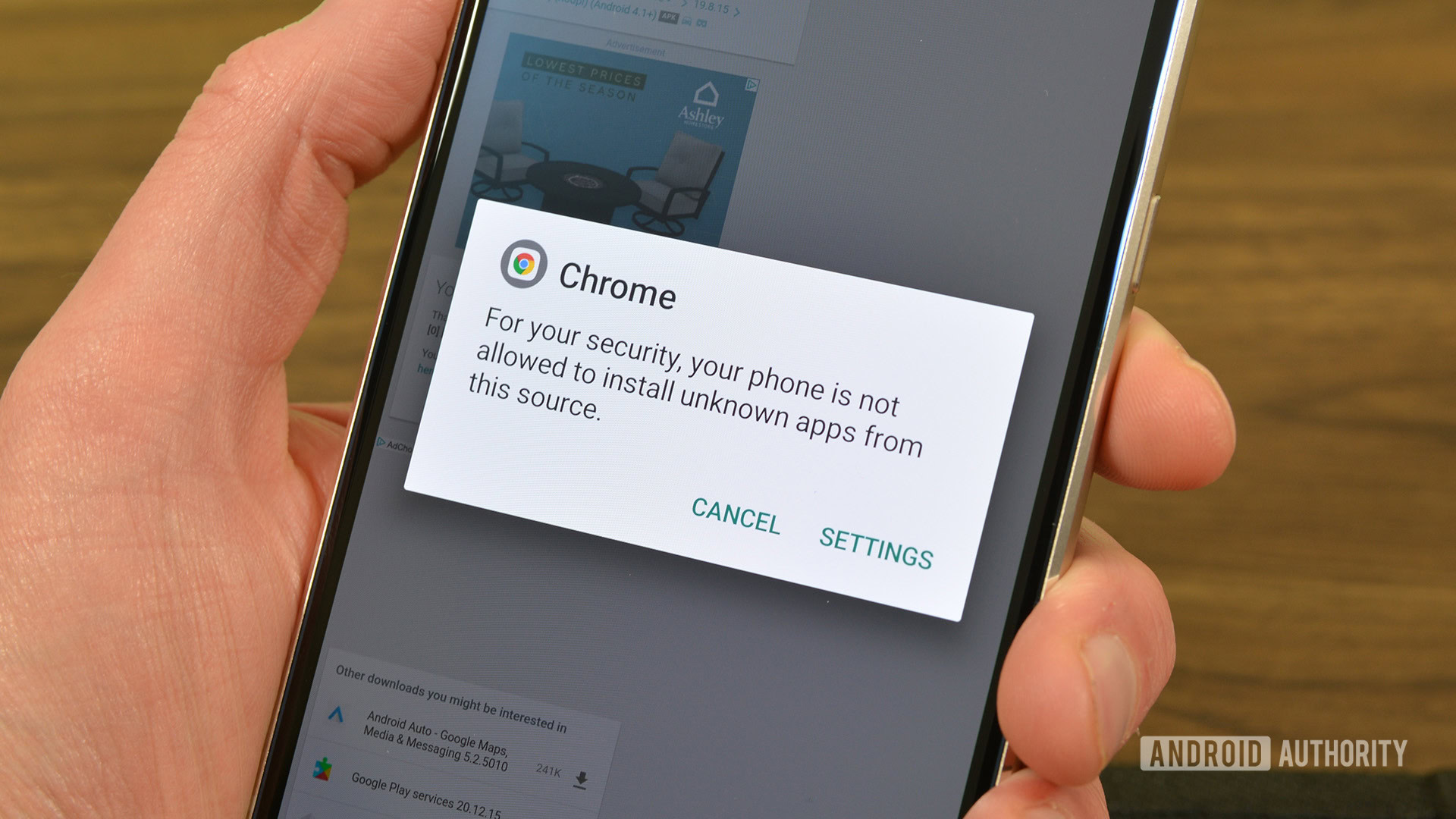
Android will throw up a few warning messages about the risks of running software from unknown sources, but you’re ultimately able to tap past all those and move forward with the installation.
With the changes Google’s making to Android developer registration, though, apps from developers who decline to participate will be much more onerous to install. Earlier this month, Google finally detailed the precise workflow that will be needed to install apps from unknown developers — and that includes a mandatory 24-hour delay.
On one hand, it was good news to learn that Google was offering this “override” option. On the other, waiting 24 hours just to install an app sounded kind of bad. But it wasn’t long before Google started sharing some news that served to mitigate the impact of that delay.
For one, ADB would be unaffected, and any power users who needed to install an app straight away could always connect their Android device to a computer and use ADB commands to manually install — no delay at all. We also learned that users would have the option to permanently keep installations from unverified developers allowed, so they’d never have to repeat that 24-hour wait on the same phone.
Opting out is going to be even less of a problem than we thought
This afternoon, Google’s Matthew Forsythe shares some answers to questions he’s gotten about the minutiae of how this process all works — and he’s got some very, very good news for us. While sadly, it doesn’t look like there will be any ADB command you can send to your phone to make it immediately jump to the end of that 24-hour delay, we’re getting one concession that might be even better.
Forsythe confirms that users who enter this “advanced flow” that removes limits on installing apps from unverified developers will be able to carry over that option to a new device.
Doing that once with every new phone already sounded perfectly manageable. But now Google clarifies that even that won’t be necessary, with the opt-out able to be transferred as we upgrade phones. That is maybe just the best news we could have gotten here, and hopefully it’s enough to calm everyone down about the sideloading-sky falling.
Google’s new advanced flow for installing apps from unverified developers will start going live for Android users this August.
Thank you for being part of our community. Read our Comment Policy before posting.

 By
By