

Mishaal Rahman / Android Authority
TL;DR
- Google is developing a new, optional split design for Android’s Quick Settings and notifications panels, separating them into distinct pages.
- This “separate” view will require swiping from the top right for Quick Settings and top left for notifications, contrasting with the current “combined” view.
- While the feature’s release is uncertain, it’s actively being developed and might appear in a future Android 16 quarterly update.
Google is set to roll out a major overhaul to Android’s user interface this year, introducing the company’s new Material 3 Expressive design to the OS. As part of this redesign, Google is revamping Android’s Quick Settings panel to add Material 3 Expressive flair and deliver several functional improvements. The company showcased these Quick Settings changes earlier this month, even inviting users to test them in the Android beta program. However, Google didn’t reveal that its work on the Quick Settings panel isn’t finished, as it plans another significant revamp, possibly slated for an upcoming quarterly release of Android 16.
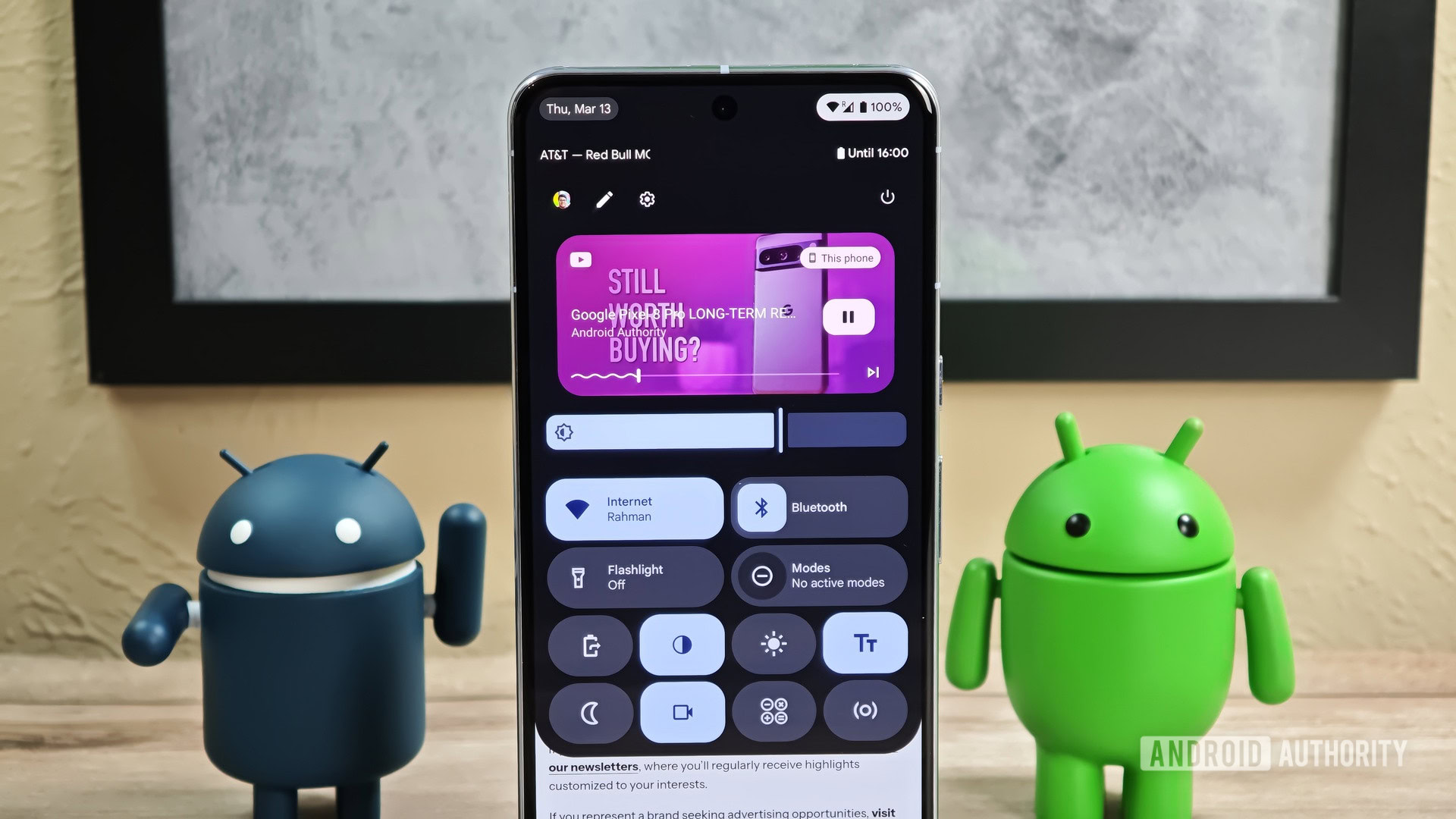
During The Android Show: I/O Edition, Google showcased the Quick Settings revamp slated for release later this year. This updated Quick Settings panel introduces background blur, resizable tiles, one-click toggles for Bluetooth and Modes, a cleaner tile editor, and a redesigned brightness slider. The revamped panel is live in the Android 16 QPR1 Beta 1 update that Google released last week, but this is only part of the picture. Google is actually quietly working on an entirely different version of the Quick Settings panel: one that’s separated from the notifications panel.
Last year, I uncovered evidence that Google was preparing to separate Android’s notifications and Quick Settings panels. The company’s goal was to divide them into distinct pages, thereby creating more room for both notifications and Quick Settings tiles. This approach mirrors the design many OEMs, such as Samsung, Xiaomi, and OnePlus, currently feature in their Android builds.
When Google announced Material 3 Expressive earlier this month, many assumed the company had abandoned the split panel design because it wasn’t showcased during The Android Show and isn’t present in the Android 16 QPR1 beta. However, we’ve recently found strong evidence suggesting the split panel design is still in active development. More importantly, evidence indicates it will likely be an optional feature.
While digging through the Android 16 QPR1 Beta 1 release, we spotted strings indicating Google plans to add a new “Notifications & Quick Settings” option under Settings > Notifications. This page will allow users to switch the panel design from the current “combined” view to the new “separate” view. Notably, the “combined” view is labeled “classic.”
The “combined” panel, accessed by swiping down anywhere from the top of the screen, merges notifications and Quick Settings into a single interface, as its name implies. Conversely, the new “separate” panel divides notifications from Quick Settings, requiring a swipe down from the top right to open Quick Settings and from the top left to access notifications.
Code
Notifications & Quick Settings
Panels
Separate
Swipe down from the top right to open Quick Settings. Swipe down from the top left to open notifications.
Combined (classic)
Swipe down from the top of your screen to access the classic panel that combines notifications and Quick Settings.
The image below illustrates the anticipated look of the new Notifications & Quick Settings page in Android. Note that neither this page nor the split design itself is currently live in Android 16 QPR1 Beta 1. Furthermore, the animation displayed on this page is a placeholder, as Google has yet to develop a custom version.

Mishaal Rahman / Android Authority
While the rollout timing for this new split panel design remains unknown, we now know it hasn’t been abandoned. This feature could arrive with the other Material 3 Expressive changes in the Android 16 QPR1 release, or potentially later, such as in Android 16 QPR2.
When it does arrive, its availability across all devices is uncertain. A special footer message, appearing only on foldable devices, notes that the “combined” panel is limited to the outer screen. Although we haven’t seen any indication that this split panel design will be exclusive to foldable phones, this message could suggest that possibility.
Code
Combined (classic) view is limited to the outer screen of your foldable device Furthermore, it’s unclear whether this split panel design will be enabled by default. We hope it won’t be, considering the negative reaction when Samsung implemented a similar default in One UI 7. We’ll be sure to update you if we learn more about Google’s split panel design.

 By
By