

Andy Walker / Android Authority
TL;DR
- Logs posted by a Google employee confirm the Galaxy S26 Ultra does not support powered-off tracking via Google’s Find Hub.
- Google’s Find My Device network can locate powered-off phones, but only Pixel devices have supported the feature so far.
- Samsung’s SmartThings Find works offline, but still requires the phone to be powered on.
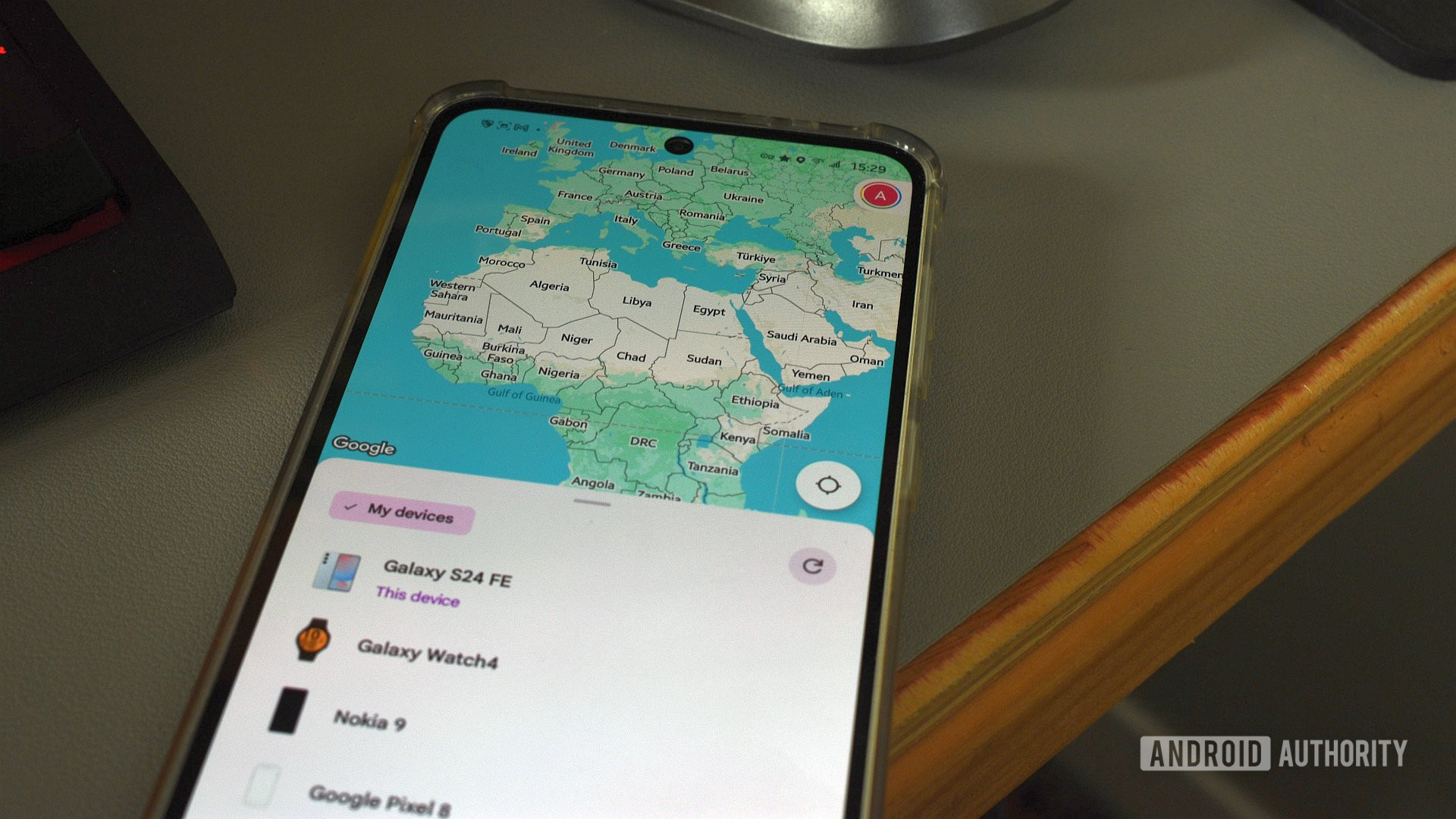
Despite Android’s upgraded Find My Device network (now called Find Hub) rolling out more than a year ago, Samsung’s new flagship phones may still miss out on one of its most useful features.
Don’t want to miss the best from Android Authority?


We’ve spotted a revealing log entry straight from the Galaxy S26 Ultra on Google’s Issue Tracker. A Google employee posted the phone’s logs for a separate issue with fonts, but they reveal an important detail:
[ro.bluetooth.finder.supported]: [false]
That single line in the logs indicates that the Galaxy S26 Ultra does not support Bluetooth-based finding when the phone is powered off, a capability Google has supported on Pixel phones since the Pixel 8 series.
Google’s Find My Device network, now branded as Find Hub, uses Bluetooth and proximity data from nearby Android devices to help locate a phone for several hours after it’s powered off. To enable this, Bluetooth and Location must be turned on before the phone shuts down. However, support for the feature remains limited, and for now, it’s only known to be available on Pixel phones starting with the Pixel 8 series.
We were hoping Samsung would finally support the feature on the Galaxy S26 series, but it doesn’t look likely. For what it’s worth, the Galaxy S25 series also lacked support for powered-off tracking through Google’s network.
Samsung does offer SmartThings Find, which includes an “offline” finding feature, but it’s often misunderstood. “Offline” here doesn’t mean the phone is powered off. It simply means the device can be found without mobile data or Wi-Fi, as long as the phone is still powered on and you’re logged into your Samsung account.
Nearby Galaxy devices then act as “Find Nodes,” reporting the phone’s location back to Samsung’s servers. Once the phone is truly powered off, that system stops working.
Thank you for being part of our community. Read our Comment Policy before posting.
 By
By