

Paul Jones / Android Authority
TL;DR
- The Galaxy S26 Ultra includes a “Virtual Reflector” feature hidden within the Expert Raw Labs menu.
- It mimics physical reflectors, allowing users to adjust the color (Silver or Gold), intensity, and direction of light on a subject.
- This feature is specifically designed to brighten subjects in challenging backlit scenarios without losing background detail.
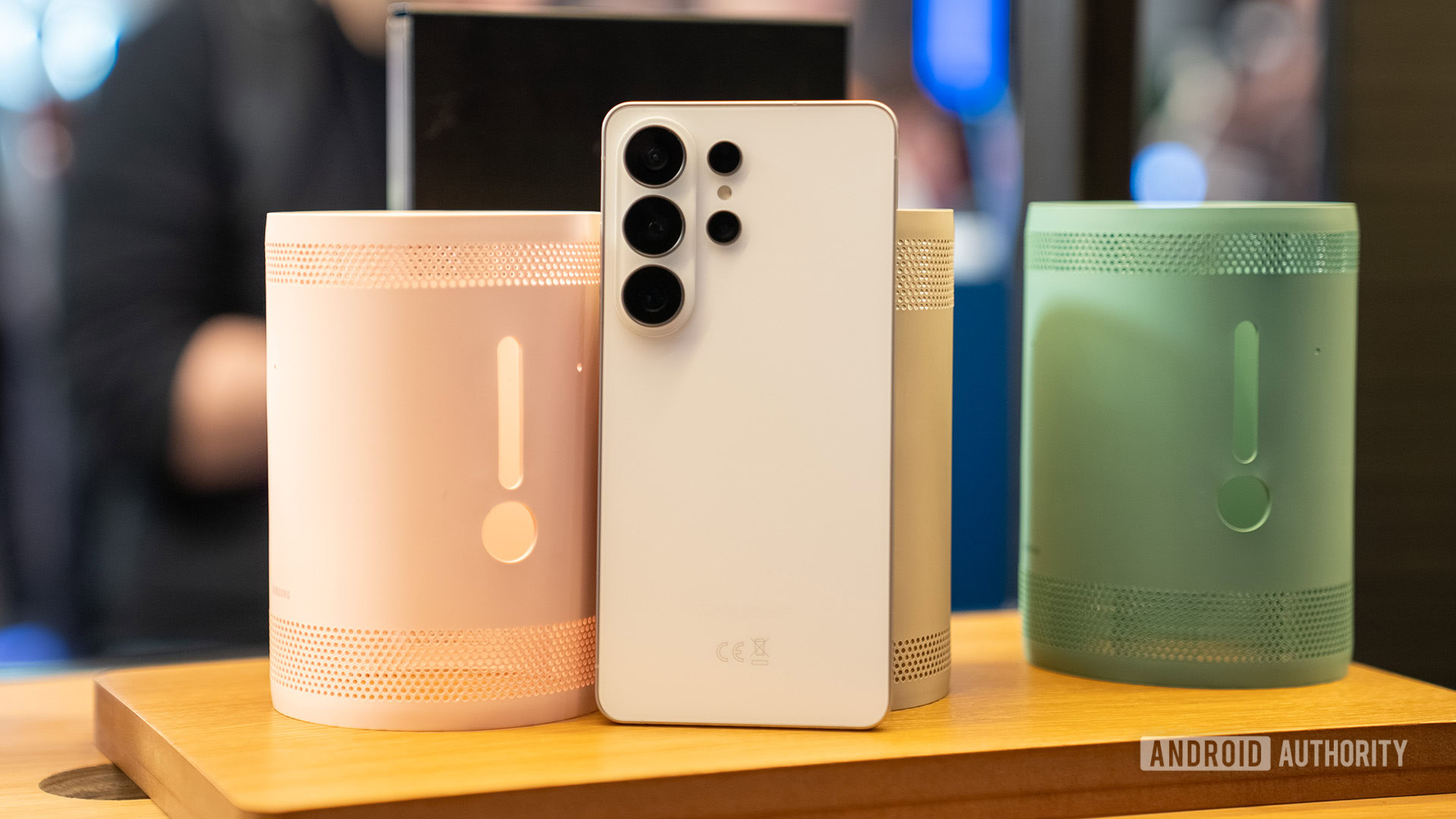
The Galaxy S26 series may lack major hardware upgrades, making it very easy to overlook Samsung’s more subtle innovations. The new Virtual Reflector setting in the Expert Raw app is one such innovation that has flown under the radar. This new tool brings professional lighting control to the Galaxy S26 Ultra, and it deserves its time in the spotlight.
Don’t want to miss the best from Android Authority?


As highlighted by YouTuber Steven Divish, Samsung’s standalone Expert Raw app features a new Virtual Reflector setting. This setting works like a reflector that photographers use, allowing users to virtually adjust the color and intensity of reflected light and even change the light’s direction on the subject.
This computational photography feature on the Galaxy S26 Ultra helps fix situations where the light source is in the background, which would otherwise make the subject appear too dark. Traditional photography requires physical reflectors to direct light onto the subject, but with Virtual Reflector, you can do it in real time on your phone.
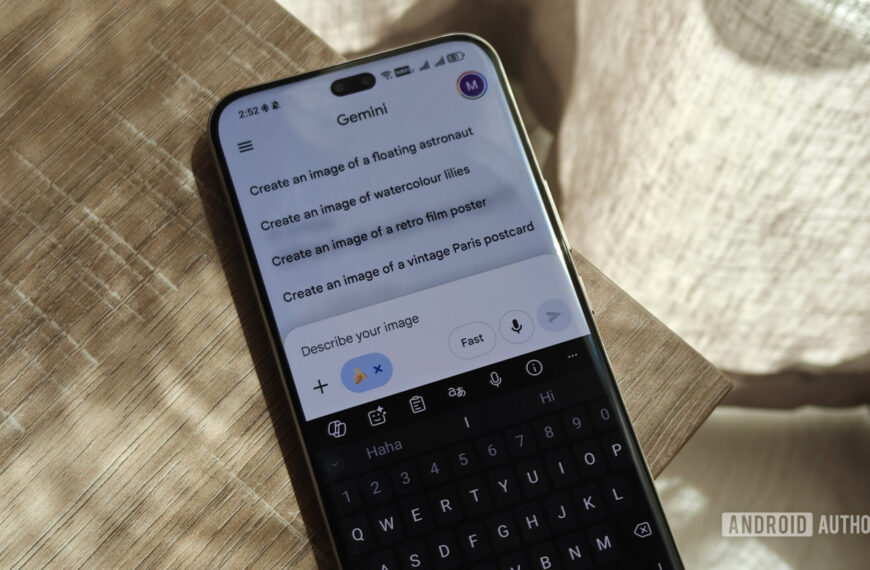
To access Virtual Reflector, you’ll first need to download the Expert Raw app from the Galaxy Store onto your Galaxy S26 Ultra. Then open the app and tap the flask icon on the right to open the “Expert Raw Labs” features. Here, you can spot “Virtual Reflector” in the left-most icon.
Within Virtual Reflector, you can choose from a Silver or Gold color reflector. Silver provides a neutral, high-contrast bounce that is good for a natural look, whereas Gold provides a warmer, soft-golden tone that enhances skin tones for a “sun-kissed” look.
Once you have your color set, you can choose the Reflectance and Direction of the virtual light source. Both these settings start off as Auto/Centered, but you can take control and set the intensity and direction. You can also revert to the default Auto settings with the quick reset button.
Here are some examples of the Virtual Reflector (Gold) at play, courtesy Steven:
Given how useful this feature is for taking portraits in challenging lighting conditions, Virtual Reflector should have been integrated into the main camera app, rather than being sidelined as a beta feature in the Expert Raw app — a combination that ensures most users would never discover it. Samsung must have had its reasons for labeling the feature as a beta, but I’m hoping it makes its way to the main camera app and other Galaxy phones soon.
Thank you for being part of our community. Read our Comment Policy before posting.
 By
By