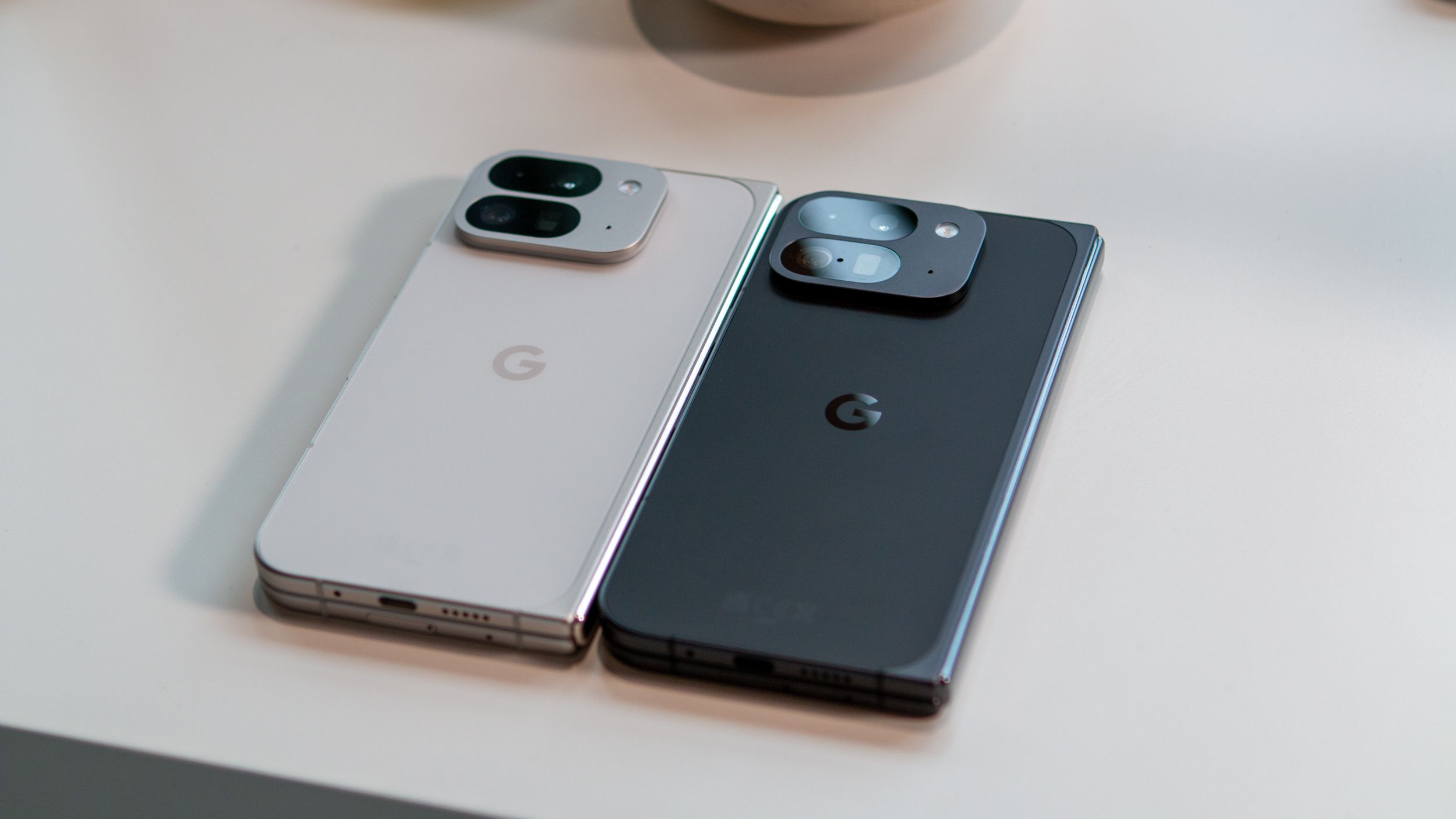

What you need to know
- Google has finally brought a foldable-optimized camera layout to the Pixel 9 Pro Fold after debuting it on the Pixel 10 Pro Fold.
- The updated Camera app allows scrolling through recent photos on the left while shooting with the familiar viewfinder on the right.
- The app update is now rolling out.
If you own a Pixel 9 Pro Fold, you can now finally preview your photos on the left half of the screen while using the right half as the viewfinder.
While foldable phones offer plenty of great use-case scenarios, such as a bigger inner display for watching content and using two apps side by side so you don’t have to switch between them repeatedly, I really appreciate it when apps are optimized for foldables from the start.
Most apps like Gmail, Maps, Evernote, and many others are optimized to take full advantage of the inner foldable display. Similarly, the camera app on many foldable phones, such as the Oppo Find N5, Samsung Galaxy Z Fold 7, and even the Vivo X Fold 5, offers a feature that splits the camera into two halves, with the viewfinder on the right and previews of recent shots on the left.
While most foldable smartphone makers have offered this feature, Google surprisingly missed out. The company finally addressed this with the launch of the Pixel 10 Pro Fold in August 2025, offering a similar feature. However, despite sharing much in common, the Pixel 10 Pro Fold kept this feature exclusive for several months.
Pixel 9 Pro Fold finally gets a proper camera split-view

Now, Google appears to be rolling out this feature to the Pixel 9 Pro Fold. As spotted by Android Authority, the Camera app now allows users to split the app into two halves, using one as a preview and the other as a viewfinder.
In the updated view, you can preview photos on the left half of the screen and scroll through them if you’ve taken multiple shots, while using the right side as the viewfinder. The right-side viewfinder mirrors the same camera layout seen on the vertical cover screen.
To enable this feature, you’ll see a new button appear to the left of the shutter button, showing multiple tiles. To view all your photos, the Camera app also includes a handy Google Photos shortcut under the preview section on the left side.
The update seems to be rolling out to the Pixel 9 Pro Fold now, so you can check it out by updating the Camera app.
 By
By